Key Takeaways
- Granola captures meetings without a visible bot — it runs locally on your device, so nobody on the call knows it's there
- The hybrid note-taking model (your notes + AI summary) produces better output than fully automated tools, but you need to actively participate
- Pricing starts free (25 meetings lifetime), then $14/month for Business — reasonable, but the free tier runs out fast
- If you need meeting notes to flow into tasks, emails, and your daily plan automatically, Omnia handles that entire chain in one place
Most AI meeting tools are solving the wrong problem. They're obsessed with recording everything — sending bots into your calls, storing hours of video, building transcript libraries nobody reads. Granola took a different bet: what if your meeting tool was invisible, and what if it worked with your own notes instead of replacing them?
It's a smart bet. But after digging into the product, user feedback, and what's actually included at each price tier, the answer to "is Granola worth it?" depends heavily on what you do after the meeting ends. Here's the full breakdown.
Granola at a Glance
| Detail | Info |
|---|---|
| What it is | Bot-free AI meeting notepad |
| Best for | Professionals who take their own notes and want AI to fill in the gaps |
| Platforms | Mac, Windows, iOS |
| Free plan | 25 meetings (lifetime) |
| Paid plans | $14/user/mo (Business), $35/user/mo (Enterprise) |
| Key differentiator | No bot joins your call — transcription runs locally |
| Top limitation | No Android, no audio recording/playback |
What Is Granola?
Granola is an AI meeting notepad that transcribes your calls without joining as a bot participant. Instead of recording audio or video, it captures the transcript locally on your device and combines it with whatever notes you take during the meeting.
The result is a "hybrid" summary: part your own thinking, part AI-generated context. It's positioned as the privacy-friendly alternative to tools like Otter AI and Fathom that require a visible bot in the meeting room.
Who Is Granola Best For?
Ideal users:
- Consultants and sales reps who are in 3-5+ meetings daily and need quick, structured recaps without a bot making clients uncomfortable
- Executives and founders who want meeting intelligence but care about the optics of recording
- Note-takers who want AI backup — you already take notes, but want AI to catch what you missed
Who should look elsewhere:
- Android users — Granola doesn't have an Android app, and there's no web version as a fallback
- Teams needing audio playback — there's no recording, so you can't verify transcription accuracy
- People who want zero-effort capture — Granola works best when you actively take notes alongside the AI
Granola Key Features
Bot-Free Transcription
This is Granola's flagship feature and the reason most people try it. Unlike Otter AI or Fireflies, Granola doesn't send a bot participant into your meeting. It captures audio at the system level on your device, transcribing in the background.
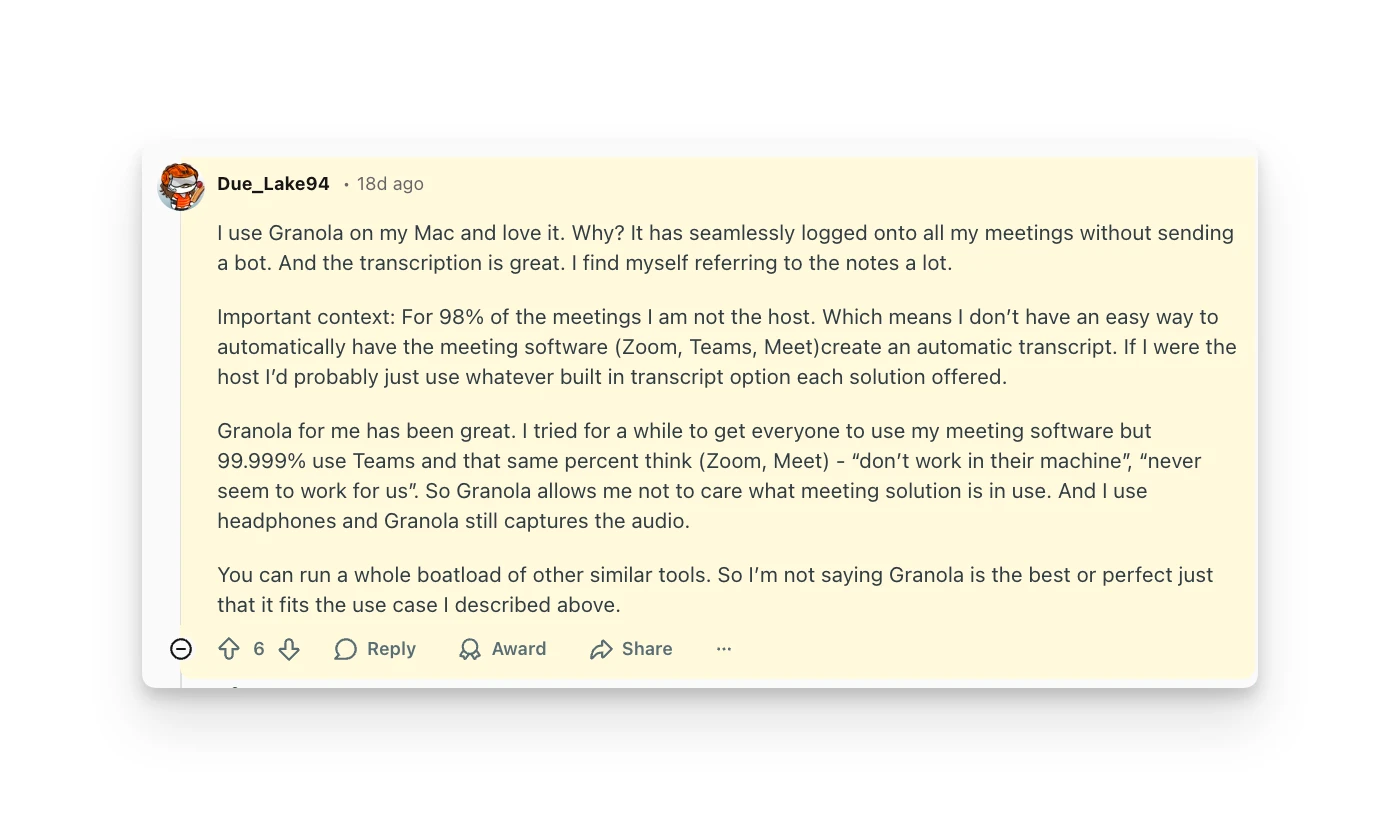
The practical difference is real. No awkward "who's the bot?" moments. No participants declining to speak freely. One Reddit user put it clearly:
“I use Granola on my Mac and love it. Why? It has seamlessly logged onto all my meetings without sending a bot. And the transcription is great. I find myself referring to the notes a lot.”
Reddit user, r/PKMSThe tradeoff: because there's no recording, you can't replay audio to verify what was said. If the transcription gets a number wrong — and users report it does — there's no way to double-check.
Granola detects meetings automatically through your calendar integration (Google Calendar or Outlook). You don't need to manually start it before each call.
Hybrid Note-Taking
This is where Granola diverges from every other meeting tool. Instead of giving you a fully automated summary and calling it done, Granola merges your notes with the AI-generated transcript.
You type notes during the meeting — bullet points, key decisions, thoughts — and afterward Granola weaves them together with what it captured. The output feels more like your meeting notes, enhanced, rather than a generic AI summary.
It's a genuinely different approach. But it means Granola's output quality depends partly on how much you put in. If you sit silently and take no notes, you get a standard AI transcript. The magic happens when you meet it halfway.
Customizable Templates
Granola lets you define how your meeting notes should be structured. You can create templates for different meeting types — sales calls, 1:1s, standups, client reviews — so the AI formats its output to match your workflow.
Pre-built templates cover common formats, and you can build your own. This is useful if you're sharing notes with a team that expects a consistent structure.
AI Chat
After a meeting, you can ask Granola questions about what was discussed. "What did Sarah say about the timeline?" or "Summarize the budget discussion." It works within a single meeting and across your meeting history.
The AI chat feature queries your stored transcripts using natural language. It's helpful for finding specific moments in past meetings — especially when you can't remember which call covered a topic.
Multi-Language Support
Granola handles transcription in 12+ languages with automatic language detection. If you're running calls across regions, this removes the need for separate tools per language. The quality varies by language — English and major European languages work best.
Shared Folders
Teams can create shared folders for meeting notes, organizing by project, client, or department. It's basic collaboration — shared visibility into notes — rather than a full team workspace. Useful for keeping sales call notes in one place or sharing client meeting recaps.
Granola Additional Features
Beyond the core feature set, Granola includes a few extras worth noting:
- Calendar integration — syncs with Google Calendar and Outlook to auto-detect meetings and pull in attendee info
- MCP integration (Business plan) — connects Granola across applications for broader workflow automation
- CRM integrations — HubSpot, Attio, and Affinity connections on Business and Enterprise plans
- Notion and Slack push — send meeting notes directly to Notion pages or Slack channels
- SOC 2 compliance — enterprise-grade security with GDPR-compliant data processing
Granola Integrations & API
Granola's integration story is decent but not deep. On the Business plan, you get:
- CRM: HubSpot, Attio, Affinity
- Productivity: Notion, Slack, Zapier
- Calendar: Google Calendar, Outlook Calendar
API access is Enterprise-only ($35/user/mo). If you need to pipe meeting data into custom workflows, you're paying a premium for it.
Notably missing: no native integration with task managers like Todoist, Asana, or Linear. Meeting action items stay inside Granola unless you manually move them or set up a Zapier workaround. This is the biggest workflow gap — a limitation users frequently flag.
Granola Mobile App
Granola now offers an iOS app — "Granola for iPhone" — which handles meeting notes on the go and phone call transcription. There's no Android app or web version, so Android users are out of luck. But combined with Mac and Windows desktop apps, Granola covers most professional setups.
Granola Pricing
| Plan | Price | Key Inclusions | Key Exclusions |
|---|---|---|---|
| Basic (Free) | $0 | AI meeting notes, AI chat, shared folders, custom templates, multi-language | Limited to 25 meetings (lifetime), no integrations, no advanced AI models |
| Business | $14/user/mo | Unlimited meetings & history, advanced AI models, CRM integrations, Notion/Slack, MCP, centralized billing | No SSO, no API access, no enterprise controls |
| Enterprise | $35/user/mo | Everything in Business + SSO (Okta, Entra ID, Google Workspace, JumpCloud), API access, priority support, admin controls, analytics | N/A |
Pricing verified against granola.ai/pricing on March 20, 2026.
The free tier's 25-meeting limit is lifetime, not monthly. If you're in 5 meetings a day, you'll burn through it in a week. It's a trial, not a free plan — don't plan around it long-term.
$14/month is fair for unlimited meeting transcription with no bot. That's cheaper than Otter AI's Pro plan at $16.99/month and comparable to Fathom's paid tier. The value proposition is strong if bot-free capture is your priority.
The jump to Enterprise ($35/user/mo) is steep and mainly justified if you need SSO or API access. Most teams can stay on Business unless compliance requires it.
Granola also contributes 1.5% of subscription revenue to Stripe Climate for CO2 removal — a small but unusual perk for a productivity tool.
Granola Pros & Cons
Where Granola Shines
- Invisible capture — no bot joins your calls
- Hybrid notes blend your thinking with AI context
- Focused product that does one thing well
- $14/month for unlimited transcription
- Strong privacy — no audio/video stored, SOC 2 compliant
Where Granola Falls Short
- No Android or web app
- No audio/video recording or playback
- No speaker memory across meetings
- Action items don't flow to tasks, calendar, or email
Granola Customer Reviews
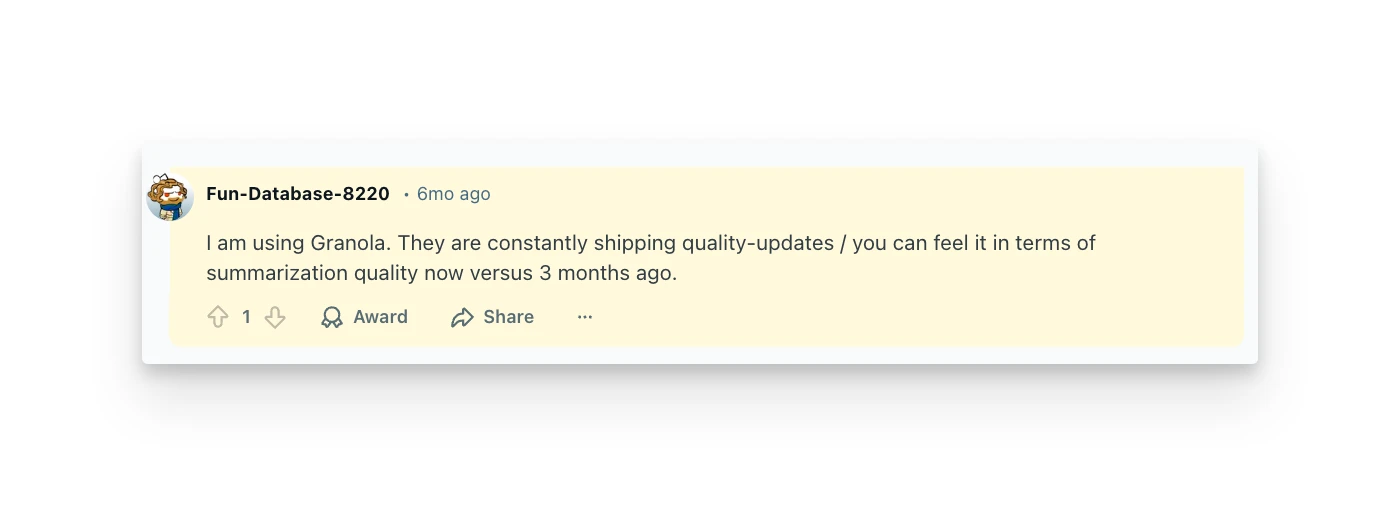
Granola is still relatively new and hasn't accumulated deep review data on G2 or Capterra. Most user feedback lives on Reddit, Product Hunt, and review blogs.
What users love:
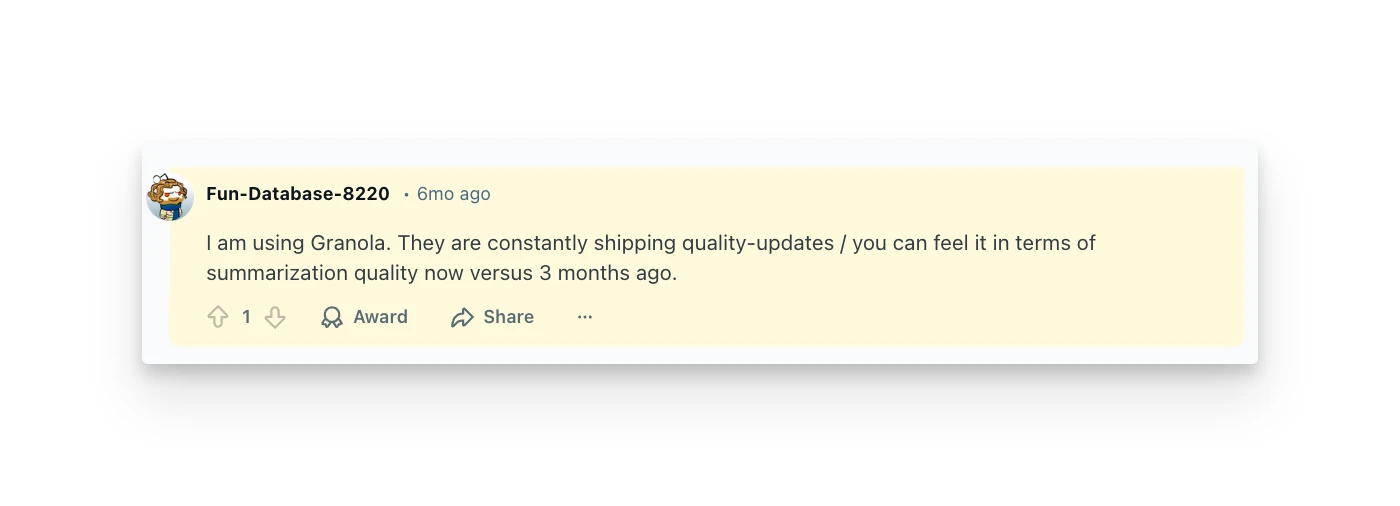
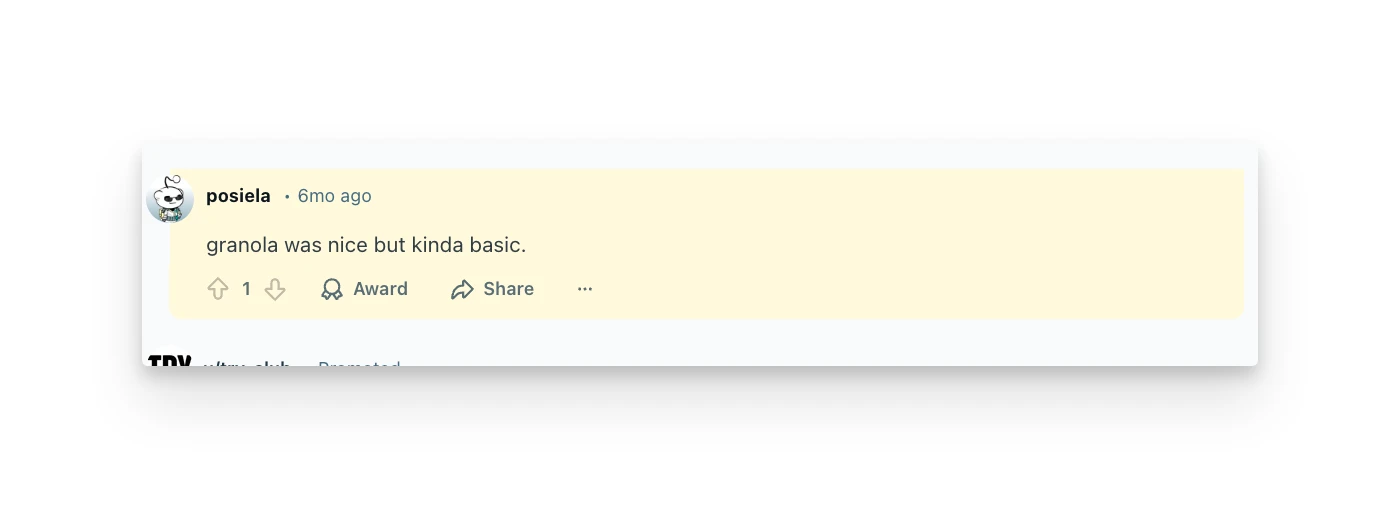
- The bot-free experience is the #1 cited reason people switch to Granola. The social friction of bots in meetings is a real pain point, especially for client-facing roles.
- Note quality gets praise — the hybrid model produces output that users actually refer back to, unlike raw transcripts that sit unread.
What users criticize:
- Integration gaps are the most common complaint. Meeting notes stay isolated instead of flowing into existing workflows — a pattern flagged across multiple Reddit discussions.
- No Android app limits team adoption when not everyone is on Apple or Windows devices.
- Transcription accuracy issues with numbers, technical terms, and speaker identification frustrate users who rely on precision.
Omnia: A Granola Alternative Worth Watching
Granola solves the "capture" problem well — but what happens after the meeting? Action items from your calls still need to be manually moved into tasks. Follow-up emails still need to be written. Your daily plan still needs to be rebuilt around what was decided.
Omnia is an AI executive assistant that handles the full chain: meeting capture, action item extraction, email triage, and daily planning — all connected.
Where Omnia picks up where Granola stops:
- Meeting notes to tasks automatically — action items flow from your call into a triage workspace with assignee, due date, and priority. No manual copy-paste.
- Botless capture — like Granola, Omnia joins calls invisibly across Zoom, Google Meet, Teams, Webex, and Slack Huddles.
- Cross-tool awareness — your meetings inform your email drafts, your email threads inform your daily plan. One assistant that connects all three.
Honest limitation: Omnia is newer and currently in pre-launch (waitlist only). It has fewer integrations than established tools. But if your problem isn't just "capture my meetings" — it's "make sure what was discussed actually gets done" — it's worth getting on the waitlist.
Omnia handles your calendar, email, and tasks before you even start your day
Free forever. No credit card required.
Granola Verdict: Is It Worth It?
Granola earned its reputation by making a clear product bet: invisible capture, hybrid notes, no bloat. If you take your own meeting notes and want AI to enhance them — not replace them — Granola delivers.
At $14/month, it's a fair price for what you get, and the bot-free experience genuinely changes how meetings feel. The product is focused, the privacy posture is strong, and the note quality is above average.
But Granola is a capture tool, not a workflow tool. Your meeting notes live in Granola. Your tasks live somewhere else. Your email follow-ups live somewhere else. You're still the one connecting the dots between "we discussed this" and "this actually got done."
For consultants and sales reps who just need clean meeting recaps — Granola is solid. For professionals who need their meetings, tasks, and email to work as one system, the gap is real. That's where tools like Omnia are heading — and why the meeting notes space is far from settled.
Granola FAQs
Does Granola work on Windows or mobile?
Yes — Granola now runs on Mac, Windows, and iOS (iPhone). There's no Android app or web version, but the desktop apps cover most professional setups, and the iPhone app handles meeting notes on the go.
Can I replay meeting audio in Granola?
No. Granola doesn't record audio or video — it only captures the transcript. You can't replay a meeting to verify what was said, which can be an issue when transcription accuracy matters.
How does Granola compare to Otter AI?
Granola is bot-free and privacy-focused, while Otter AI sends a bot into your meeting to record and transcribe. Otter offers more features (live collaboration, audio playback, wider platform support) but at the cost of a visible bot and higher pricing. For a deeper breakdown, see our Fathom vs Otter comparison. Granola is simpler and more discreet than both.
Is 25 free meetings enough to evaluate Granola?
It depends on your meeting load. If you're in 3-5 meetings daily, you'll exhaust the free tier in under two weeks. It's better to think of it as a trial period rather than a permanent free plan.
Does Granola integrate with my task manager?
Not directly. Granola integrates with Notion, Slack, HubSpot, Attio, and Affinity — but not with dedicated task managers like Todoist, Asana, or Linear. You'd need Zapier (Business plan) to bridge that gap.
How accurate is Granola's transcription?
Generally good for conversational English and major European languages. Users report occasional issues with numbers, technical jargon, and proper nouns. Since there's no audio recording to fall back on, you can't verify accuracy after the fact.
Is Granola safe for confidential meetings?
Granola takes a privacy-first approach: no audio or video is stored, only transcripts. The company is SOC 2 compliant with a GDPR-compliant DPA. That said, transcripts still contain meeting content — check your company's data policies before using any transcription tool for sensitive discussions.