Key Takeaways
- Omnia: Best for professionals who want an AI executive assistant that handles meeting notes, email triage, and follow-through, all without a visible bot joining your calls.
- Granola: Best for professionals who want simple, botless meeting notes with strong privacy and clean summaries.
- Otter AI: Best for teams needing established transcription with broad integrations and a generous free tier.
- Krisp: Best for users who want bot-free meeting capture combined with noise cancellation for challenging audio environments.
Cluely markets itself as a "live AI meeting assistant," but its real-time coaching approach comes with concerns: the advertised $20/month price doesn't include stealth features (that's $75/month), a 2025 data breach exposed 83,000+ users, and the tool's "cheating" positioning creates professional risk.
If you want meeting capture without the controversy, Omnia is the strongest alternative for professionals who need botless recording plus action item follow-through. For simpler needs, Granola or Krisp offer clean transcription without the baggage.
This article covers 9 alternatives with pricing, features, and user feedback to help you choose.
9 Best Cluely Alternatives: An Overview
Here's how the top alternatives compare at a glance:
| App | Best For | Standout Feature | Starting Price | G2 Rating | Capterra Rating |
|---|---|---|---|---|---|
| Omnia | Professionals needing meeting + email coordination | Botless capture + action item follow-through | Free / $20/mo | - | - |
| Granola | Professionals wanting simple botless notes | On-device processing, no bot | Free; $14/mo Pro | 4.8/5 (22 reviews) | - |
| Otter AI | Teams needing established transcription | Real-time transcription + AI Chat | Free; $8.33/mo Pro | 4.4/5 | 4.4/5 |
| Fireflies.ai | Teams wanting flexible bot/botless options | Chrome extension + bot options | Free; $10/mo Pro | 4.8/5 | 4.5/5 |
| Krisp | Users in noisy environments | Bot-free + noise cancellation | $8/mo Core | 4.7/5 | 4.7/5 |
| Fathom | Sales teams on a budget | Free unlimited recordings | Free; $20/mo Premium | 5.0/5 | 4.9/5 |
| Bluedot | Individuals wanting lightweight mobile capture | Browser + mobile apps | Free; $14/mo Basic | 4.9/5 | - |
| Jamie | European teams needing multilingual support | 15+ language summaries | Free; €25/mo Plus | 4.8/5 | - |
| Tactiq | Browser-based meetings only | Caption-based, no recording | Free; $8/mo Pro | 4.7/5 | 4.3/5 |
1. Omnia: Best for Professionals Who Need Meeting + Email Coordination
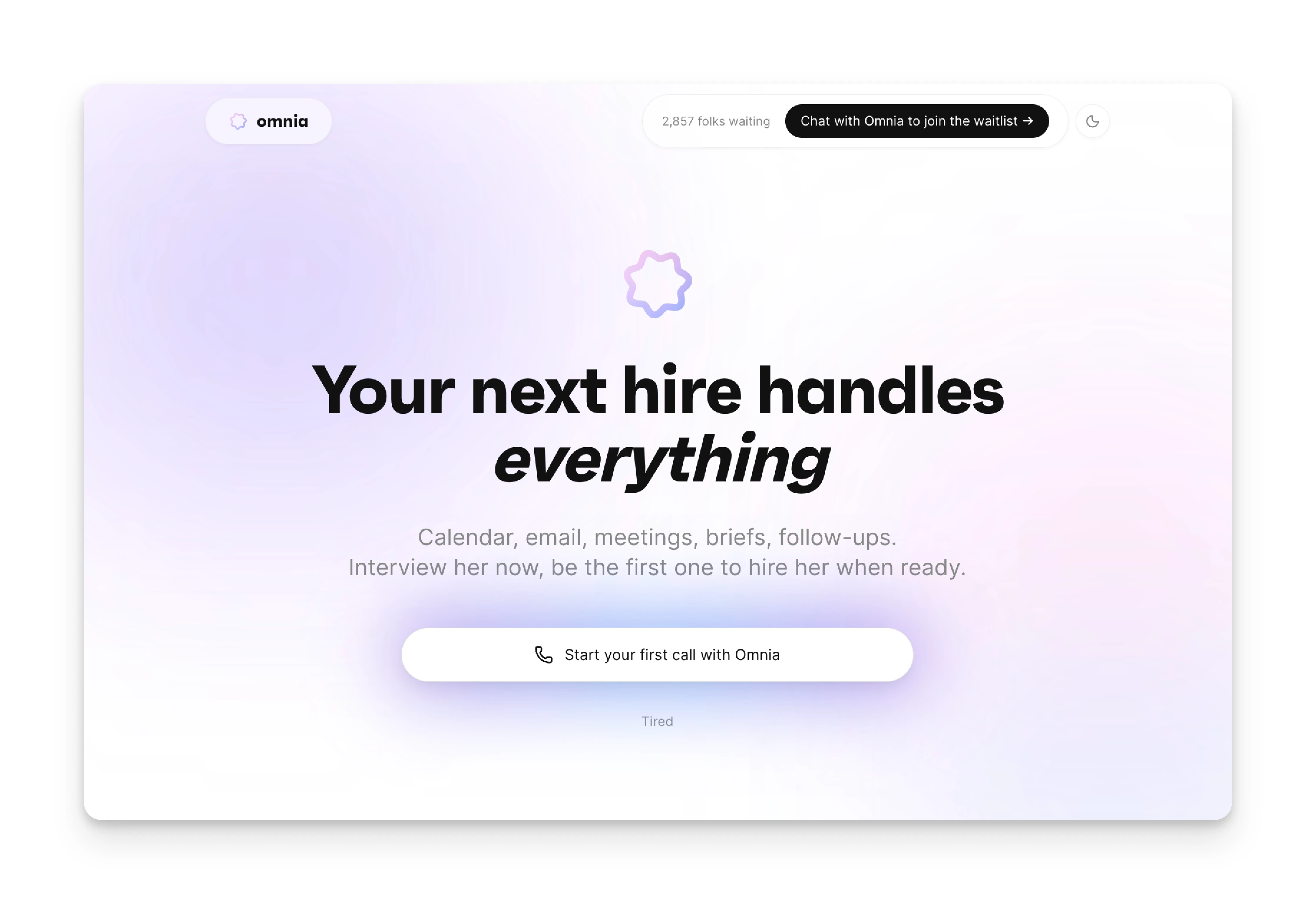
Omnia isn't just a meeting recorder. It's an AI executive assistant that handles the coordination work that happens after meetings: extracting action items, triaging your email, and keeping your plan current as things change. Unlike Cluely's real-time coaching approach, Omnia captures meetings silently and helps you act on what was discussed.
Key Features
Here's what makes Omnia stand out from Cluely and other alternatives:
Botless Meeting Capture
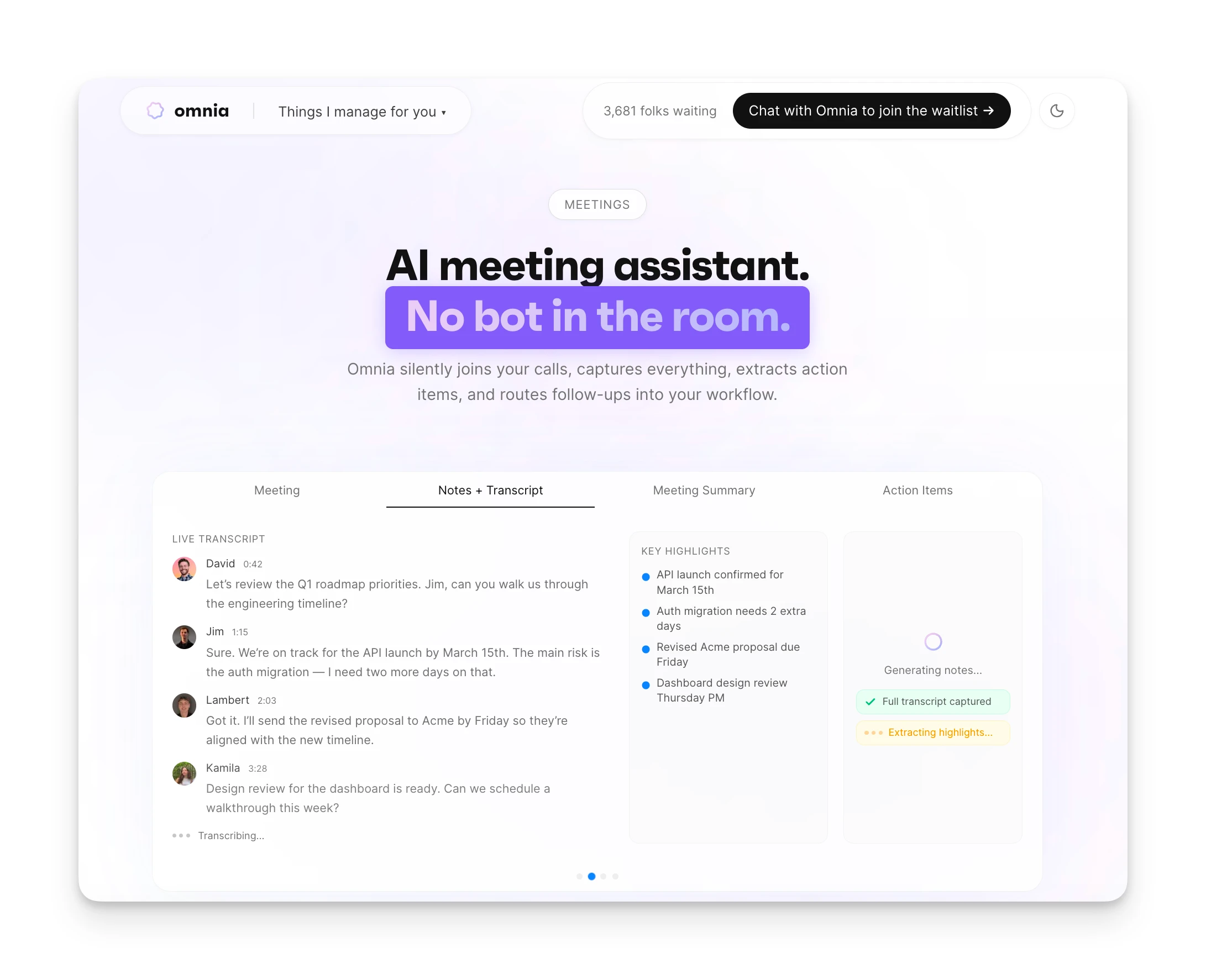
Omnia records and transcribes your meetings without joining as a visible participant. No bot appears in the participant list. No "Omnia is recording" notification. Participants don't know AI is capturing the conversation. After the meeting, you get a transcript, structured summary, and action items with assignees and due dates.
Action Item Extraction That Flows Into Your Workflow
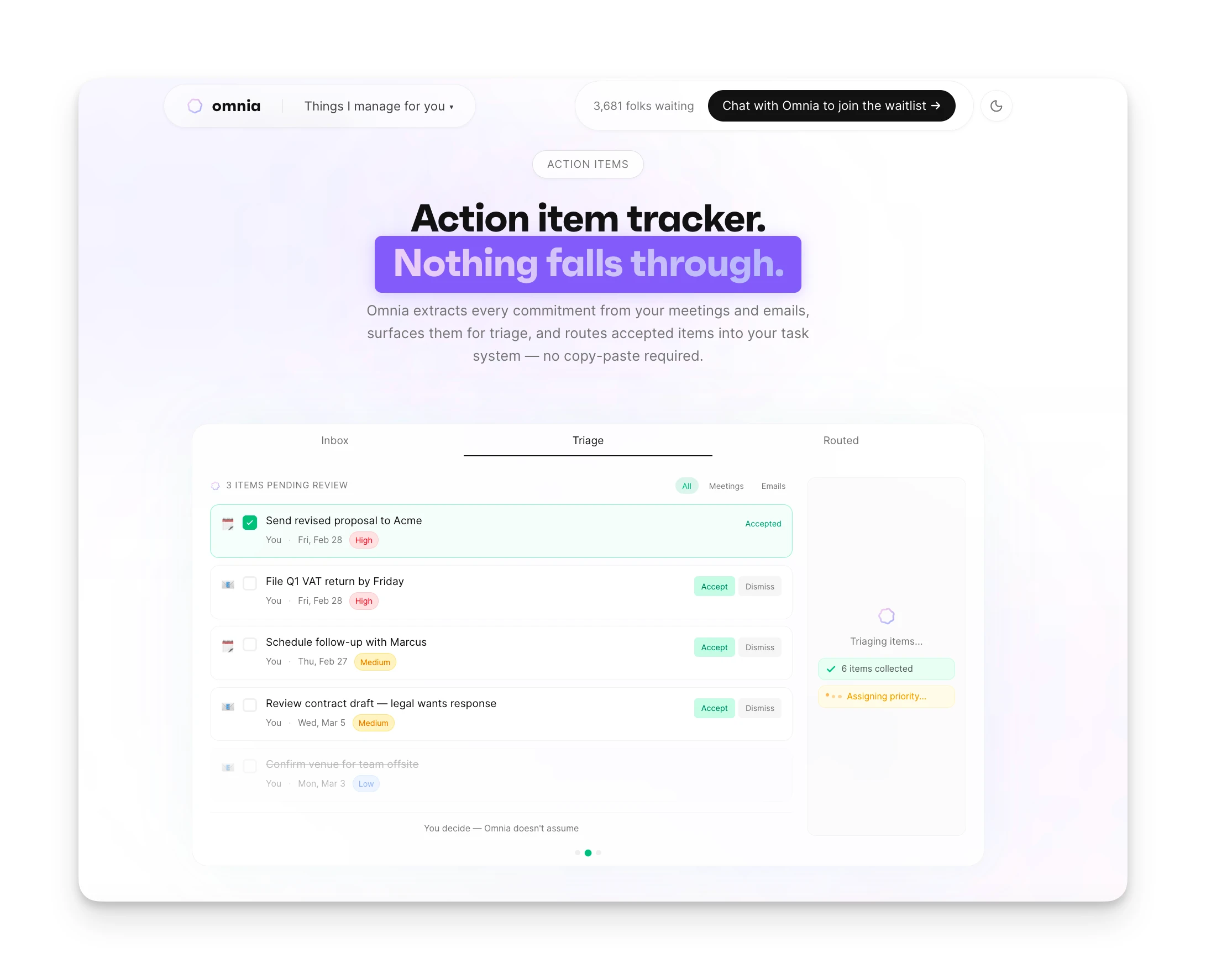
Most meeting tools extract action items, then leave them stranded in the tool. Omnia surfaces commitments in a triage workspace where you accept, edit, or reject each one before it becomes a task. The items flow into your existing workflow rather than sitting in a separate system.
Email Triage Before You Open Your Inbox
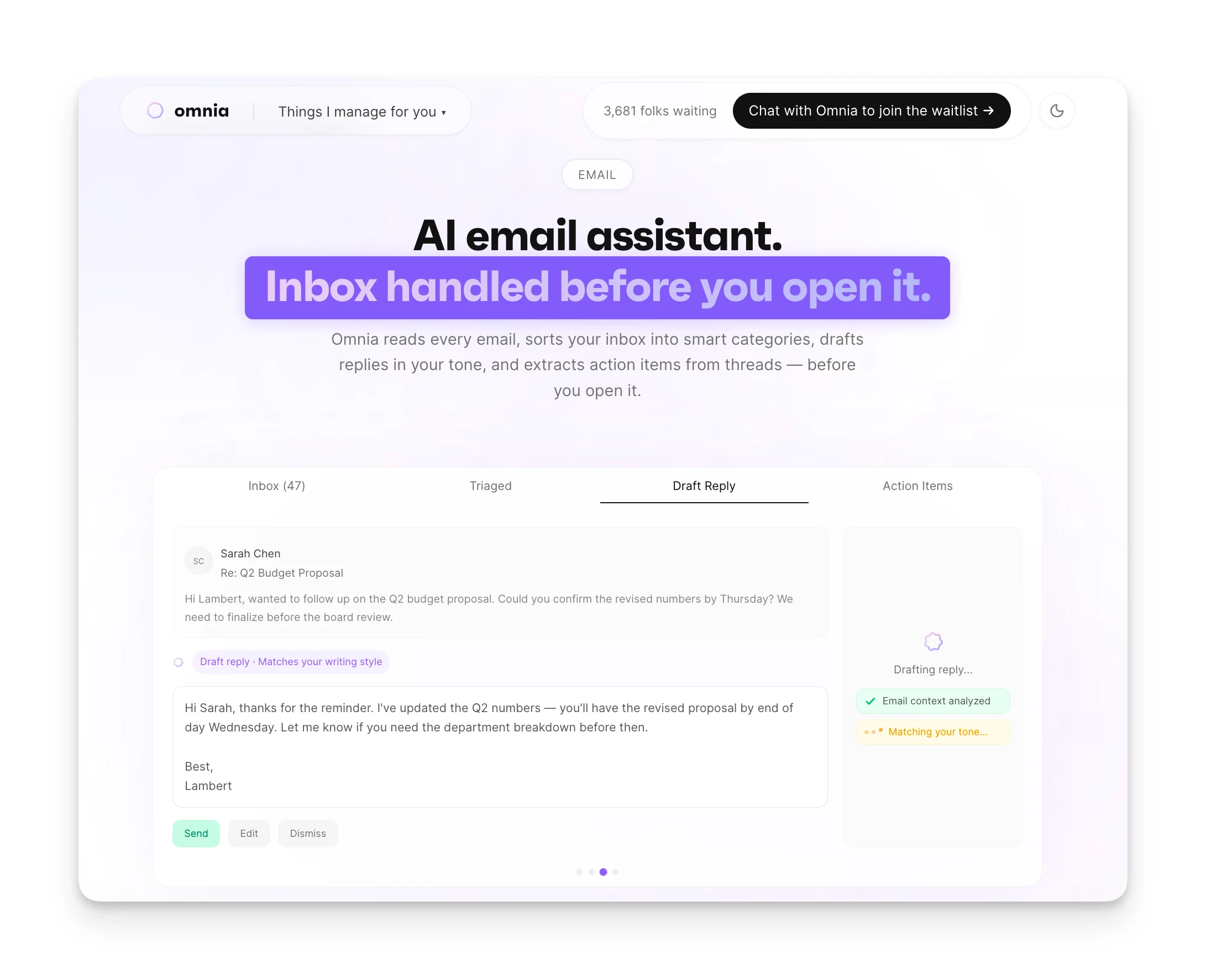
Omnia monitors your Gmail or Outlook inbox and categorizes incoming messages before you see them. It drafts replies for routine requests, flags commitments buried in threads, and extracts tasks the same way it does from meetings. Your inbox is triaged before you open it.
Proactive Calendar Monitoring
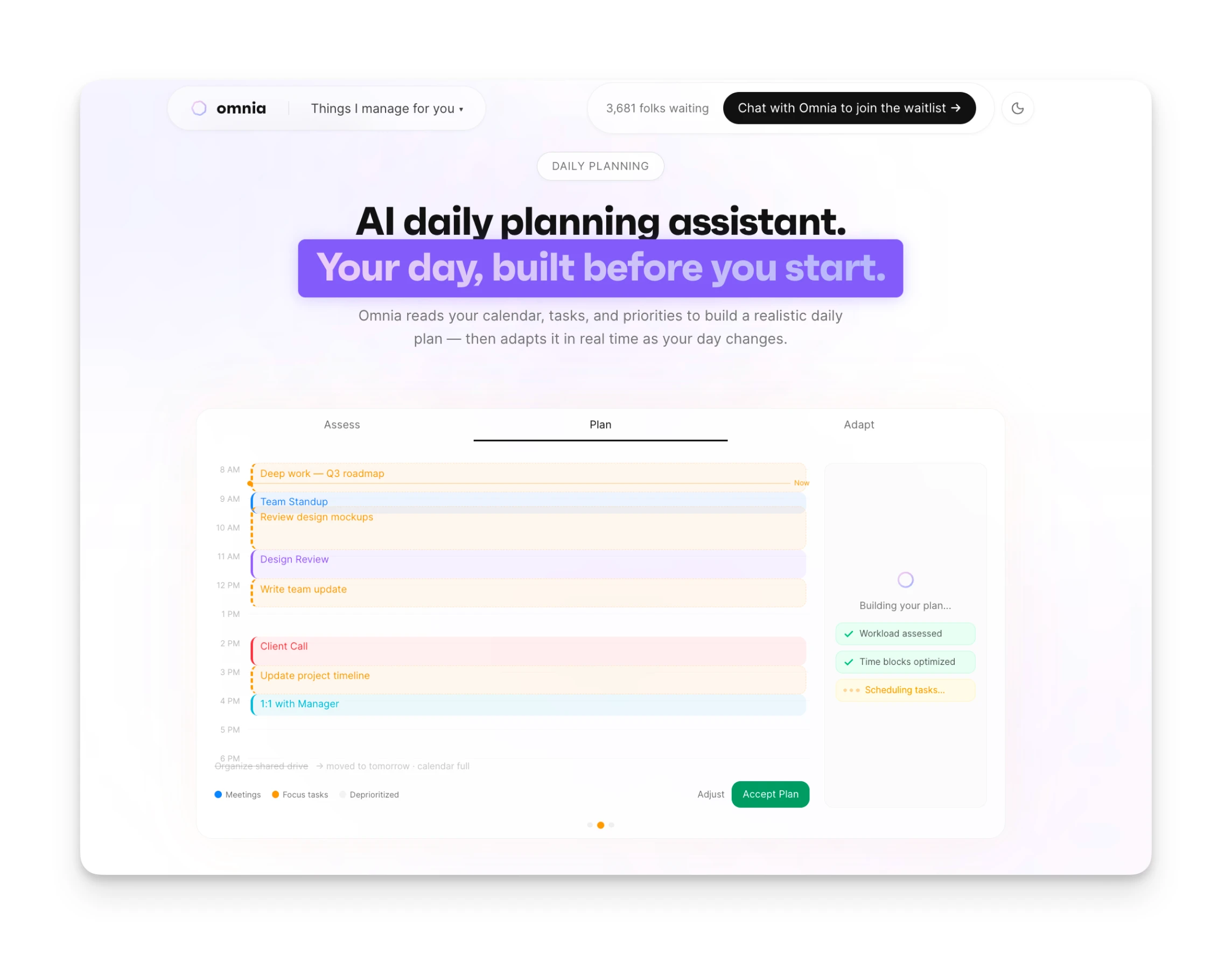
When a meeting overruns, a deadline shifts, or your week gets overloaded, Omnia recalculates your plan and brings you an updated proposal. It doesn't wait for you to notice problems. It flags them before they derail your day.
Pricing
| Plan | Monthly Billing | Tokens |
|---|---|---|
| Free | $0 | 200 tokens/week |
| Personal | $20/mo | 2,500 tokens/mo |
| Executive | $50/mo | 7,500 tokens/mo |
| Principal | $200/mo | Unlimited tokens |
| Enterprise | Custom | Custom |
Where Omnia Shines
- Handles meeting notes, email triage, and task extraction in one place
- Botless capture — no visible participant or recording notification
- Proactive monitoring: comes to you when something needs attention
- Action items flow into your workflow automatically
Where Omnia Falls Short
- Newer product with fewer integrations than Otter or Fireflies
- No real-time coaching during calls (Cluely's core use case)
- Waitlist — not immediately available to all users
Who Omnia Is Best For
- Busy professionals drowning in meetings and email: Omnia reduces the coordination overhead that eats into productive time.
- People who want invisible meeting capture: Get full transcripts and action items without the social friction of a visible AI.
Omnia handles your calendar, email, and tasks before you even start your day
Free forever. No credit card required.
2. Granola: Best for Professionals Who Want Simple Botless Notes
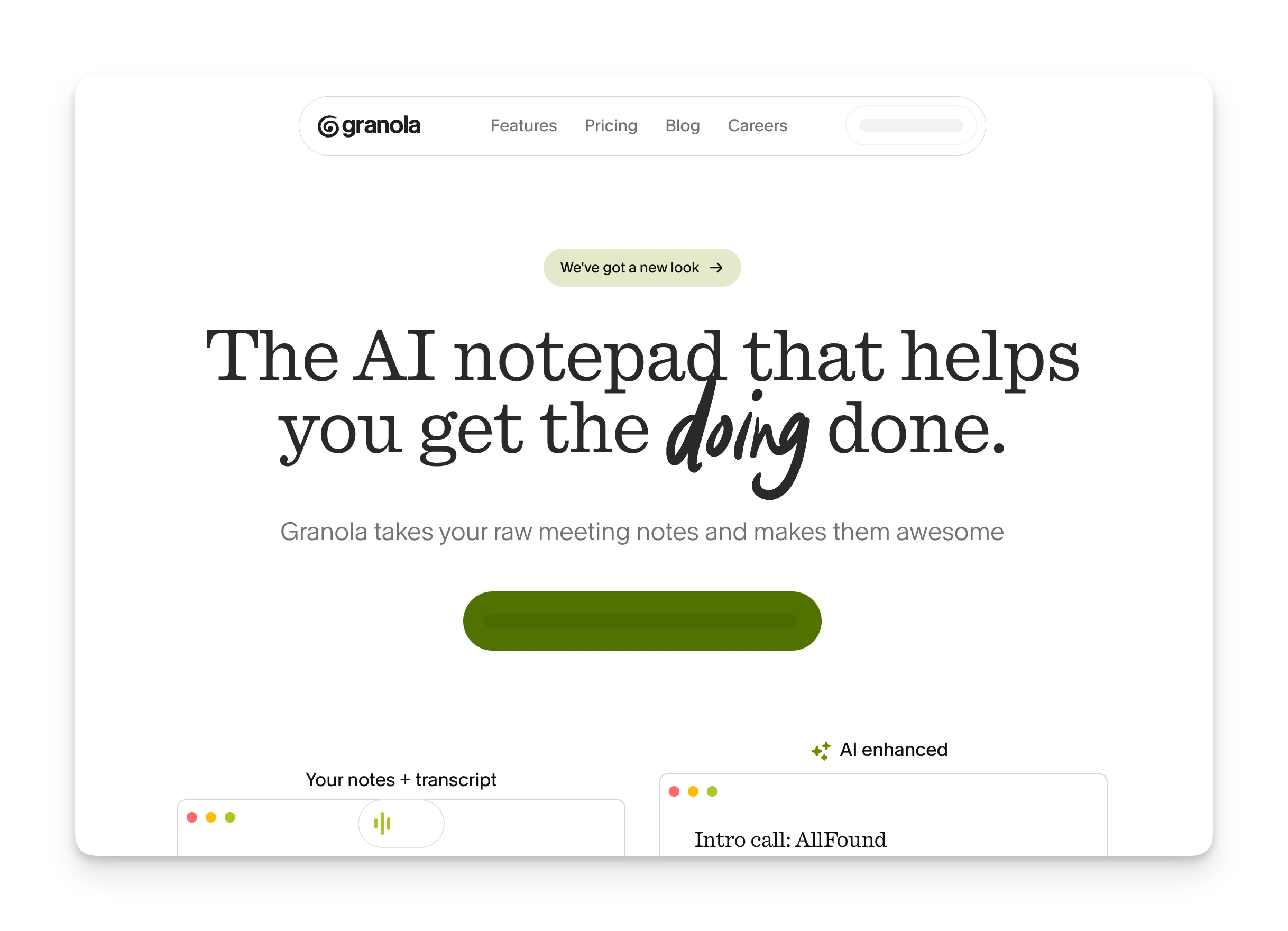
Granola is a meeting assistant (Mac, Windows, iOS) that processes audio locally on your device. No bot joins your calls. No data leaves your machine during the meeting. It's popular with venture capitalists and analysts who need clean notes without explaining a recording bot to everyone in the room.
Key Features
- On-device processing: Audio is captured and processed locally. The AI enhances your notes rather than generating them from scratch.
- Template-based summaries: Choose from templates for different meeting types (1:1s, sales calls, standups) to get structured output.
- AI chat within meetings: Ask questions about what was discussed, get clarifications, or request follow-up suggestions.
Pricing
| Plan | Price |
|---|---|
| Basic (Free) | $0 — limited history |
| Business | $14/mo — unlimited notes, integrations |
| Enterprise | $35/mo — SSO, admin controls |
Where Granola Shines
- On-device processing — conversations don't hit external servers
- No bot visible to other meeting participants
- Clean, minimal interface with no feature bloat
- Template-based summaries for different meeting types
Where Granola Falls Short
- Mac-only — no Windows, Linux, or mobile support
- Action items extracted but not connected to task manager
- Free plan limited to 25 total meetings (lifetime, not monthly)
Customer Reviews
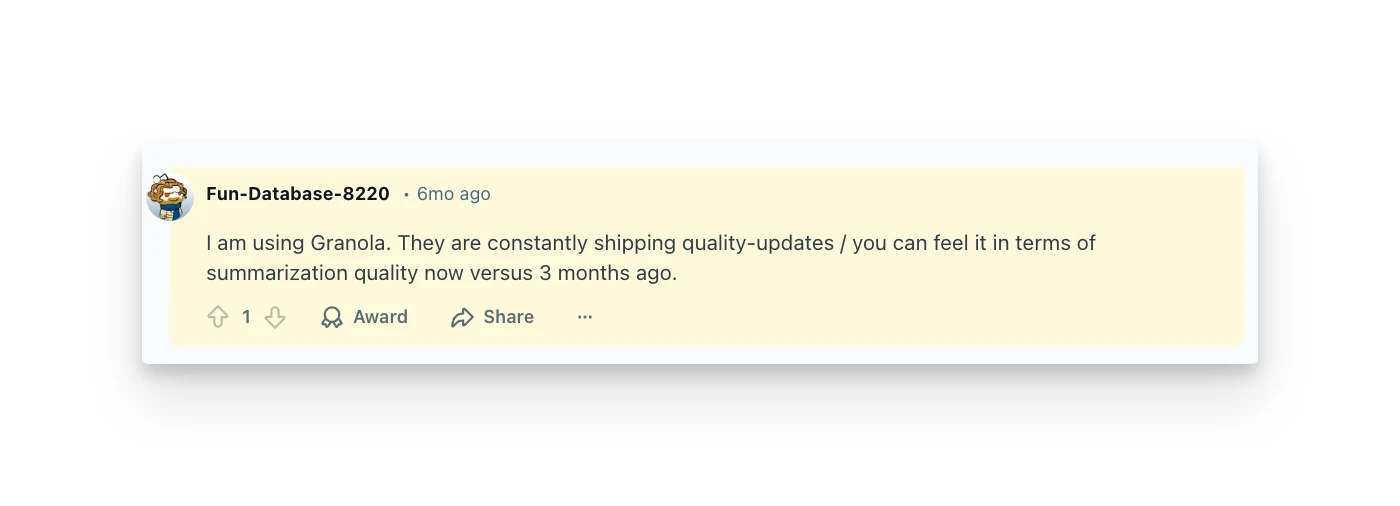
"I am using Granola. They are constantly shipping quality-updates / you can feel it in terms of summarization quality now versus 3 months ago." — Reddit user u/Fun-Database-8220
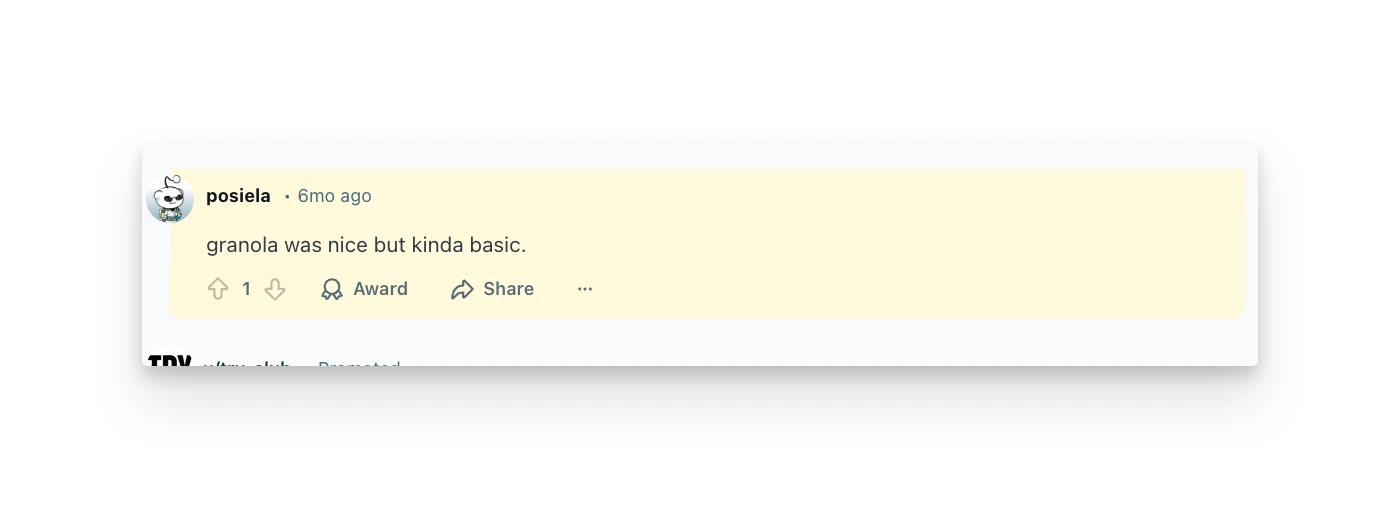
"Granola was nice but kinda basic." — Reddit user u/posiela
Who Granola Is Best For
- Mac users who prioritize privacy: On-device processing and no bot visibility make it ideal for sensitive conversations.
3. Otter AI: Best for Teams Needing Established Transcription
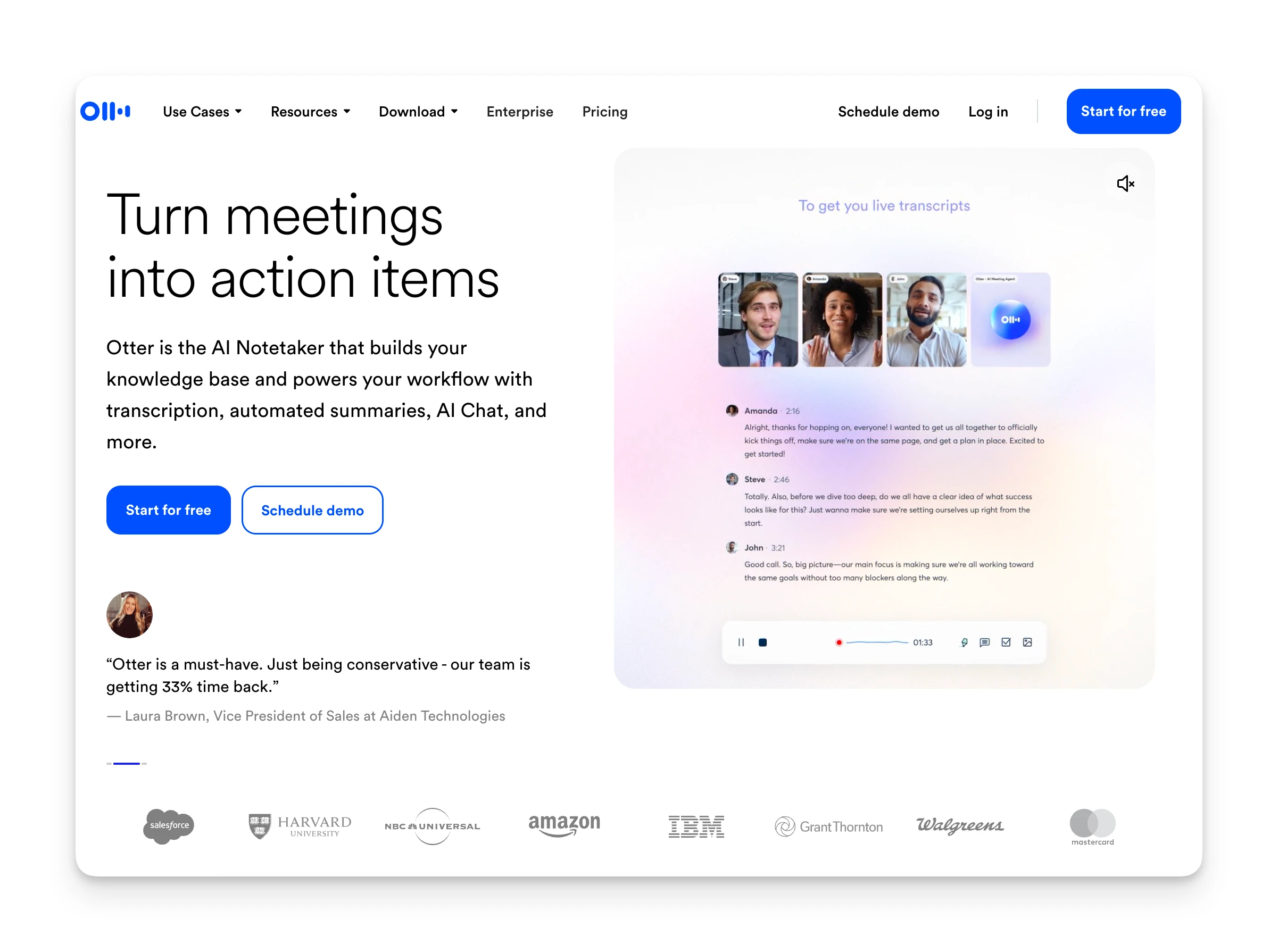
Otter AI is one of the oldest players in the AI transcription space. It offers real-time transcription, speaker identification, and AI-generated summaries. Unlike Cluely's invisible overlay approach, Otter joins meetings as a visible bot participant called "OtterPilot."
Key Features
- Real-time transcription: Live transcripts during Zoom, Google Meet, and Teams meetings with speaker identification.
- AI Chat: Search across all your transcripts, ask questions about past meetings, and get AI-generated answers.
- Mobile recording: Record in-person conversations with the iOS/Android app.
Pricing
| Plan | Price |
|---|---|
| Basic (Free) | $0 — 300 min/month |
| Pro | $8.33/mo (annual) — 1,200 min/month |
| Business | $19.99/mo (annual) — unlimited |
Where Otter AI Shines
- 300 free minutes/month lets light users try before committing
- Mature platform with 15+ million users and strong integrations
- AI Chat searches across all your transcript history
- Mobile apps support in-person recording
Where Otter AI Falls Short
- OtterPilot joins as a visible participant — creates social friction
- Action items extracted but siloed in Otter, not your workflow
- Minute caps stop transcription mid-meeting on lower tiers
- Aggressive auto-join behavior; some IT teams have blocked it
Customer Reviews
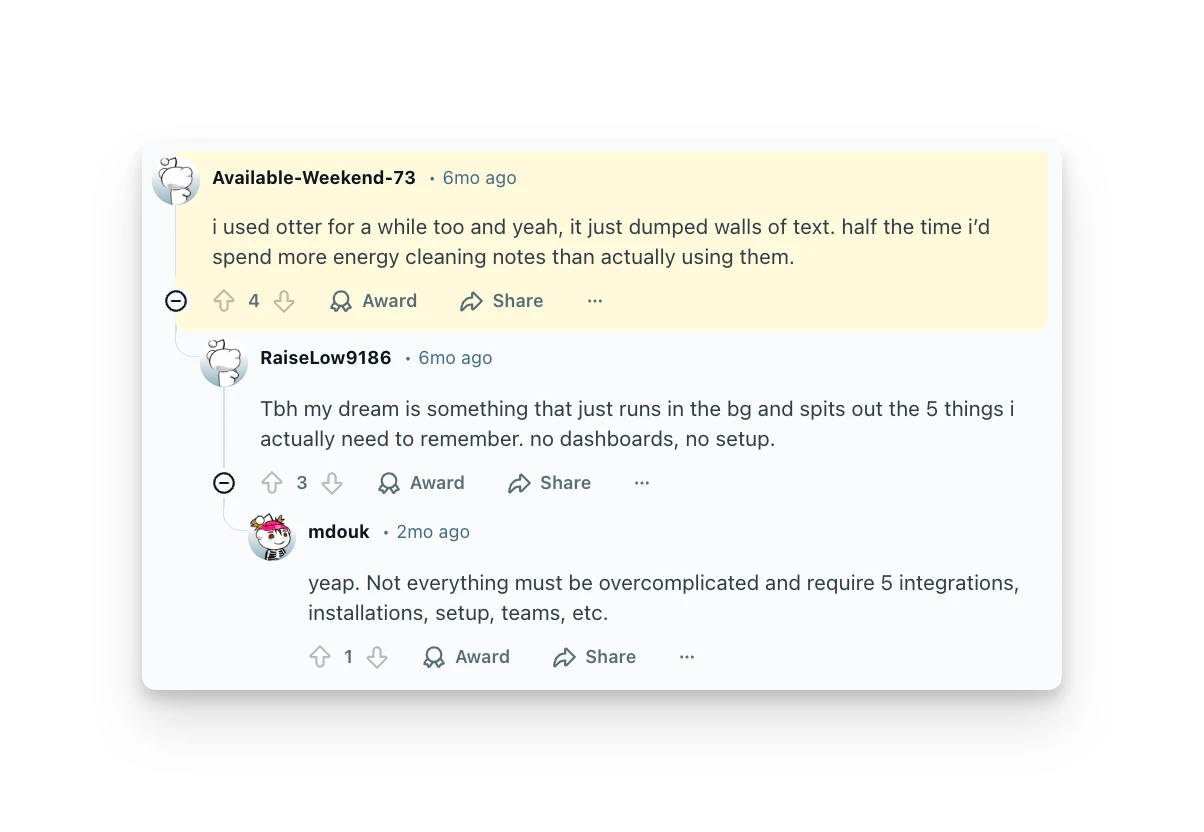
"I used Otter for a while too and yeah, it just dumped walls of text. Half the time I'd spend more energy cleaning notes than actually using them." — Reddit user u/Available-Weekend-73
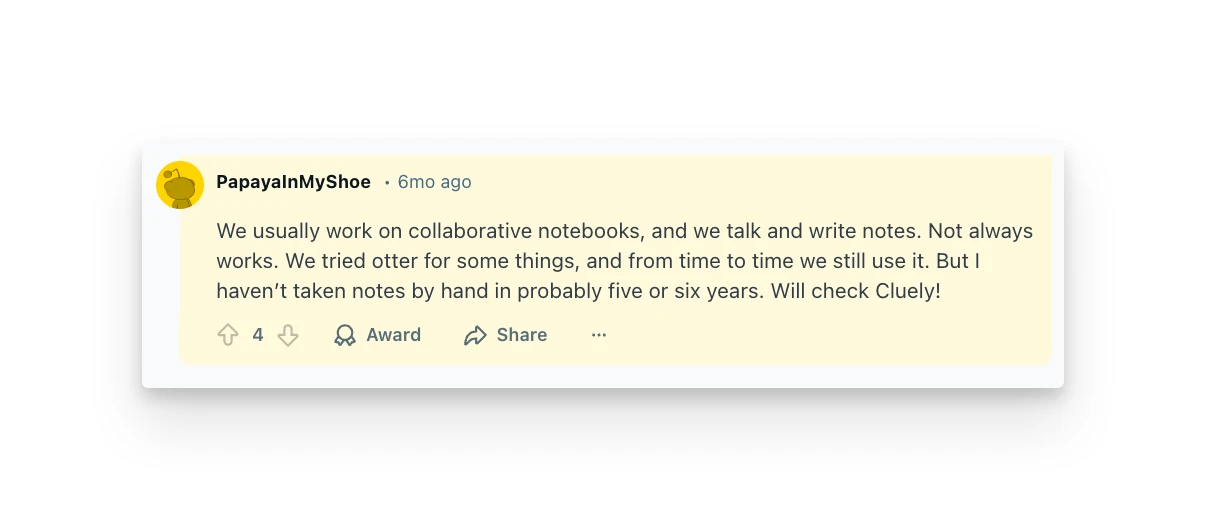
"We usually work on collaborative notebooks... We tried Otter for some things, and from time to time we still use it." — Reddit user u/PapayaInMyShoe
Who Otter Is Best For
- Teams on a budget: The free tier and low Pro pricing make it accessible for cost-conscious users.
4. Fireflies.ai: Best for Teams Wanting Flexible Bot/Botless Options
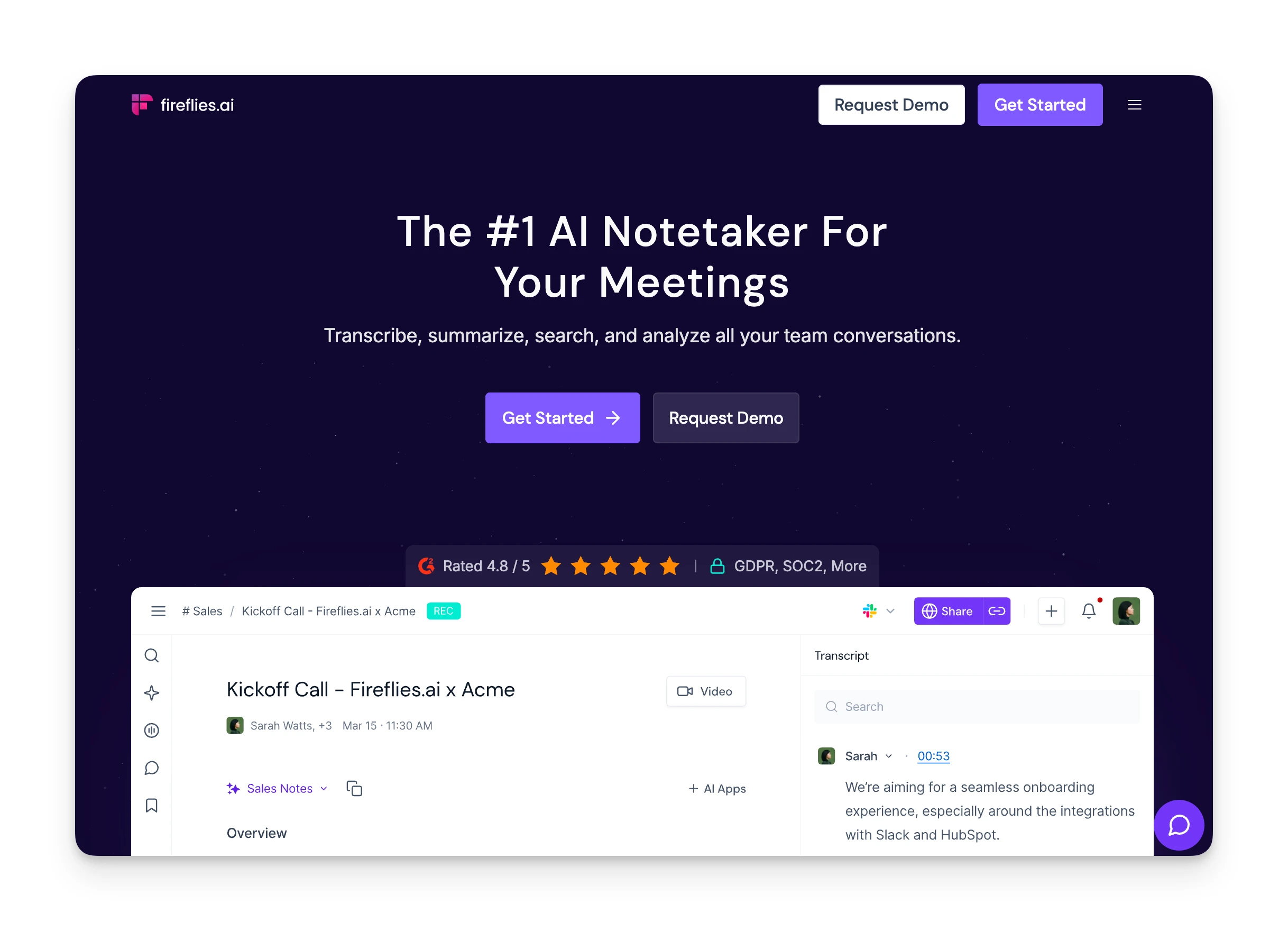
Fireflies.ai offers both a meeting bot that joins calls and a Chrome extension that captures browser-based meetings without a visible participant. This dual approach lets teams choose based on their comfort level and client preferences.
Key Features
- Dual capture modes: Bot-based recording for full features, or Chrome extension for botless browser capture.
- AskFred AI assistant: Search across all meetings, ask questions, and get AI-generated insights.
- 100+ integrations: Connect to Slack, Notion, HubSpot, Salesforce, and more.
Pricing
| Plan | Price |
|---|---|
| Free | $0 — 800 min storage |
| Pro | $10/mo (annual) — 8,000 min storage |
| Business | $19/mo (annual) — unlimited |
Where Fireflies Shines
- Choose bot or Chrome extension (botless) per meeting context
- 100+ integrations push data to Slack, Notion, HubSpot, Salesforce
- AskFred AI searches and summarizes across all past meetings
- Strong team analytics and conversation intelligence
Where Fireflies Falls Short
- Default bot-based mode creates the same friction as Otter
- Chrome extension botless mode only works for browser-based meetings
- AI credits can trigger unexpected tier upgrades if overused
Customer Reviews
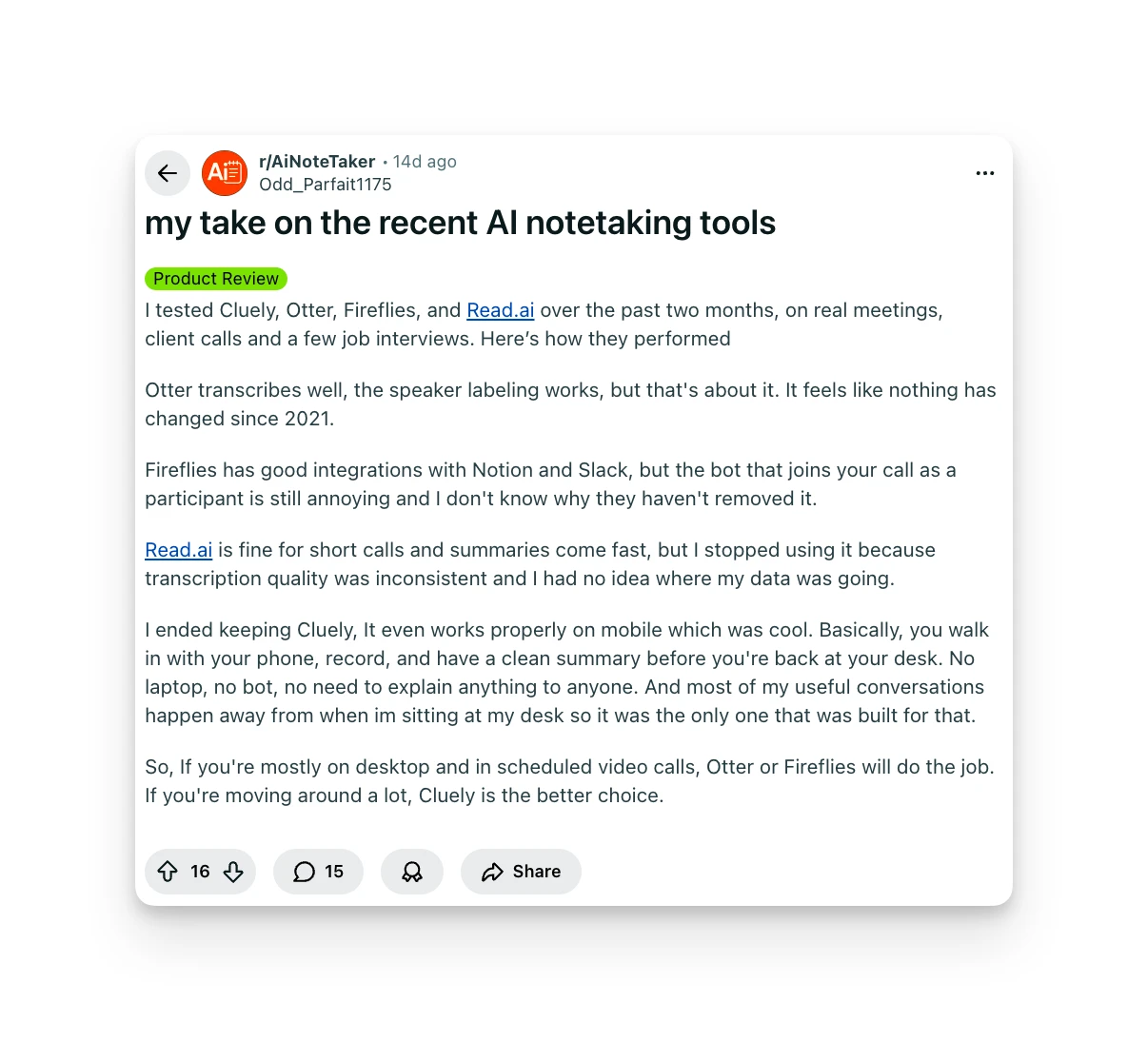
"Fireflies has good integrations with Notion and Slack, but the bot that joins your call as a participant is still annoying and I don't know why they haven't removed it." — Reddit user u/Odd_Parfait1175
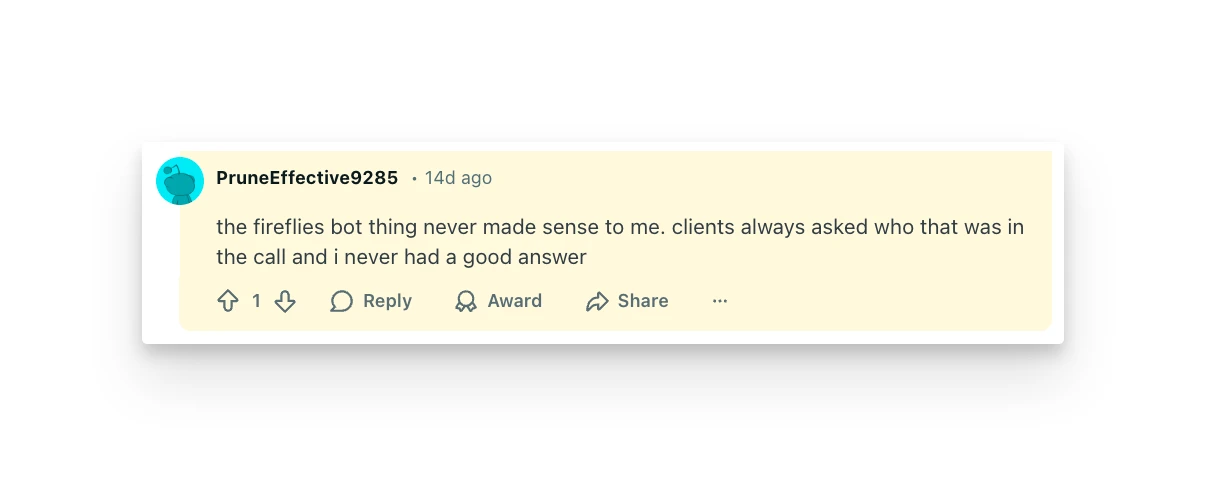
"The Fireflies bot thing never made sense to me. Clients always asked who that was in the call and I never had a good answer." — Reddit user u/PruneEffective9285
Who Fireflies Is Best For
- Teams needing integration flexibility: If pushing meeting data to CRMs and project management tools is critical, Fireflies delivers.
5. Krisp: Best for Users in Noisy Environments
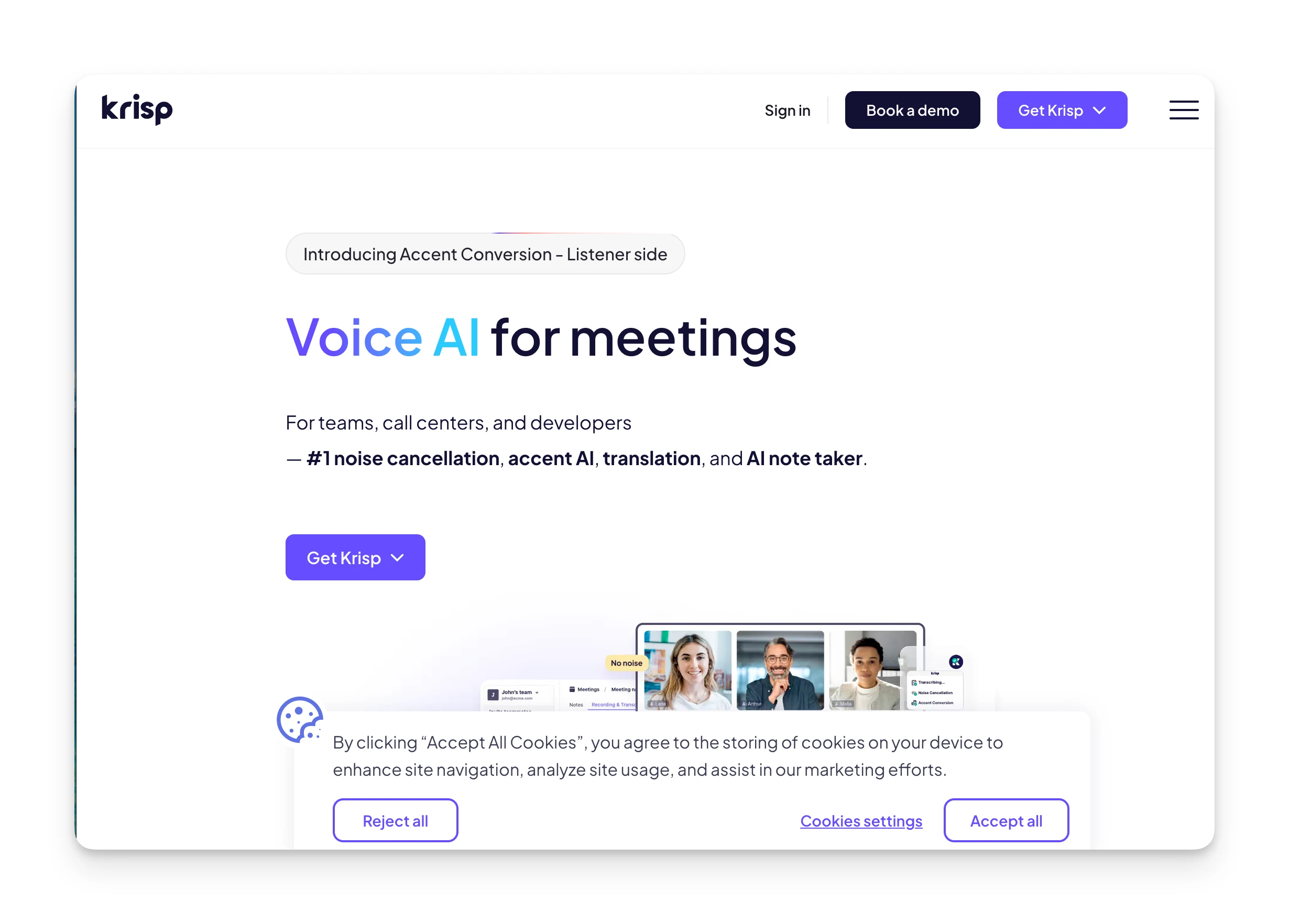
Krisp started as a noise cancellation tool and evolved into a full meeting assistant. It captures audio at the device level, so no bot joins your calls. The noise cancellation remains its standout feature for users in challenging audio environments.
Key Features
- Bot-free transcription: Captures audio through your device's audio driver, invisible to other participants.
- Noise cancellation: Removes background noise from both your microphone and incoming audio.
- 16+ language support: Transcripts and summaries available in multiple languages.
Pricing
| Plan | Price |
|---|---|
| Free Trial | 7 days |
| Core | $8/mo (annual) — 60 min/day accent conversion |
| Advanced | $15/mo (annual) — 4 hrs/day accent conversion |
Where Krisp Shines
- Noise cancellation removes background noise from mic and incoming audio
- Device-level capture — no bot visible on any platform
- 16+ language transcription support
- Core plan starts at $8/month
Where Krisp Falls Short
- Daily caps on accent conversion and some AI features on lower tiers
- Fewer integrations and features than Otter or Fireflies
- Meeting notes feel like an add-on rather than the core product
Customer Reviews
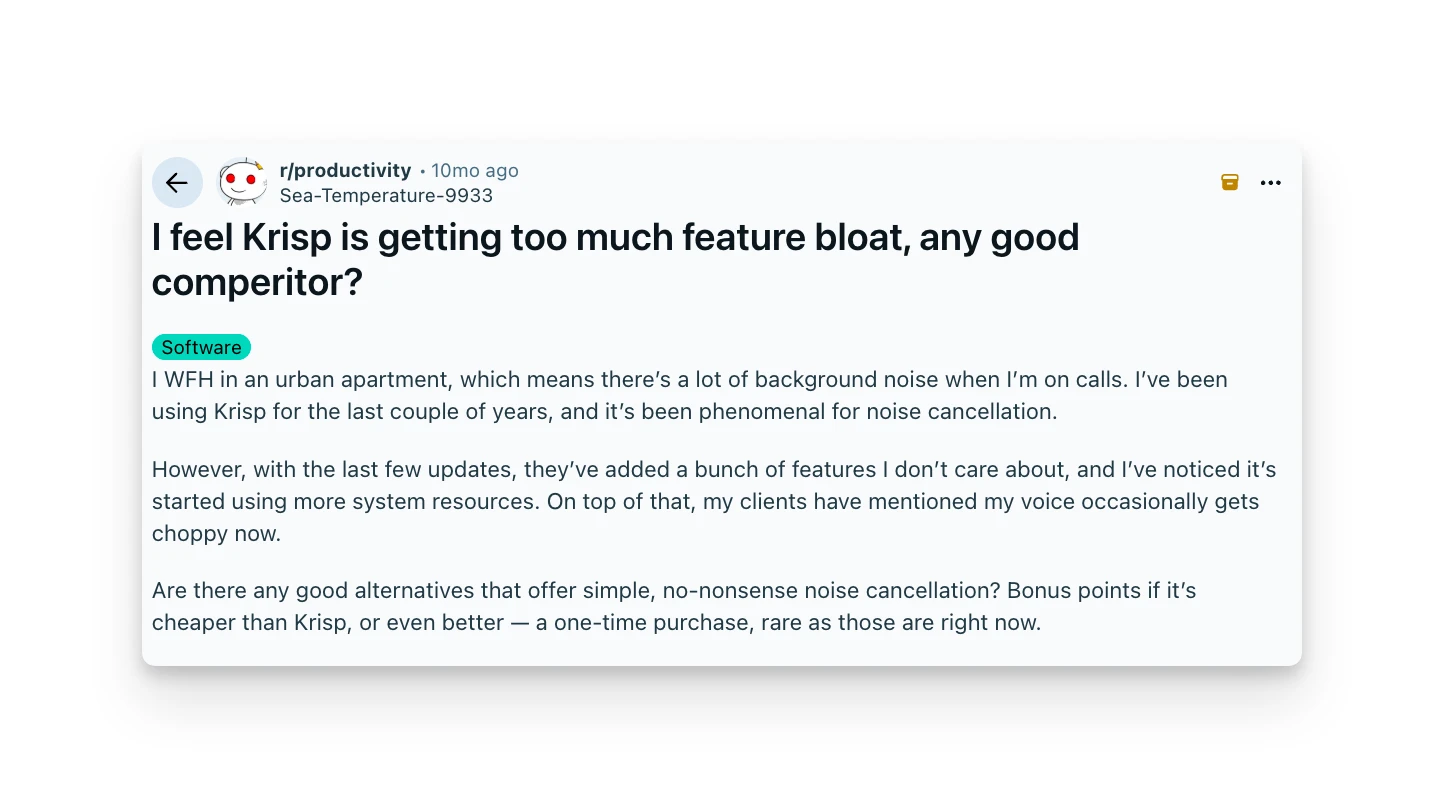
"Krisp is decent, the noise cancellation is great, but the meeting notes feature still feels like an add-on rather than the core product." — Users from multiple platforms
Who Krisp Is Best For
- Remote workers in noisy environments: The combination of noise cancellation and transcription is unique in this space.
6. Fathom: Best for Sales Teams on a Budget
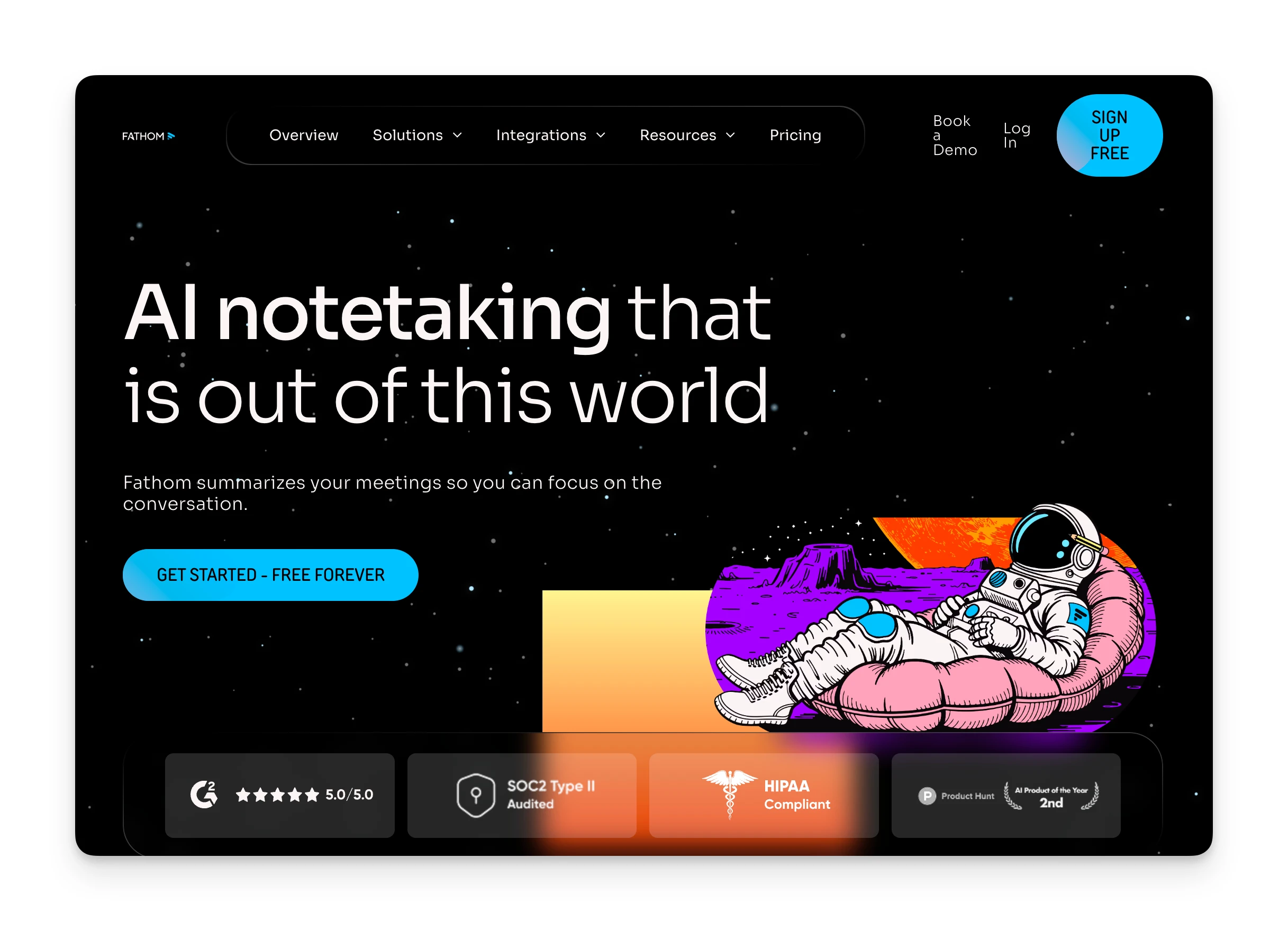
Fathom offers unlimited free recordings and transcriptions, making it attractive for high-volume users. Its sales-focused features include deal views, coaching metrics, and CRM integrations.
- What it is: AI meeting assistant with generous free tier and sales-focused features.
- Standout feature: Unlimited free recordings with AI summaries.
- Pricing: Free (unlimited); Premium $20/mo; Team $15/mo/user (annual).
- Top pro: Truly unlimited free plan with no minute caps.
- Top con: Currently bot-based only; botless recording is "coming soon."
- Best for: Sales teams who need volume without per-minute costs.
Where Fathom Shines
- Truly unlimited free recordings with no minute caps
- Sales-specific summaries, scorecards, and deal views
- Native CRM integration with Salesforce and HubSpot
- Highest-rated meeting assistant on G2 (5.0/5)
Where Fathom Falls Short
- Bot-based only; botless recording not yet available
- Free plan caps AI summaries at 5 per month
- No mobile app — browser only on mobile devices
7. Bluedot: Best for Lightweight Mobile Capture
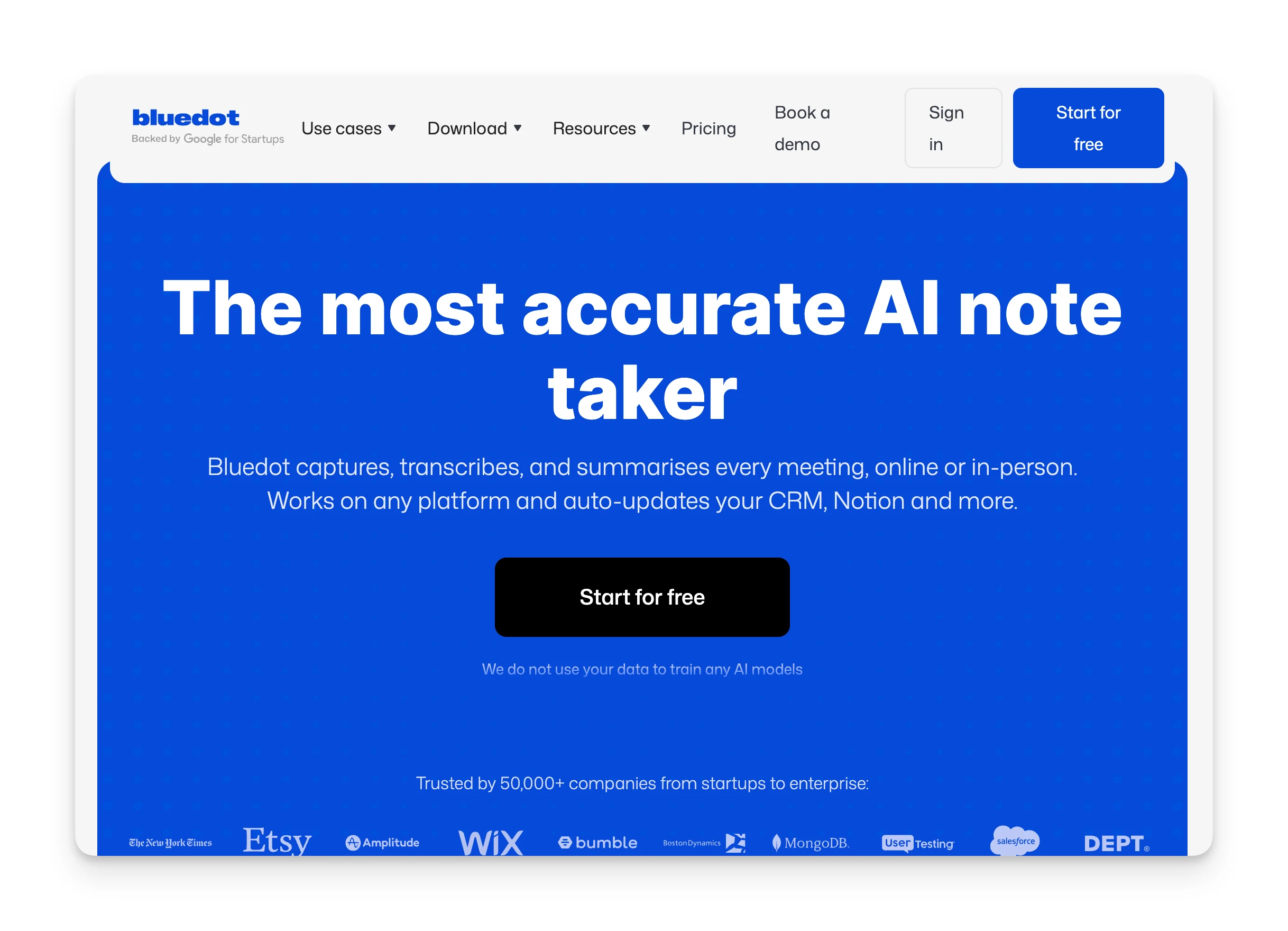
Bluedot focuses on simplicity with browser extensions, desktop apps, and mobile capture. It's designed for individuals and small teams who want meeting notes without complexity.
- What it is: Lightweight meeting assistant with mobile and browser capture.
- Standout feature: Cross-platform capture (Chrome, desktop, mobile) without a bot.
- Pricing: Free (5 meetings lifetime); Basic $14/mo; Pro $20/mo.
- Top pro: Mobile app lets you capture in-person meetings.
- Top con: Free tier is extremely limited (5 meetings total, not per month).
- Best for: Individuals who attend meetings across different devices and contexts.
Where Bluedot Shines
- Bot-free capture via Chrome extension and mobile app
- In-person meeting recording on iOS
- 100+ language support
Where Bluedot Falls Short
- Free tier is only 5 meetings lifetime — essentially a trial
- CRM integration locked to Business plan ($32/mo)
- No Android app support
8. Jamie: Best for European Teams Needing Multilingual Support
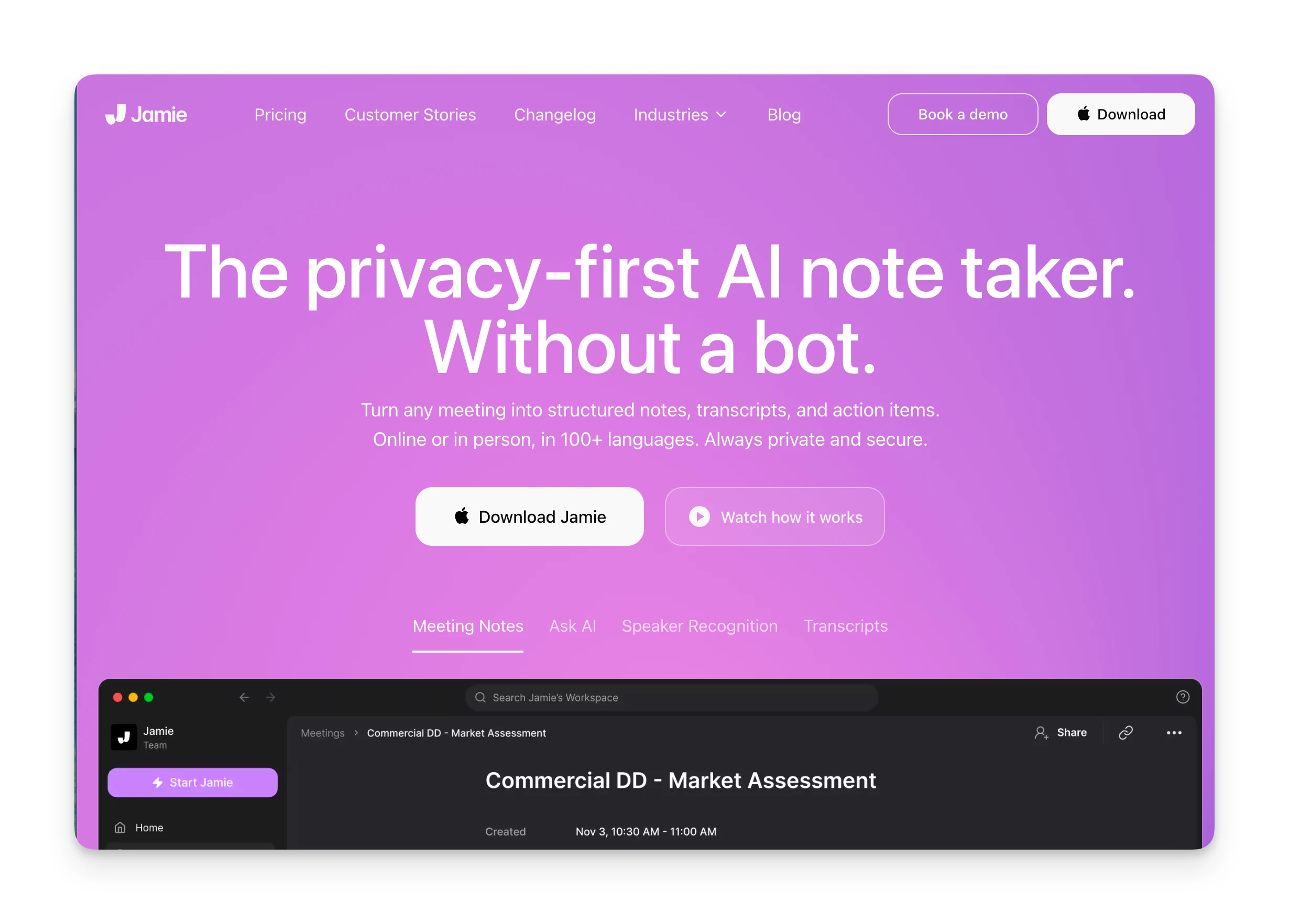
Jamie is a German-built meeting assistant that emphasizes privacy and multilingual capabilities. It captures meetings without a bot and generates summaries in 15+ languages.
- What it is: Bot-free meeting assistant with strong multilingual support and EU data residency.
- Standout feature: Summaries available in 15+ languages with EU data processing.
- Pricing: Free (10 meetings/month); Plus €25/mo; Pro €47/mo.
- Top pro: GDPR compliance and EU data residency for European teams.
- Top con: Pricing is higher than US-based alternatives, especially for unlimited meetings.
- Best for: European teams with multilingual meeting environments.
Where Jamie Shines
- Bot-free capture without joining as a visible participant
- Summaries in 15+ languages for multilingual teams
- GDPR-compliant with EU data residency
Where Jamie Falls Short
- Higher pricing than US alternatives (€47/mo for Pro)
- Free plan limited to 10 meetings per month
- Fewer integrations than more established tools
9. Tactiq: Best for Browser-Based Meetings Only
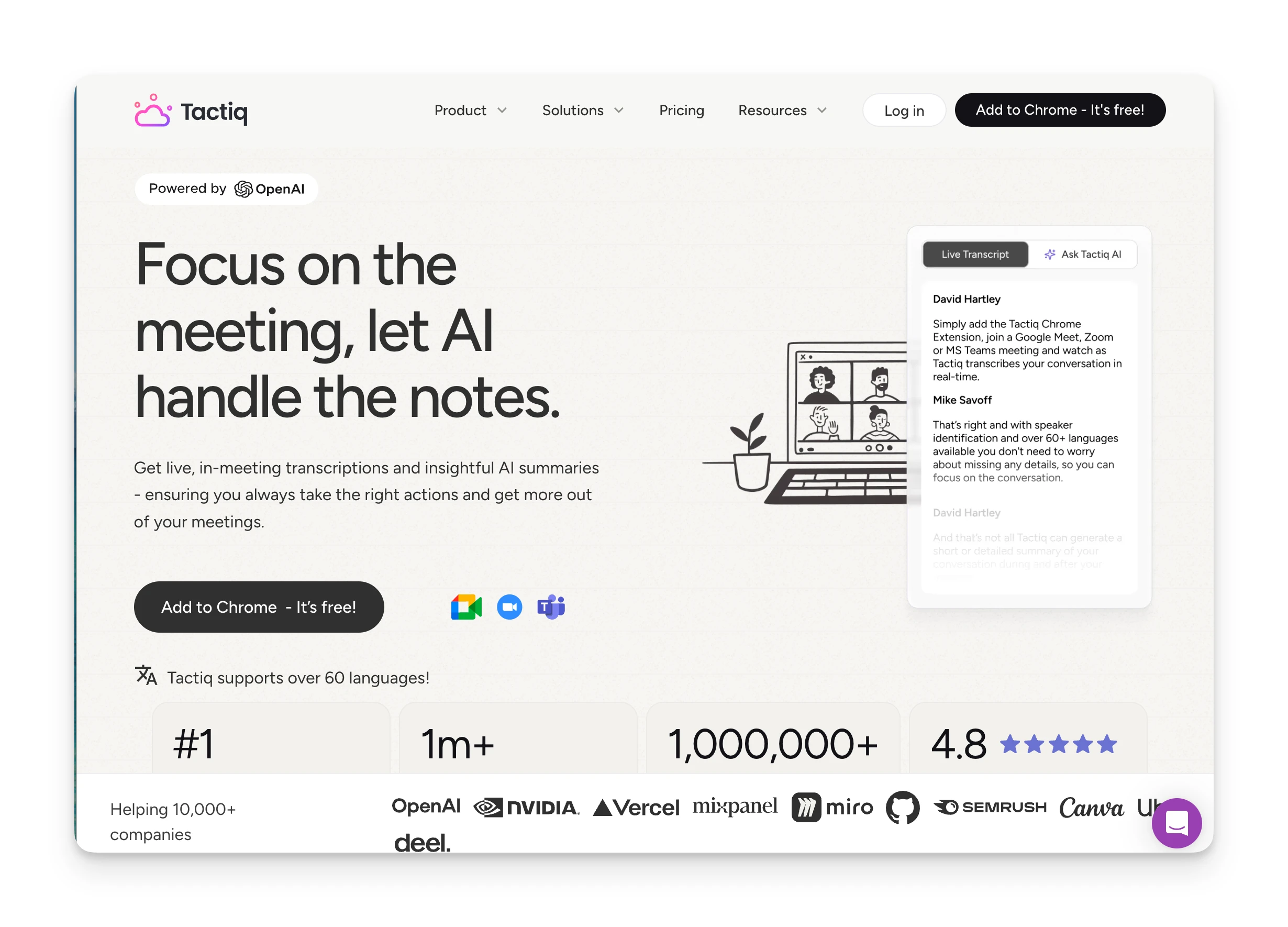
Tactiq works differently from other tools. It hooks into your browser's live captions rather than recording audio, making it naturally bot-free. The limitation: it only works for browser-based meetings with caption support.
- What it is: Browser extension that captures meeting transcripts from live captions.
- Standout feature: Caption-based capture means no recording, no bot, no privacy concerns.
- Pricing: Free (limited); Pro $8/mo (annual).
- Top pro: Extremely lightweight, privacy-friendly approach.
- Top con: Only works with browser meetings that have caption support. No mobile, no desktop apps.
- Best for: Users who only attend browser-based video calls and want the simplest possible solution.
Where Tactiq Shines
- No audio recording — works from live captions only
- Naturally bot-free with no privacy concerns
- Very affordable: Pro at $8/month
Where Tactiq Falls Short
- Only works for browser-based meetings with caption support
- No mobile app or desktop recording
- Limited to meetings where captions are enabled and available
Reasons to Consider an Alternative to Cluely
Cluely works as a real-time meeting overlay, but here's why many users look for alternatives:
Hidden Pricing for Stealth Features
Cluely's $20/month Pro plan sounds reasonable, but it doesn't include the undetectability features most users want. As one Reddit user noted: "That $20 plan does not include the undetectability features. If you want the tool to actually hide itself during screen sharing you need to pay $75/mo."
Omnia's botless capture is included in every plan. No upsell required to get invisible meeting recording.
Data Security Concerns
In 2025, Cluely experienced a data breach that exposed over 83,000 users. For a tool whose core promise is invisibility, having your signup information leaked defeats the purpose.
Your data stays within your connected accounts (Gmail, Google Calendar, Outlook). Meeting recordings are processed securely and linked to your existing tool ecosystem.
Professional and Ethical Risk
Cluely's original "cheat on everything" positioning, while toned down, still lingers. Some companies now treat tools like Cluely as policy violations if used in assessments or interviews. The professional risk may not be worth the real-time coaching benefit.
Omnia is positioned as an AI executive assistant, not a cheating tool. It handles the coordination work after meetings rather than feeding you answers during them.
Use Omnia to Capture Meetings, Triage Email, and Manage Follow-Through in One Place
If you're looking for a Cluely alternative that handles meeting capture without the controversy, Omnia brings botless recording, action item extraction, and email triage into one assistant.
For users who just need simple meeting transcription, Granola or Krisp are solid, privacy-focused options. For teams that prioritize integrations over invisibility, Fireflies or Fathom offer strong feature sets.
Ready to see how Omnia handles your meetings and follow-through? Start your trial and experience the difference.
From conversation to calendar — Omnia routes action items automatically
Free forever. No credit card required.
FAQs
Is Cluely Safe to Use?
While the tool itself functions, the security incident raised concerns for users who value privacy. Using real-time AI coaching in job interviews or assessments may violate company policies.
Why Is Cluely So Expensive for Stealth Mode?
Cluely's stealth features (hiding from screen shares and recordings) require the "Pro + Undetectability" plan at $75/month. The base $20/month Pro plan doesn't include these features, which surprises many users who assume invisibility is included.
What's the Best Free Cluely Alternative?
Fathom offers unlimited free recordings with AI summaries. Otter AI provides 300 free minutes per month. Both are more established than Cluely and don't carry the same ethical concerns.
Do Any Cluely Alternatives Offer Real-Time Coaching?
Most professional alternatives focus on post-meeting output (transcripts, summaries, action items) rather than real-time coaching during calls. This approach avoids the ethical concerns and technical challenges (lag, split attention) that come with live AI assistance.