Key Takeaways
- Notion is an all-in-one workspace that combines notes, wikis, databases, project management, and AI assistance. You can build virtually any workflow if you're willing to invest the time to set it up.
- Pricing starts at €9.50/user/month (annual) for Plus with a generous free plan for individuals. Notion AI costs an additional €9.50/month unless you're on Business (€19.50/user/month) or Enterprise.
- Recent AI credit changes have frustrated power users. Custom Agents now run on a credit system starting May 2026. Users report even simple daily automations can cost $30/month.
- G2 sentiment is strongly positive (4.6/5 from 10,000+ reviews), but Reddit sentiment in 2026 skews negative regarding pricing and performance issues.
Notion is the most flexible workspace platform for professionals and teams who want to consolidate notes, documentation, projects, and AI tools into a single customizable system.
It combines pages, databases, wikis, and AI assistance into one connected workspace. You can build anything from simple note collections to complex project trackers with linked databases, automations, and custom views.
Recently, Notion launched version 3.0 with Custom Agents, Enterprise Search, and AI Meeting Notes, positioning itself as an AI-powered work hub rather than just a documentation tool. The ambition has excited some users but raised concerns about pricing complexity and feature bloat.
You've got notes in one app, tasks in another, documentation scattered across three more, and a wiki that nobody updates. Every time you need information, you're searching across five different tools.
This Notion review explores whether one platform can solve that fragmentation. Notion aims to be the single workspace where you think, write, plan, and collaborate, with AI assistance woven throughout.
In this review, we'll cover:
- How Notion's pages, databases, and blocks work together
- The new AI features (Agents, Enterprise Search, Meeting Notes)
- Current pricing and when you'd need to upgrade
- What real users say on G2, Reddit, and Capterra
- Whether it's worth switching from your current tool stack
Notion at a Glance
| Notion | |
|---|---|
| Best for | Teams and individuals who want a highly customizable workspace they can mold to any workflow |
| Standout feature | Flexible databases with multiple views (table, kanban, calendar, gallery, timeline) that can link to each other |
| Price | Free for individuals; €9.50-19.50/user/month for teams; Notion AI €9.50/month add-on |
| Pros | Extreme flexibility, generous free tier, strong collaboration, AI integration, 100+ templates |
| Cons | Steep learning curve, performance issues with large databases, AI pricing confusion |
| Databases | Tables, boards, timelines, calendars, galleries, all connected via relations |
| AI Features | Writing assistance, summaries, Q&A, Custom Agents, Enterprise Search (Beta) |
| Collaboration | Real-time editing, comments, mentions, sharing, teamspaces |
| Integrations | Slack, Google Drive, Jira, GitHub, Figma + Zapier/Make |
What Is Notion?
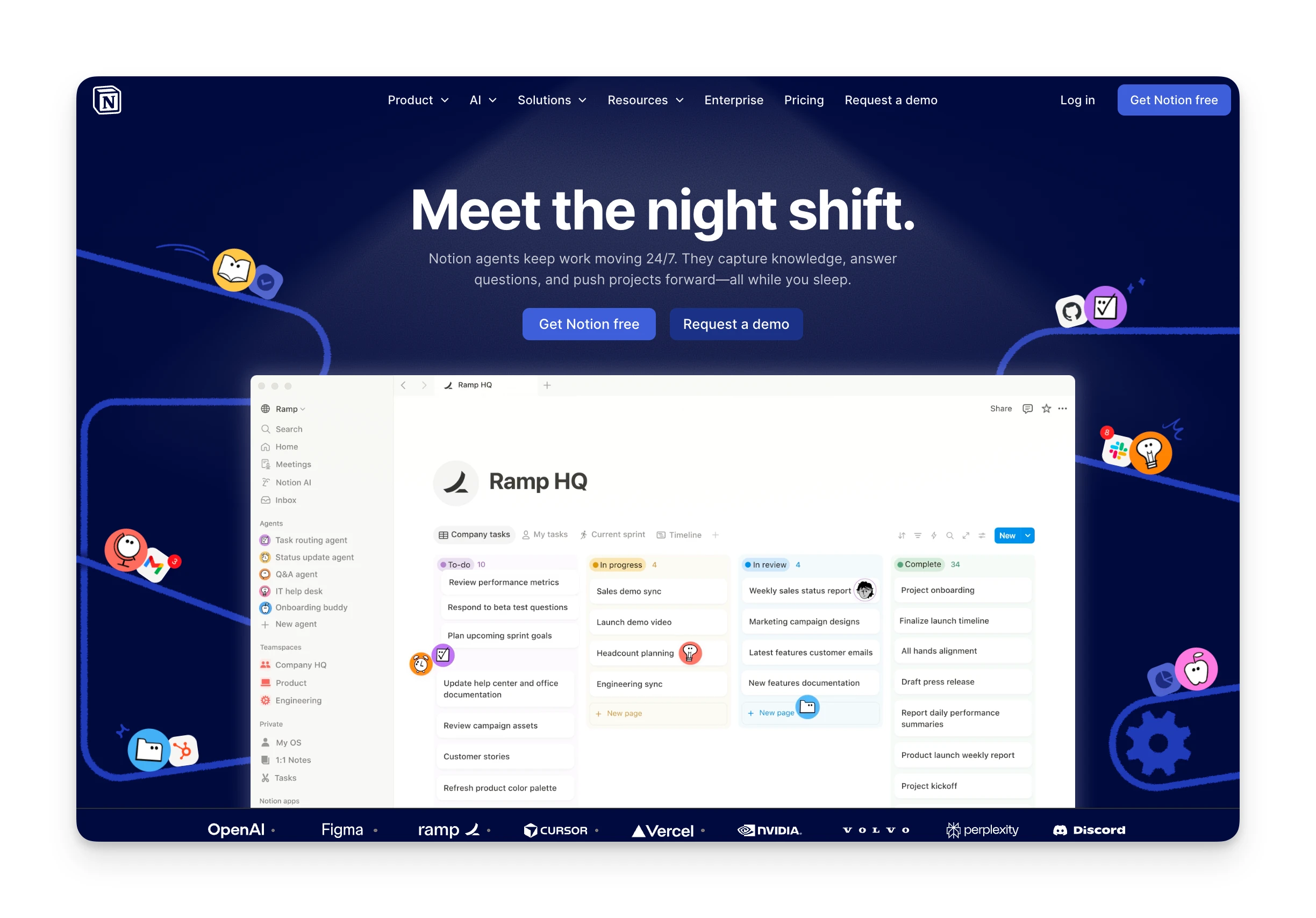
Notion positions itself as "the AI workspace that works for you," a single platform where teams can manage knowledge, track projects, and automate busywork.
But at its core, Notion is really a flexible database-powered workspace. Everything is a page. Pages can contain text, media, embeds, or databases. Databases can display as tables, boards, calendars, timelines, or galleries. And everything can link together.
The company serves 100+ million users, including 62% of Fortune 100 companies. What started as a note-taking alternative has evolved into a platform trying to replace your wiki, project manager, and documentation tools simultaneously.
Who Is Notion Best For?
Notion works best for people who want complete control over how they organize information and have the patience to build it.
Knowledge workers who think in systems: If you naturally organize information into connected structures (notes linking to projects linking to resources), Notion's relational databases let you build exactly that.
Startups and small teams: Notion's free plan is genuinely usable, and the collaborative features let small teams centralize documentation, specs, and project tracking without paying enterprise prices.
Content creators and writers: Writers appreciate Notion's clean writing experience and the ability to organize drafts, research, and published pieces in one workspace.
People replacing multiple tools: If you're currently paying for separate note-taking, wiki, and project management tools, Notion can consolidate them into one platform, potentially saving both money and context-switching.
Who should look elsewhere:
- Users wanting immediate productivity: Notion requires setup investment. If you want something that works out of the box, simpler tools will get you moving faster.
- People who need offline access: Notion's offline capabilities are limited. If you frequently work without internet, this is a dealbreaker.
- Teams needing real-time task execution: For daily task scheduling and time-blocking, dedicated tools like Motion or Sunsama are more focused.
Omnia: An Alternative

Notion gives you the building blocks to organize information, but you still need to manually capture commitments, triage emails, and figure out what to work on next. If you need an AI executive assistant that handles coordination proactively, Omnia fills that gap.
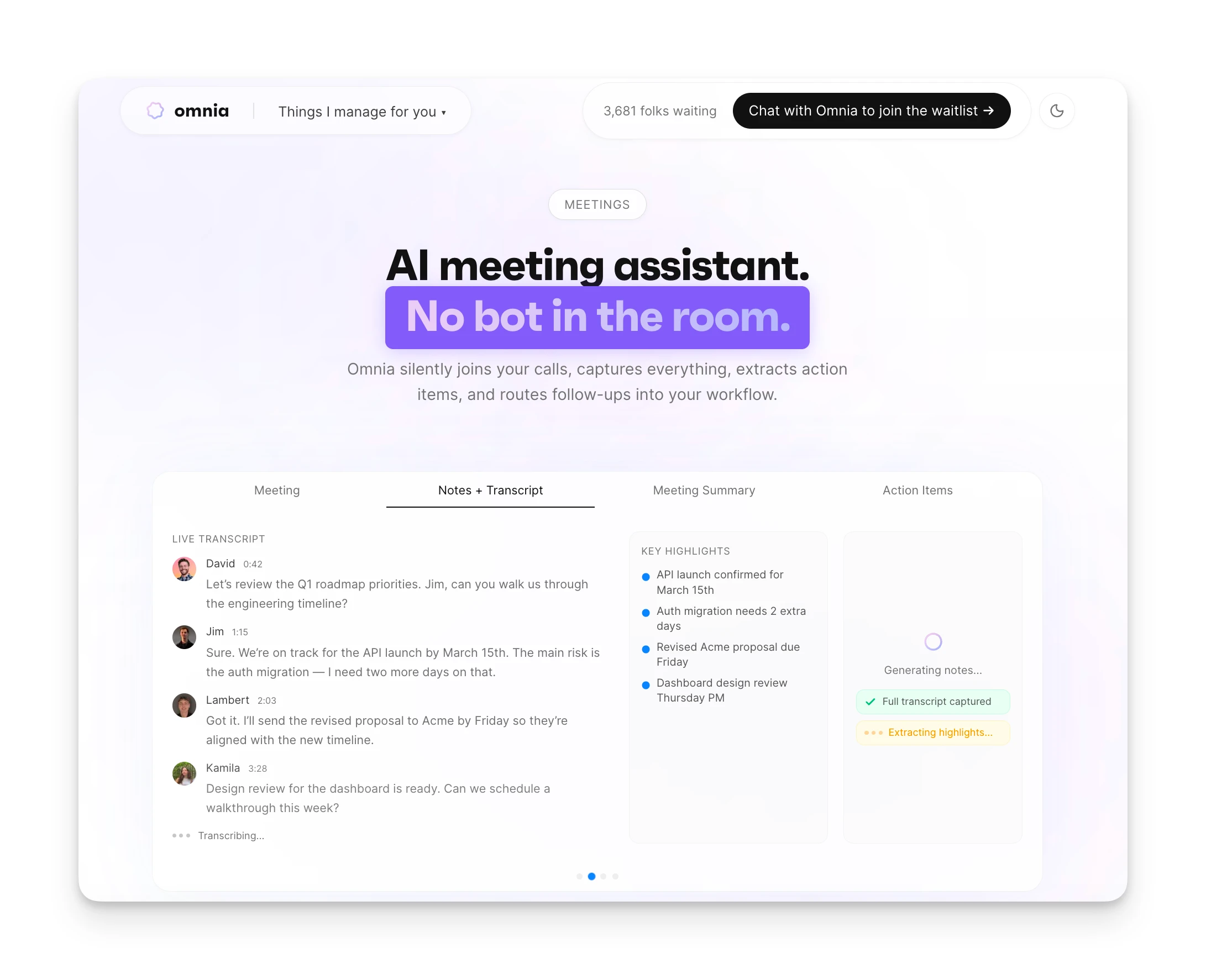
- Automatic action item extraction: Omnia captures meetings and automatically extracts action items with assignees, due dates, and priorities, surfaced in a triage workspace. No manual copy-paste from transcripts required.
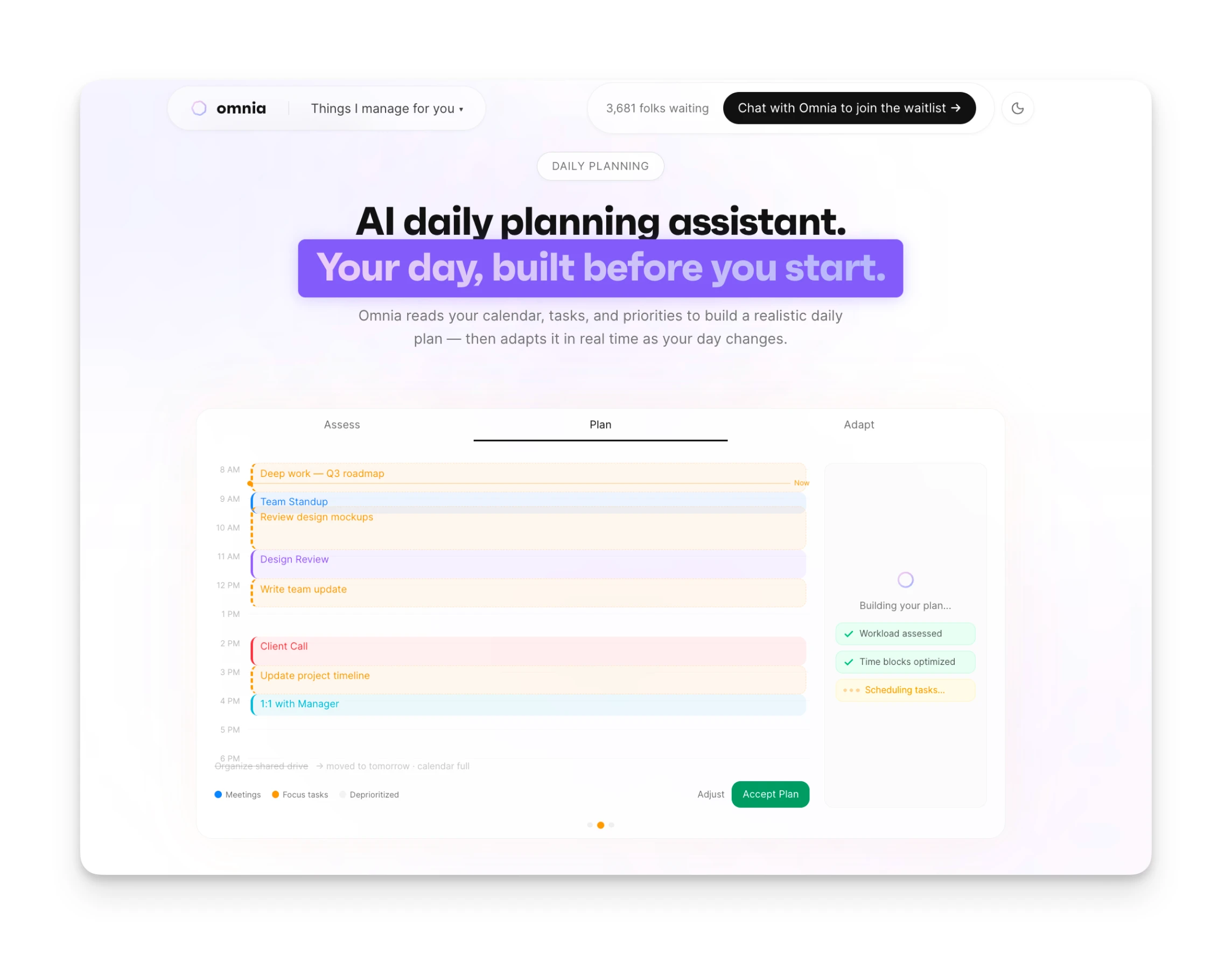
- Collaborative planning workspaces: When Omnia needs your input, it opens purpose-built views where you and the AI work side by side. Your planning session becomes a conversation, not configuration.
- Works when you're not looking: Omnia monitors your calendar, email, and tasks in the background. Your inbox is triaged before you open it. An overloaded week gets flagged before it's too late.
| Tool | Price | Features |
|---|---|---|
| Omnia | Free / $20/mo | Auto action item extraction, email triage, AI planning workspaces, proactive monitoring |
| Notion | €9.50-19.50/user/month | Databases, wikis, pages, Notion AI, Custom Agents |
When your day changes, Omnia replans around what matters most
Free forever. No credit card required.
Notion Key Features
Here are the key features that make Notion both powerful and divisive:
Flexible Databases
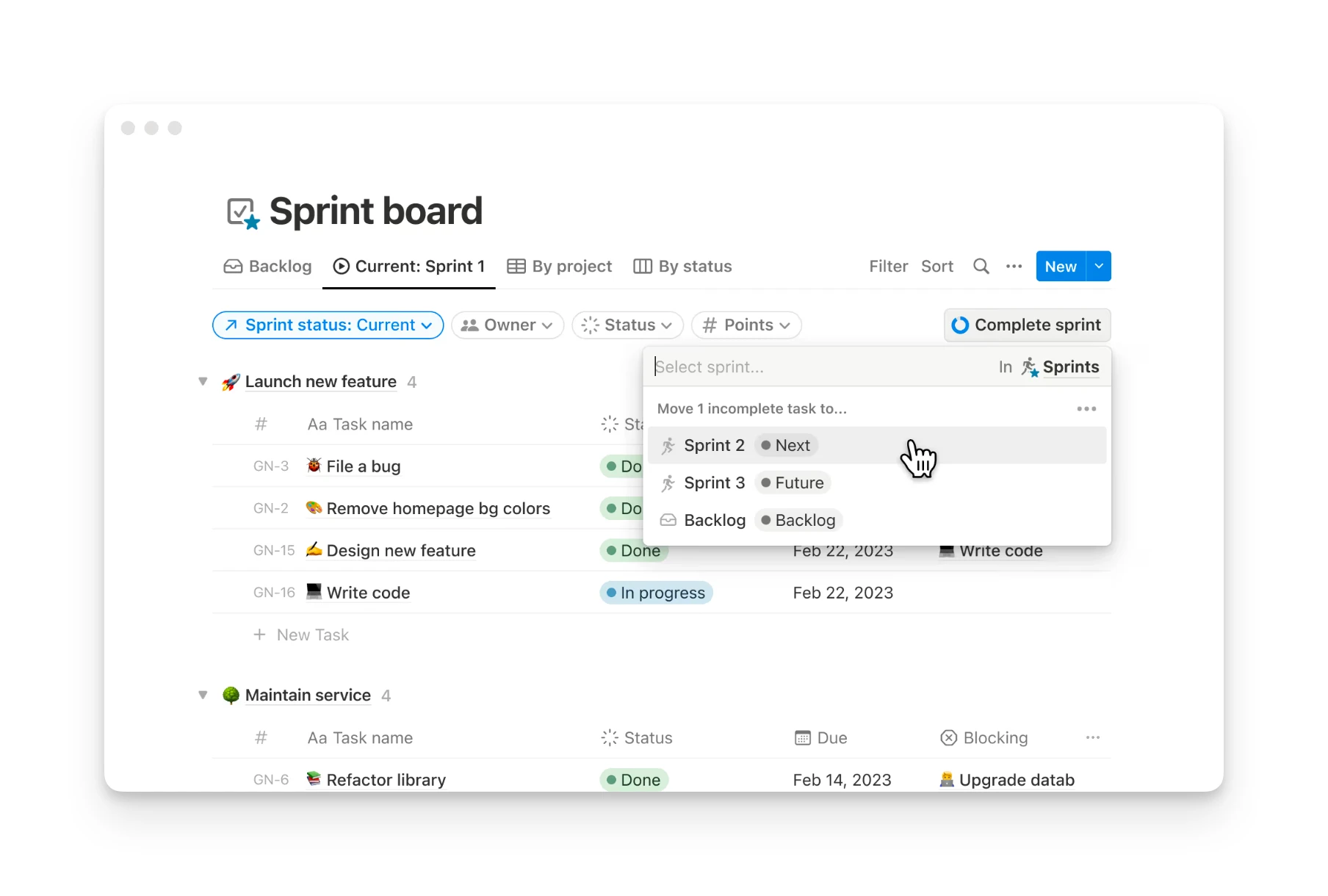
Notion's databases are the foundation of everything. You create a database once and view it six different ways: as a table, kanban board, calendar, gallery, timeline, or list. Filter, sort, and group however you want.
The real power comes from relations and rollups. Link your Tasks database to your Projects database, and suddenly you can see all tasks for a project in one view while also seeing each task's project context in another.
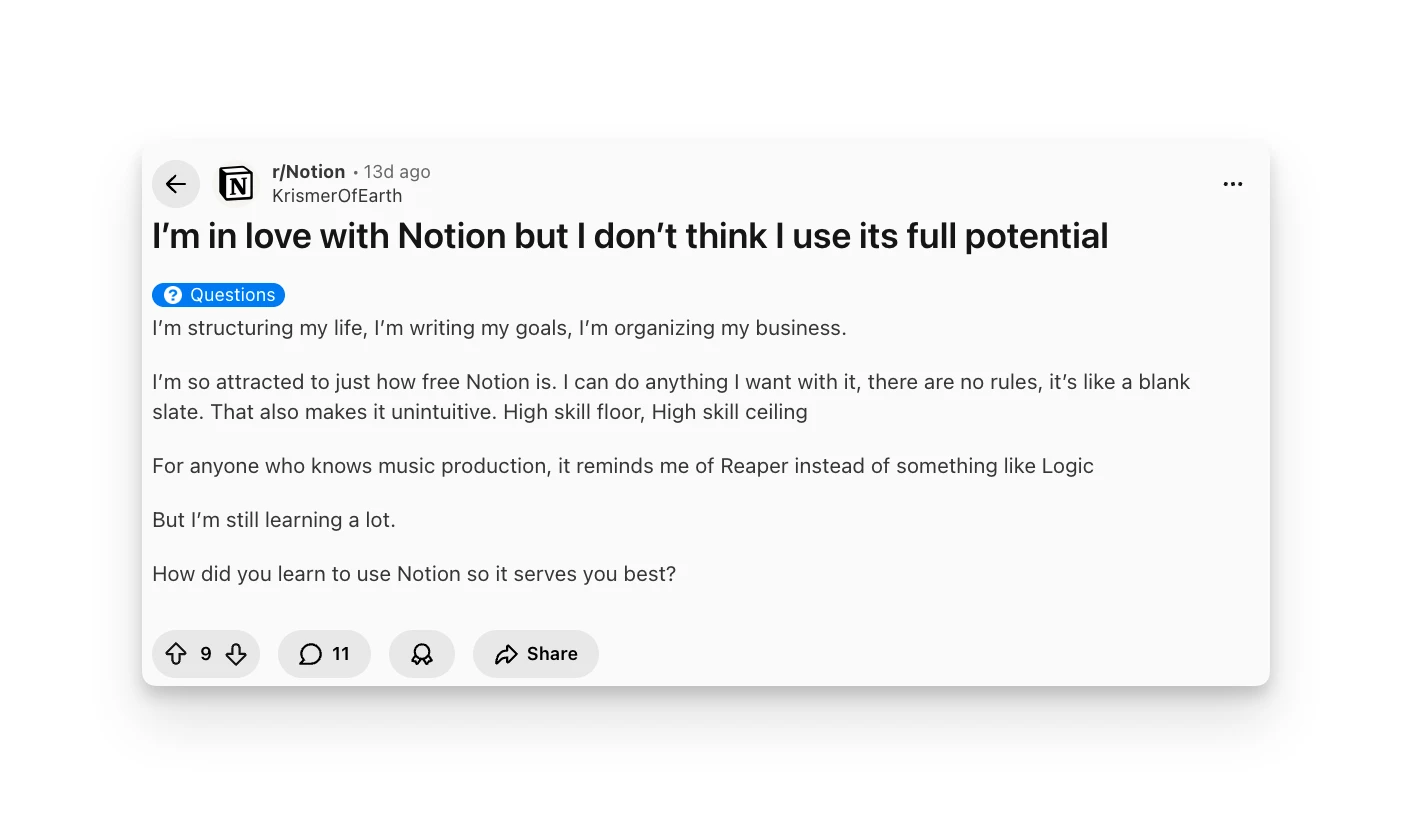
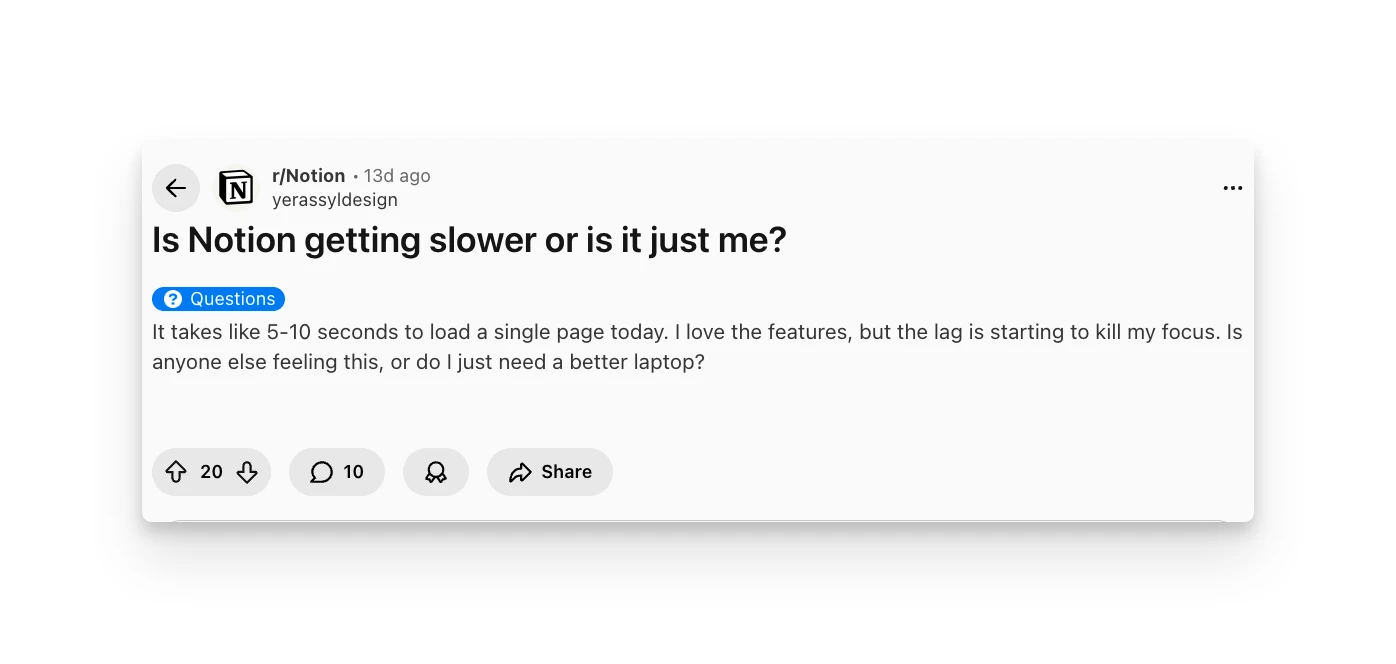
Users consistently highlight database flexibility as Notion's strongest capability. One Reddit user described being "so attracted to just how free Notion is—I can do anything I want with it." However, some users find that large databases can slow down, with pages taking 5-10 seconds to load.
Notion AI
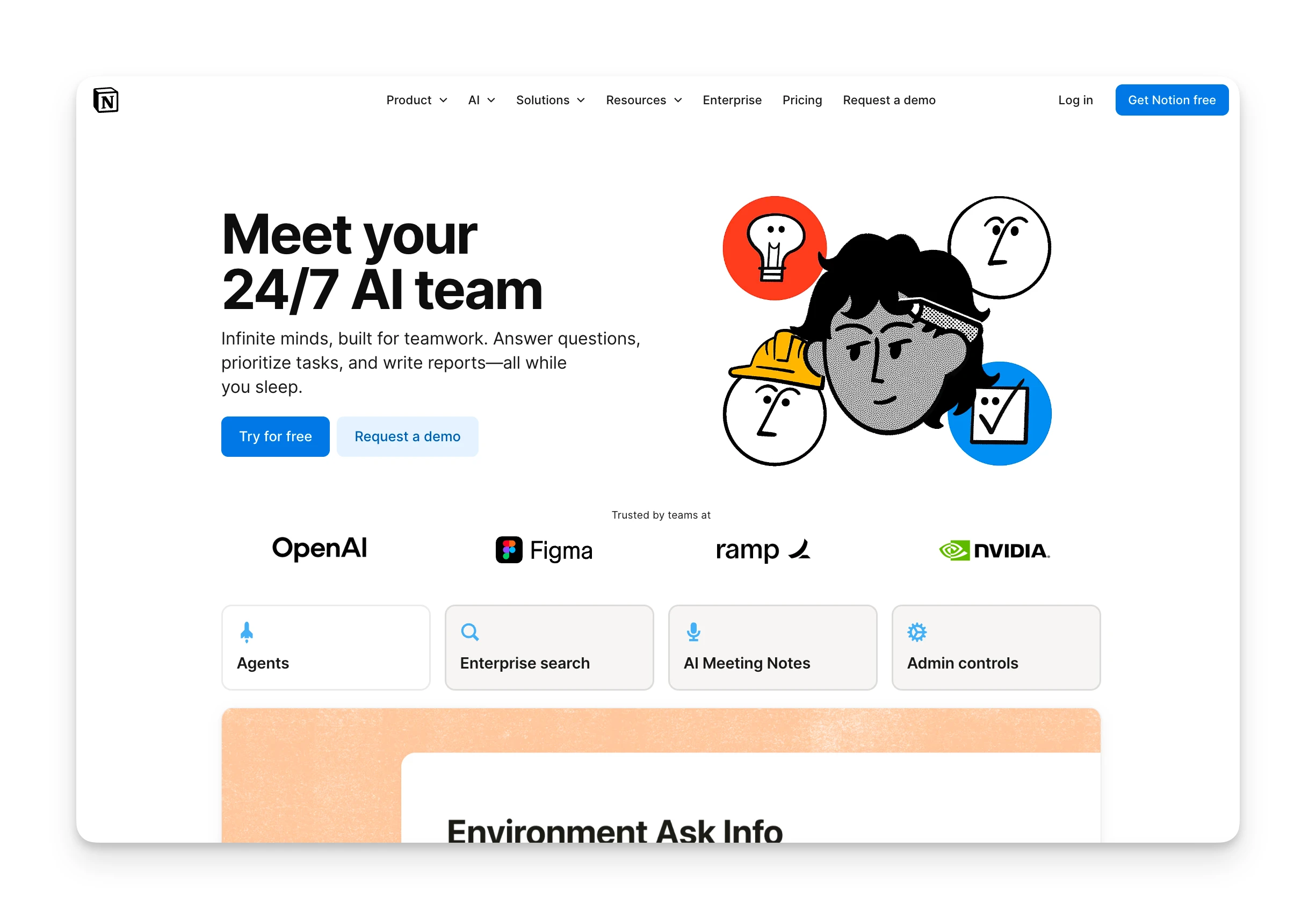
Notion AI adds writing assistance, summarization, Q&A, and automation throughout the workspace. Highlight text and ask AI to improve it. Query your entire workspace with questions. Generate drafts, outlines, or action items from notes.
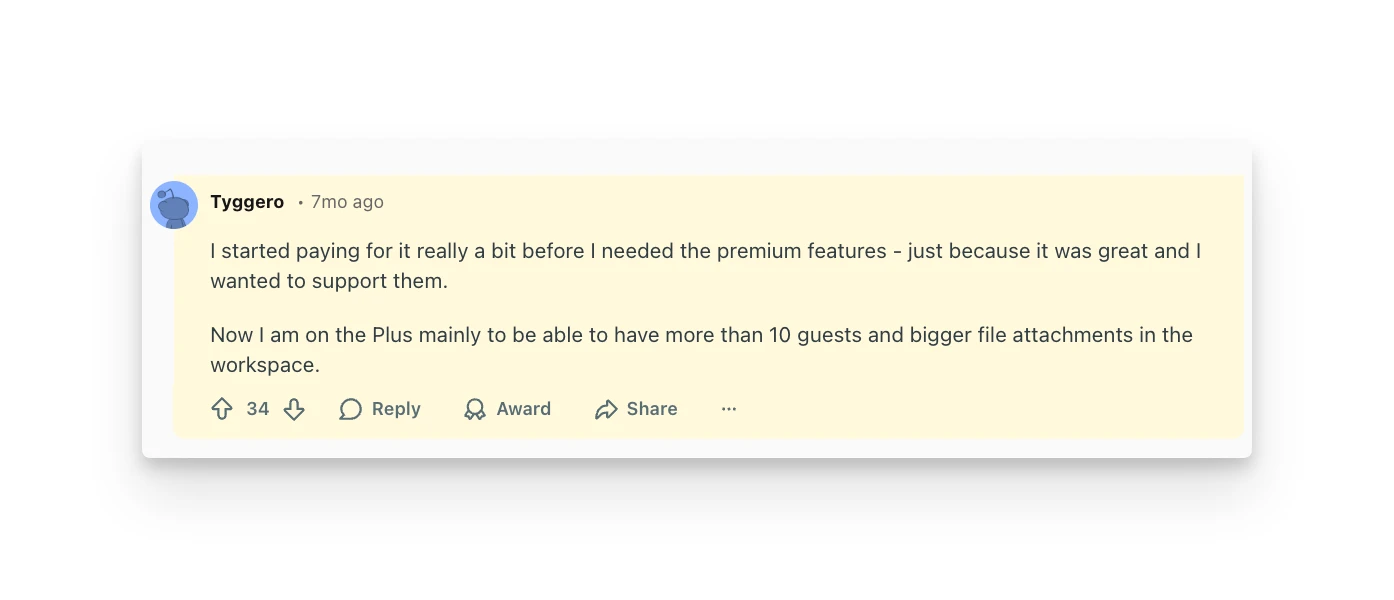
Notion AI shines for summarizing notes, outlining projects, and drafting updates. Users praise paying for Plus to "have more automations and charts," and Notion AI is often cited as the feature that justifies upgrading. The AI understands context across your workspace, making answers more relevant than generic chatbots.
The pricing structure has evolved: Notion AI is included with Business and Enterprise plans, but Free and Plus users pay €9.50/month as an add-on. Custom Agents (autonomous AI workflows) will use a credit system starting May 2026.
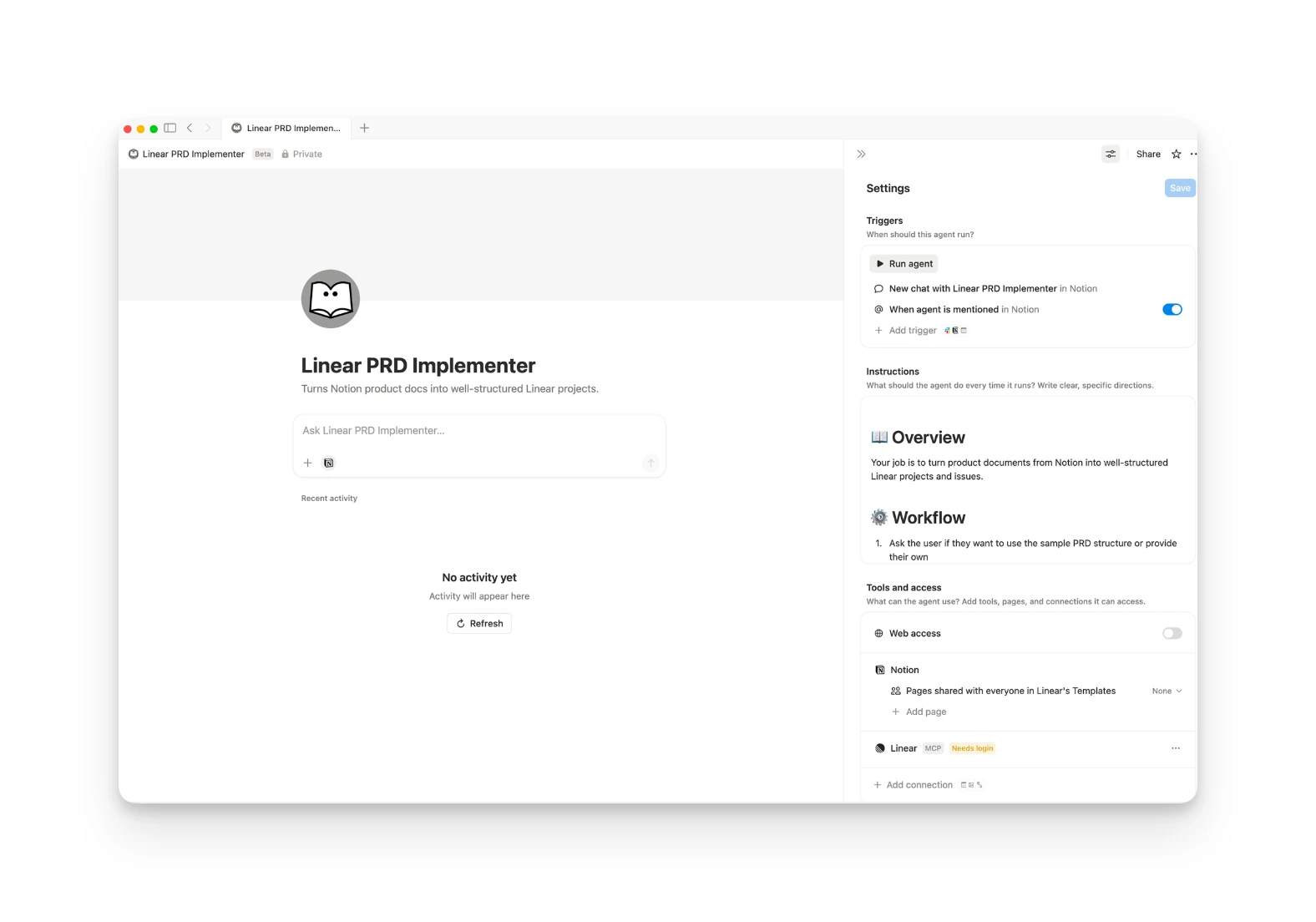
Custom Agents (Beta)
Notion's newest capability: build AI agents that automate repetitive workflows. Create an agent that summarizes daily standup notes, triages support tickets, or drafts weekly reports.
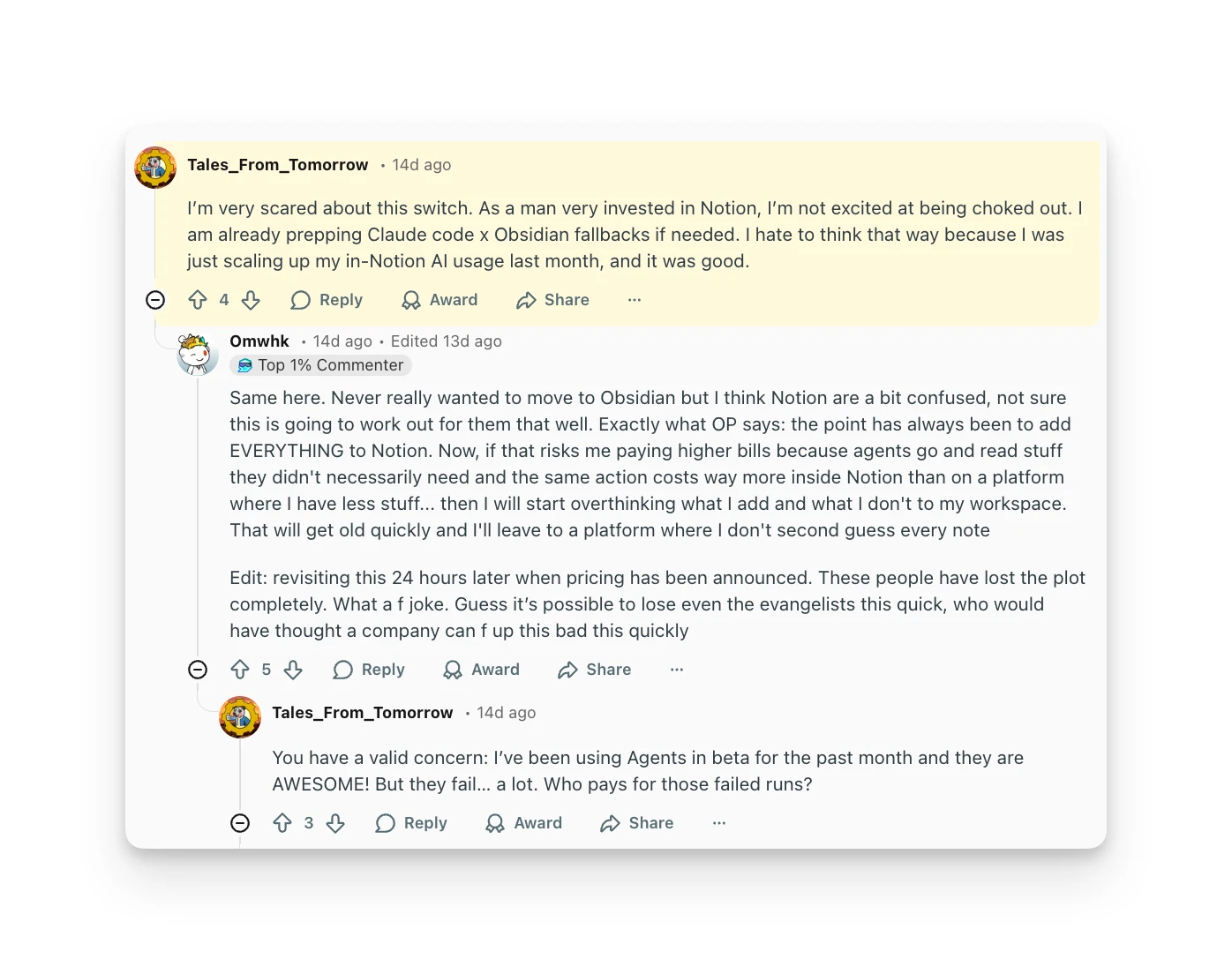
The feature is powerful but has sparked pricing controversy. Users report that even a simple "morning summary" agent could consume 3,000 credits per month, about $30. The credit system with no rollover has frustrated power users who expected automation to be included in their existing plans.
One Reddit user put it bluntly: "I just deleted all my Agents, their pricing was delusional."
Pages and Blocks
Everything in Notion is built from blocks: text, headings, images, embeds, databases, toggles, callouts, and more. Drag blocks to rearrange. Nest pages infinitely. Create a wiki structure that matches how your team thinks.
The block-based approach provides flexibility but can feel overwhelming. Users describe Notion as "high skill floor, high skill ceiling," powerful once you understand it, but not intuitive for beginners.
Team Collaboration
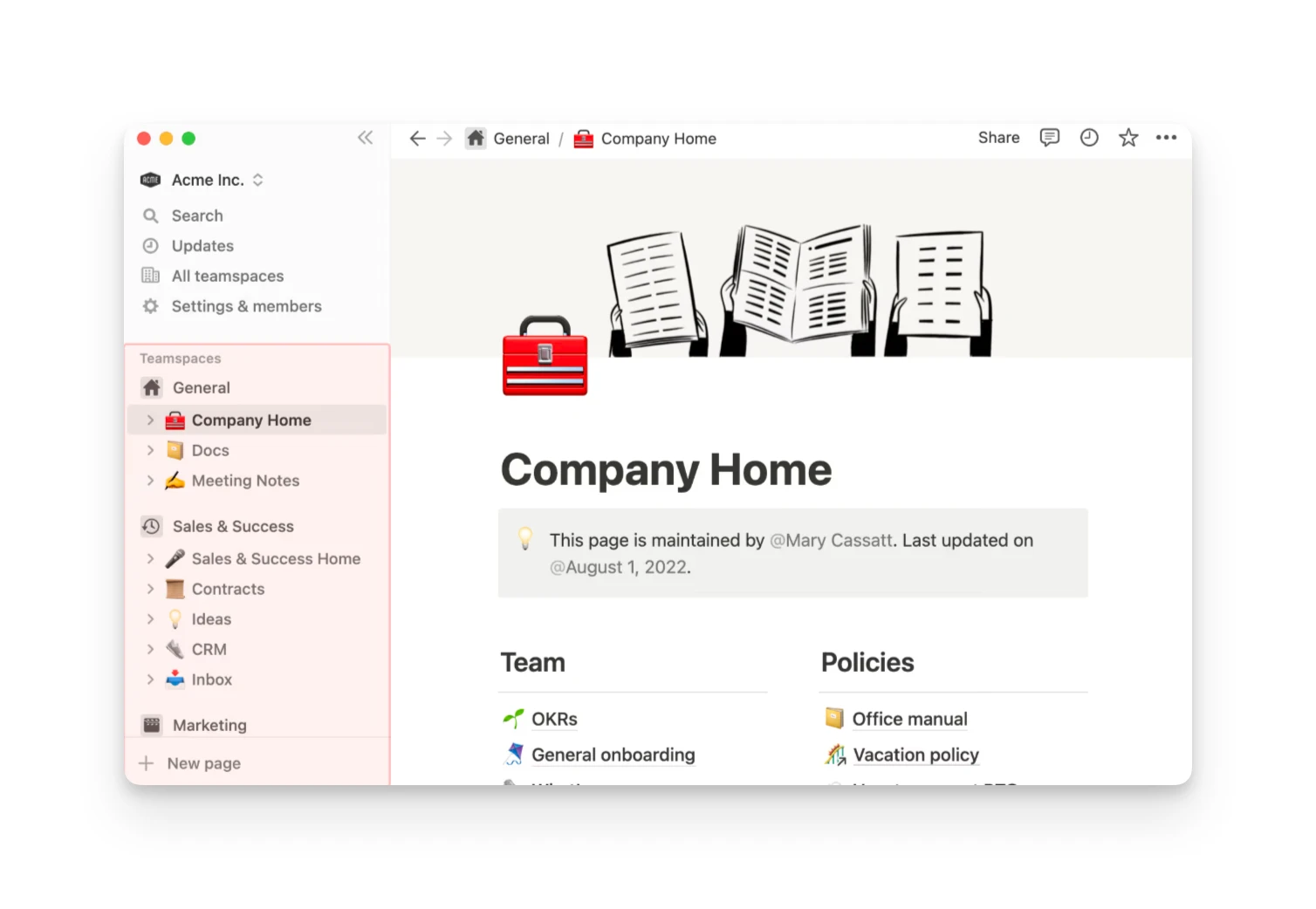
Real-time collaboration lets multiple people edit the same page simultaneously. Comment on specific blocks, mention teammates, and get notifications when someone updates pages you follow.
Teamspaces organize workspace areas with their own permissions. Public teamspaces let anyone in the workspace view content; private teamspaces restrict access to members only.
Free plan collaboration is limited: you get 10 guest collaborators. For full team features, you'll need Plus or Business.
Templates
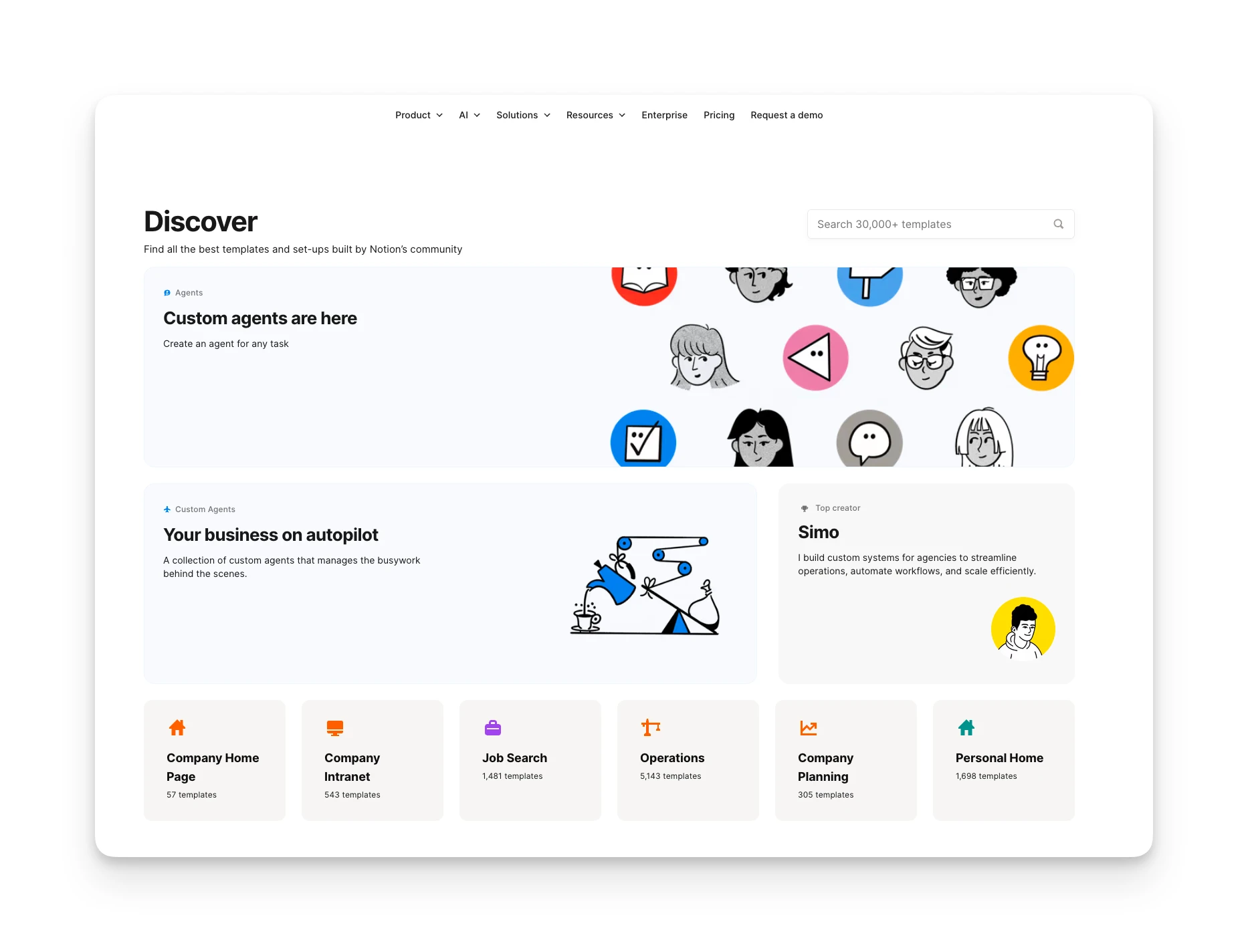
Notion's template gallery contains thousands of pre-built systems: meeting notes, project trackers, content calendars, personal dashboards, OKR trackers, and more. Duplicate any template and customize it for your needs.
The community-created template ecosystem is one of Notion's strongest differentiators. Instead of building from scratch, you can start with a proven structure and modify it.
Notion Additional Features
AI Meeting Notes (Beta)
Available on Business and Enterprise plans, Notion AI Meeting Notes transcribes your system audio and mic directly. No bots or extra software required. It works with Zoom, Google Meet, Teams, and other video tools. Notes sync with your calendar and can be auto-shared with attendees.
Enterprise Search (Beta)
Search across not just Notion but connected apps and documents. Business and Enterprise plans get unified search across your entire tool stack, useful for companies with information scattered across platforms.
Notion Calendar & Mail
Notion now offers integrated calendar and email products. They're separate from the core workspace but designed to connect with your Notion databases.
Notion Integrations & API
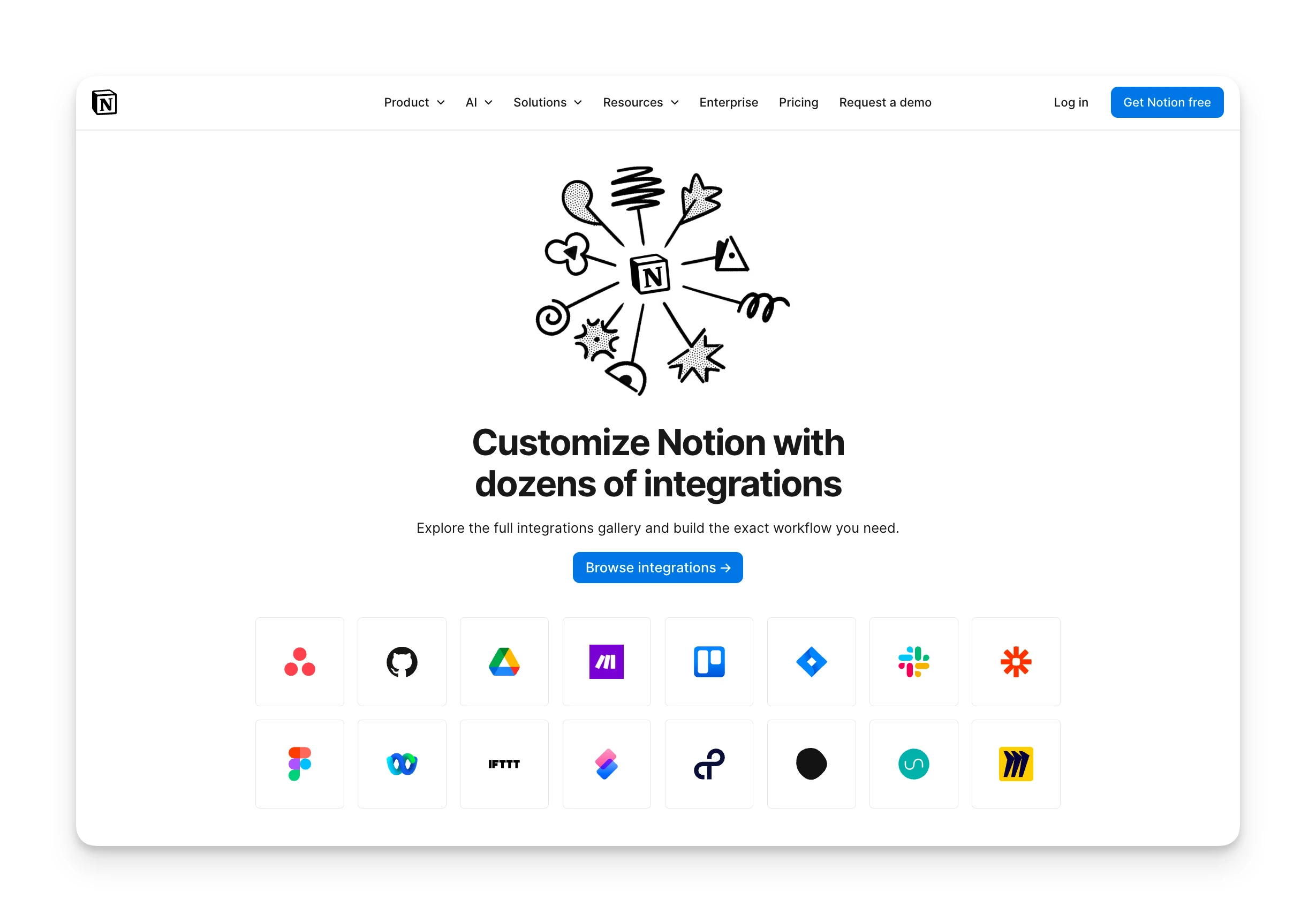
Notion connects natively to Slack, Google Drive, Jira, GitHub, Figma, Asana, GitLab, Trello, Miro, and more. The two-way Jira and GitHub syncs let you see development work inside Notion without switching tools.
For custom workflows, Notion's API is well-documented and supports Zapier and Make integrations. You can push data in and out of Notion databases automatically.
Notion Mobile App
Notion is available on iOS, Android, Mac, Windows, and web. The mobile app lets you capture quick notes, check tasks, and reference information on the go.
Mobile editing works but isn't as smooth as desktop. Complex database operations are easier on a larger screen. The app shines for quick capture and reference rather than deep work.
Offline mode is limited: you can access recently viewed pages but can't create or extensively edit without connectivity.
Notion Pricing
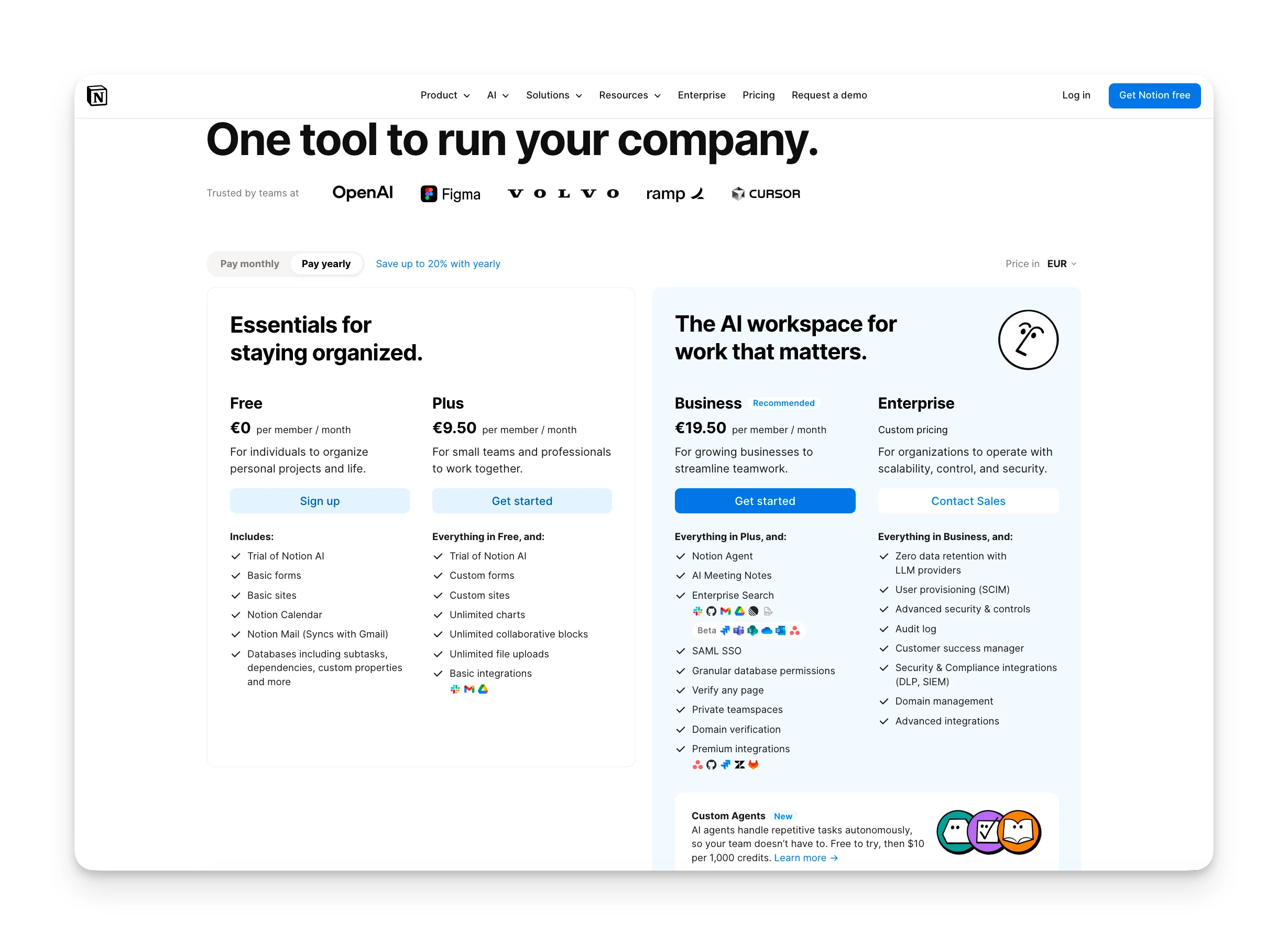
Notion's pricing is relatively straightforward for core features, though AI adds complexity:
Pricing Table
| Plan | Monthly | Annual | Key Inclusions |
|---|---|---|---|
| Free | €0 | €0 | Unlimited pages (individuals), 5MB uploads, 7-day history, 10 guests |
| Plus | €12/user/mo | €9.50/user/mo | Unlimited collaborative blocks, unlimited uploads, charts, custom forms |
| Business | €24/user/mo | €19.50/user/mo | Notion Agent, Enterprise Search, AI Meeting Notes, SAML SSO, private teamspaces |
| Enterprise | Custom | Custom | All Business features + zero data retention, SCIM, audit logs |
AI Add-On: €9.50/month for Free/Plus plans. Included in Business/Enterprise.
Custom Agents: Additional credit-based pricing starting May 2026 at $10 per 1,000 credits.
Student Discount: Plus plan is free for students and educators with .edu email verification.
Notion Pros & Cons
Where Notion Shines
- Build any workflow with databases, pages, and blocks — no code needed
- Unlimited pages and blocks free for individual users
- Real-time collaboration, comments, and teamspaces
- Thousands of community templates across every use case
- Notion AI understands context across your entire workspace
- Can consolidate notes, wiki, and project tracking in one platform
Where Notion Falls Short
- Steep learning curve: "high skill floor, high skill ceiling"
- Pages can take 5-10 seconds to load with large databases
- Offline access limited to recently viewed pages only
- AI pricing complexity: add-ons, credits, and changing plan bundling
Notion Customer Reviews
What users love:
"I'm so attracted to just how free Notion is. I can do anything I want with it, there are no rules, it's like a blank slate." — Reddit review, 2026
"I started paying for it really a bit before I needed the premium features - just because it was great and I wanted to support them." — Reddit review, 2026
Common complaints:
"It takes like 5-10 seconds to load a single page today. I love the features, but the lag is starting to kill my focus." — Reddit review, 2026
"I'm very scared about this switch. As a man very invested in Notion, I'm not excited at being choked out. I am already prepping Claude code x Obsidian fallbacks if needed." — Reddit review, 2026
Reddit sentiment in early 2026 skews more negative than review sites, primarily due to AI pricing changes and performance concerns. The core product still earns praise for flexibility.
Omnia: A Notion Alternative
Notion gives you the building blocks to organize information, but the coordination work of capturing commitments, managing your inbox, and planning your day still falls on you.
Omnia is an AI executive assistant that handles that coordination proactively. Where Notion provides workspace infrastructure, Omnia provides a working partner.
Key Features
"Omnia fills the gaps left by Notion's build-it-yourself approach:"
Proactive Meeting Intelligence
- What Notion does: Notion's AI Meeting Notes transcribes system audio with no bot required. However, you still manually create tasks from the generated notes.
- What Omnia does differently: Omnia silently captures meetings without a visible participant. Action items are automatically extracted with assignees, due dates, and priorities, then surfaced in a triage workspace where you accept, reject, or edit before they flow into your tasks.
- Specific benefit: Meeting follow-ups happen without manual copy-paste or bot awkwardness.
Email Triage & Draft Generation

- What Notion does: Notion doesn't manage email. You'd need to manually capture email action items into your workspace.
- What Omnia does differently: Omnia connects to your inbox, triages emails into 8 smart categories, and drafts responses for messages that need your reply. Action items are extracted automatically.
- Specific benefit: Your inbox is organized before you open it. Important emails surface; noise stays noise.
Collaborative Planning Workspaces
- What Notion does: You build your own planning views from databases and views. The system doesn't help you decide what to work on.
- What Omnia does differently: When Omnia needs your input, it opens purpose-built workspaces where you and the AI plan together. Tasks are slotted against real calendar availability. Deep work gets protected. Competing priorities surface with clear trade-offs.
- Specific benefit: Planning becomes a conversation with an assistant that knows your commitments across all tools, not a solo configuration exercise.
Comparison Table:
| Feature | Notion | Omnia ($20/mo) |
|---|---|---|
| Meeting capture | System audio transcription, manual task extraction | Botless participant capture, automatic action item extraction |
| Email management | Not included | Auto-triage, draft generation, action item extraction |
| Planning | Build-it-yourself databases | Collaborative workspaces with AI-proposed schedules |
| Learning | Configure settings and templates | Learns through conversation and corrections |
| Proactive assistance | Responds when asked | Monitors and acts in background |
Where Omnia Shines
- Botless meeting capture with automatic action item extraction
- Email triage and draft generation — not available in Notion
- Proactive monitoring: flags overloaded weeks before they happen
- Learns preferences through conversation, not manual configuration
Where Omnia Falls Short
- No flexible database or wiki-building capabilities
- Newer product with fewer integrations than Notion
- Does not replace documentation or knowledge base functionality
Who Omnia Is Best For
Knowledge workers drowning in coordination: If you spend more time managing your tools than doing your work (triaging email, extracting meeting actions, figuring out what to do next), Omnia handles that coordination while Notion might add to the cognitive load.
Omnia handles your calendar, email, and tasks before you even start your day
Free forever. No credit card required.
Notion Verdict: Is It Worth It?
Our overall Notion review? It depends entirely on what you need and how much setup you're willing to invest.
If you want a flexible workspace that can adapt to almost any workflow, Notion delivers. The free tier is genuinely useful. The template ecosystem jumpstarts your setup. And for teams consolidating scattered documentation, Notion can replace multiple paid tools.
That said, Notion isn't for everyone. The learning curve is real, with users describing it as "high skill floor, high skill ceiling." Performance issues plague larger workspaces. And the AI pricing evolution has frustrated power users who feel nickel-and-dimed.
For daily task execution and time management, Notion is a supporting tool, not the main event. Dedicated schedulers like Motion or AI assistants like Omnia handle the "what should I work on now" question more directly.
If you're looking for flexibility and don't mind the investment, Notion is worth trying. The free plan lets you explore without commitment. If you need something that works immediately with minimal setup, simpler alternatives may serve you better.
Notion FAQs
Does Notion Replace Google Docs?
Partially. Notion's editor handles document creation, collaboration, and commenting. However, it lacks some advanced formatting features and offline reliability that Google Docs provides. Many teams use both: Notion for structured documentation, Google Docs for collaborative drafting.
Is Notion AI Worth the Extra Cost?
For frequent writers and teams processing lots of information, the €9.50/month add-on pays for itself in time saved on summaries and drafts. For occasional users, the free plan's capabilities may suffice. Business plan users get it included.
Can Students Use Notion for Free?
Yes. Students and educators with .edu email addresses get the Plus plan free (with a 1-member limit). This includes unlimited blocks, file uploads, and extended features beyond the standard free tier.
Does Notion Work Offline?
Limitedly. You can access recently viewed pages offline, but creating new content or extensive editing requires connectivity. This is a commonly requested improvement.
Is Notion Good for ADHD?
It depends on usage. Some users with ADHD appreciate Notion's flexibility for building custom systems that match how their brain works. Others find the blank-slate approach overwhelming. Pre-built templates help reduce setup paralysis.
Does Notion Have a Mobile App?
Yes. iOS and Android apps are available. Mobile works well for quick capture and reference but is less ideal for complex database work or long-form writing.
Can Notion Replace Jira?
For simple project tracking, yes. For complex software development workflows with sprints, advanced reporting, and dev-specific integrations, Jira remains stronger. Notion's synced databases can pull Jira data in for visibility without replacing it.
How Does Notion Compare to Obsidian?
Obsidian stores files locally in plain Markdown, which is better for privacy, offline access, and ownership. Notion is cloud-first with stronger collaboration and databases but requires internet. Power users sometimes prepare Obsidian as a backup due to Notion's pricing changes.
Does Notion Have Time Tracking?
Not natively. You can build a time-tracking database or integrate with tools like Toggl or Clockify via Zapier. Dedicated time-tracking tools offer more robust features.
Is Notion Secure for Business Use?
Notion offers SOC 2 Type II compliance, SAML SSO (Business+), SCIM provisioning (Enterprise), and optional zero data retention with LLM providers (Enterprise). For most business needs, security is adequate. Highly regulated industries may need Enterprise features.