Key Takeaways
- Akiflow offers one premium plan at two price points: $34/month (monthly) or $19/month billed annually ($228/year). There's no free plan.
- The 7-day free trial is your only way to test it: You can request a 14-day extension, but you'll need to commit after that.
- Student and military discounts exist: Email Akiflow support to request education pricing. It's not listed publicly.
- Akiflow doesn't have a public pricing page, so pricing info found online is often inconsistent or outdated.
Trying to figure out whether Akiflow's pricing is worth it for your workflow?
Here's the short answer: Akiflow costs $34/month or $19/month when billed annually. There's no free plan, and the 7-day trial is the only way to test it before committing.
In this guide, we'll break down exactly what you get at each price point, surface hidden costs and billing quirks, share what real users say about the value, and compare it to alternatives. By the end, you'll know whether Akiflow fits your budget and needs.
How Much Does Akiflow Cost?
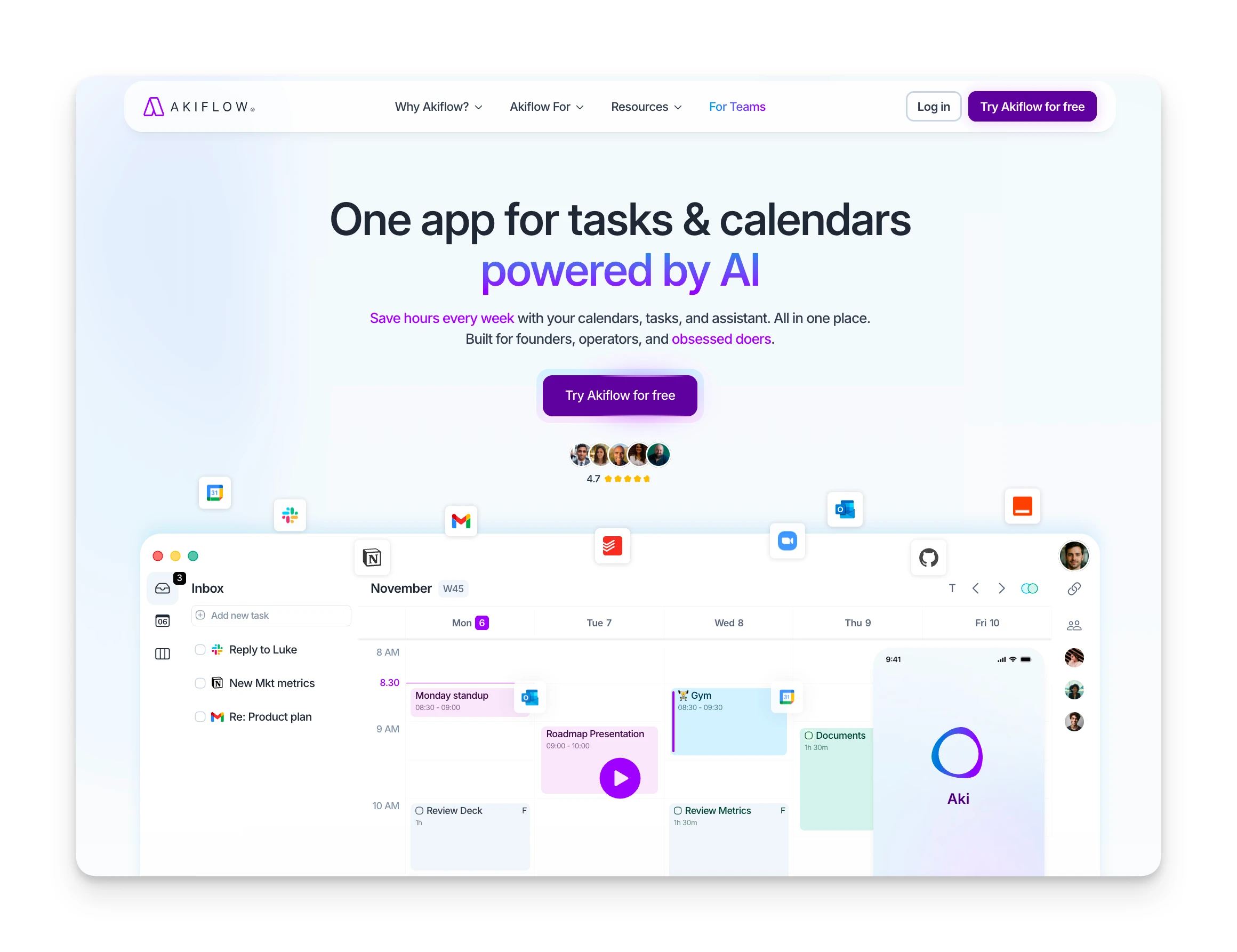
Akiflow uses a simple pricing model: one plan, two billing options. All features are included regardless of which billing cycle you choose.
| Plan | Monthly Price | Annual Price | Savings |
|---|---|---|---|
| Premium (Monthly) | $34/month | N/A | None |
| Premium (Yearly) | $19/month | $228/year | 44% |
Omnia: A Better-Value Alternative
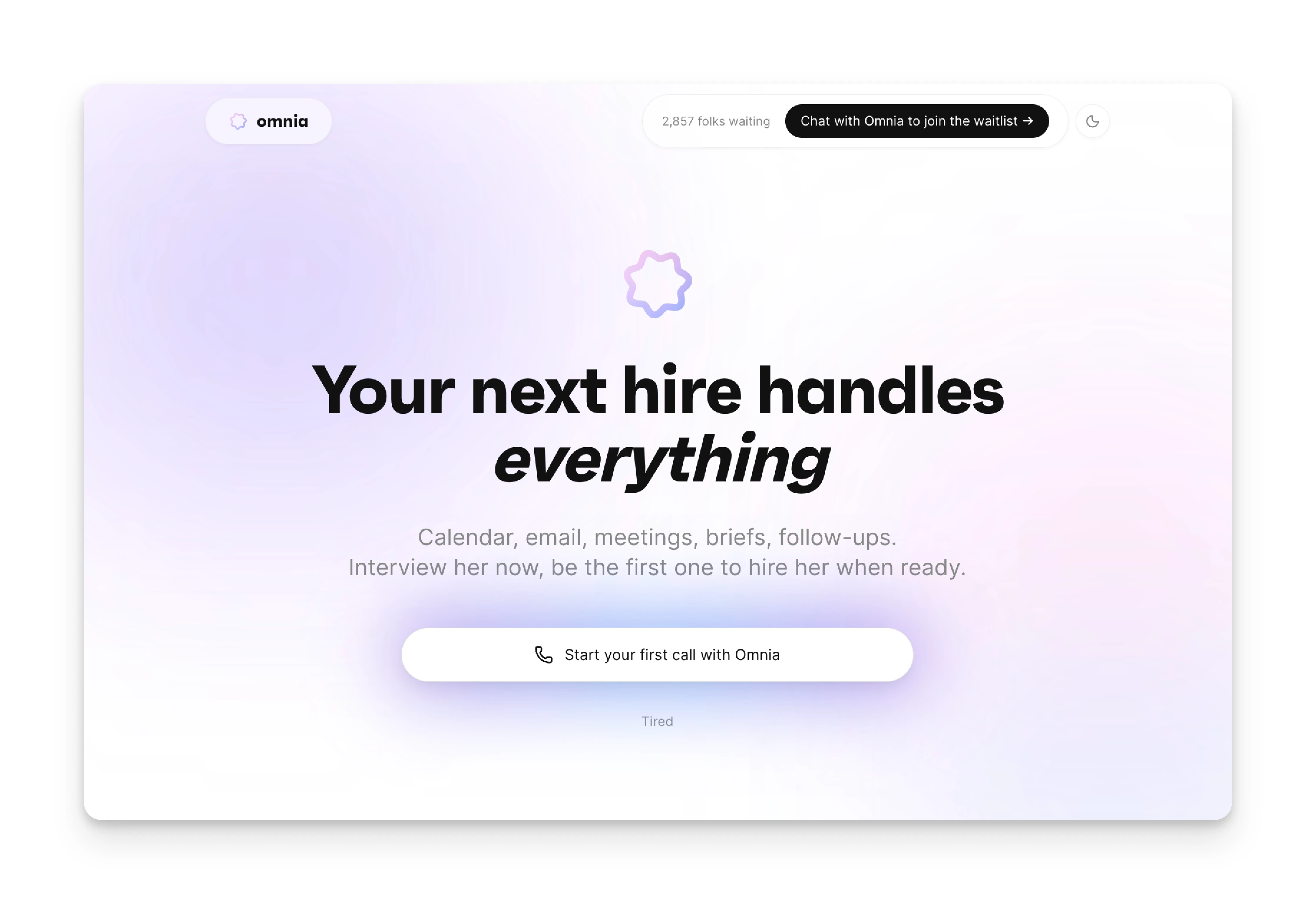
If Akiflow's pricing feels steep for what's essentially a time-blocking calendar, Omnia offers a different approach.
Instead of just organizing your tasks, Omnia works as an AI executive assistant that handles the admin work itself. It captures meeting notes without joining as a bot, drafts follow-up emails, and turns action items into scheduled tasks automatically.
Why consider Omnia over Akiflow:
- Botless meeting capture: No awkward "Omnia is recording" notifications. Your meetings stay natural.
- Action items flow to your task system: No manual copying. What gets discussed gets scheduled.
- Connected workflow: Meetings, emails, and calendar work together instead of living in separate apps.
| Feature | Akiflow ($34/mo) | Omnia ($20/mo) |
|---|---|---|
| Time-blocking | Yes | Yes |
| Calendar integration | Yes | Yes |
| Meeting transcription | No | Yes (botless) |
| Auto-drafted follow-ups | No | Yes |
| AI task extraction | No | Yes |
Akiflow Pricing Plans: A Breakdown
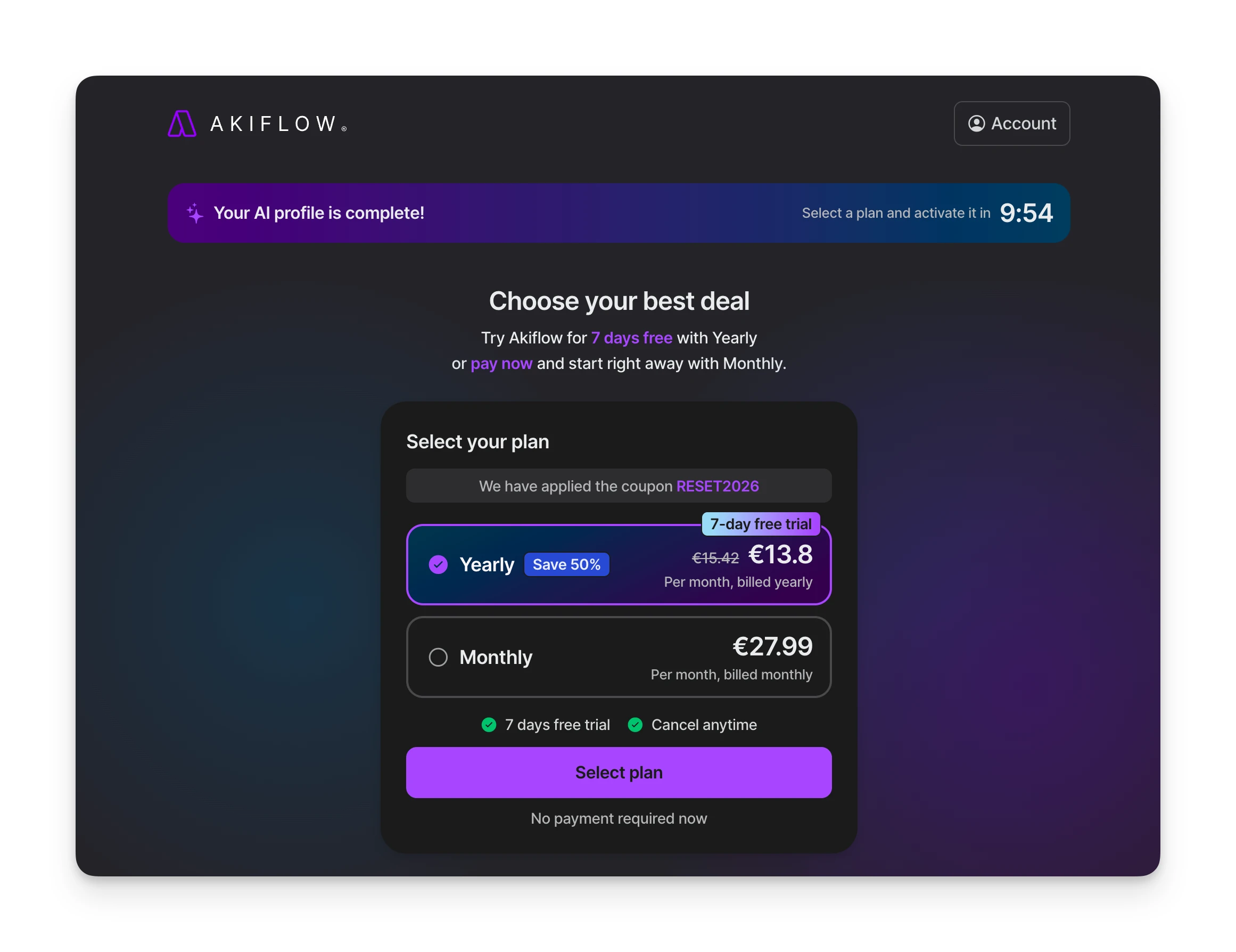
Since Akiflow offers one plan with all features included, the real question is which billing cycle makes sense for you.
Akiflow Premium Monthly Plan
The monthly plan gives you full access to everything without a long-term commitment. It's best if you want to test Akiflow beyond the 7-day trial before committing to a year.
| Included | Notes |
|---|---|
| Unlimited tasks | No caps on task creation |
| Unlimited integrations | Gmail, Slack, Notion, Asana, Todoist, etc. |
| Calendar sync | Google Calendar and Outlook |
| Command Bar | Natural language task creation |
| Focus Timer | Built-in Pomodoro-style timer |
| 1:1 onboarding call | Scheduled during trial |
Akiflow Premium Yearly Plan
The yearly plan drops your effective cost to $19/month ($228 total). You get the same features as monthly but save 44%.
This is the default choice for users who've confirmed Akiflow fits their workflow during the trial.
| Billing | Cost | Commitment |
|---|---|---|
| Annual | $228 upfront | 12 months |
| Effective monthly | $19/month | N/A |
Akiflow Hidden Costs
Akiflow's pricing is straightforward compared to per-seat SaaS tools, but there are a few things to watch for:
- No free plan means trial pressure: The 7-day trial is your only window. If you're not sure, request the 14-day extension before it expires.
- Verify cancellation carefully: Some users report being charged despite believing they canceled. Double-check you receive confirmation before your billing date.
- One-way sync only: Akiflow pulls tasks from other apps but doesn't push completed status back. If two-way sync matters, you'll still manage tasks in both places.
- No public API: Power users note the lack of API for custom automations. You're limited to built-in integrations.
Akiflow Pros & Cons
Here's what we found after evaluating Akiflow's pricing and features:
Where Akiflow Shines
- Clean, polished interface praised across G2 and Capterra reviews
- Pulls tasks from Gmail, Slack, Notion, Asana, Todoist, and more
- Natural language task creation ("Call vet tomorrow at 9")
- Responsive support with 1:1 onboarding calls included
Where Akiflow Falls Short
- No free plan — $34/month is steep vs. simpler alternatives
- Limited task features: no subtasks, basic recurring task options
- Individual use only — no team or collaboration features
- Strict refund policy; some users report unexpected charges
Who Is Akiflow Best For?
Akiflow isn't for everyone. Here's where it fits best:
Time-Blocking Enthusiasts
If you already plan your day by scheduling tasks on your calendar, Akiflow makes this workflow faster. Drag tasks into time slots with one motion.
Multi-Tool Power Users
Using Slack, Gmail, Notion, and Asana daily? Akiflow's universal inbox pulls tasks from all of them so you don't miss action items scattered across apps.
Freelancers and Solopreneurs
Solo professionals who manage their own schedules benefit from Akiflow's focus on individual productivity. There's no team overhead to pay for.
Akiflow Customer Reviews
Here's what real users say about Akiflow's value for money:
Positives
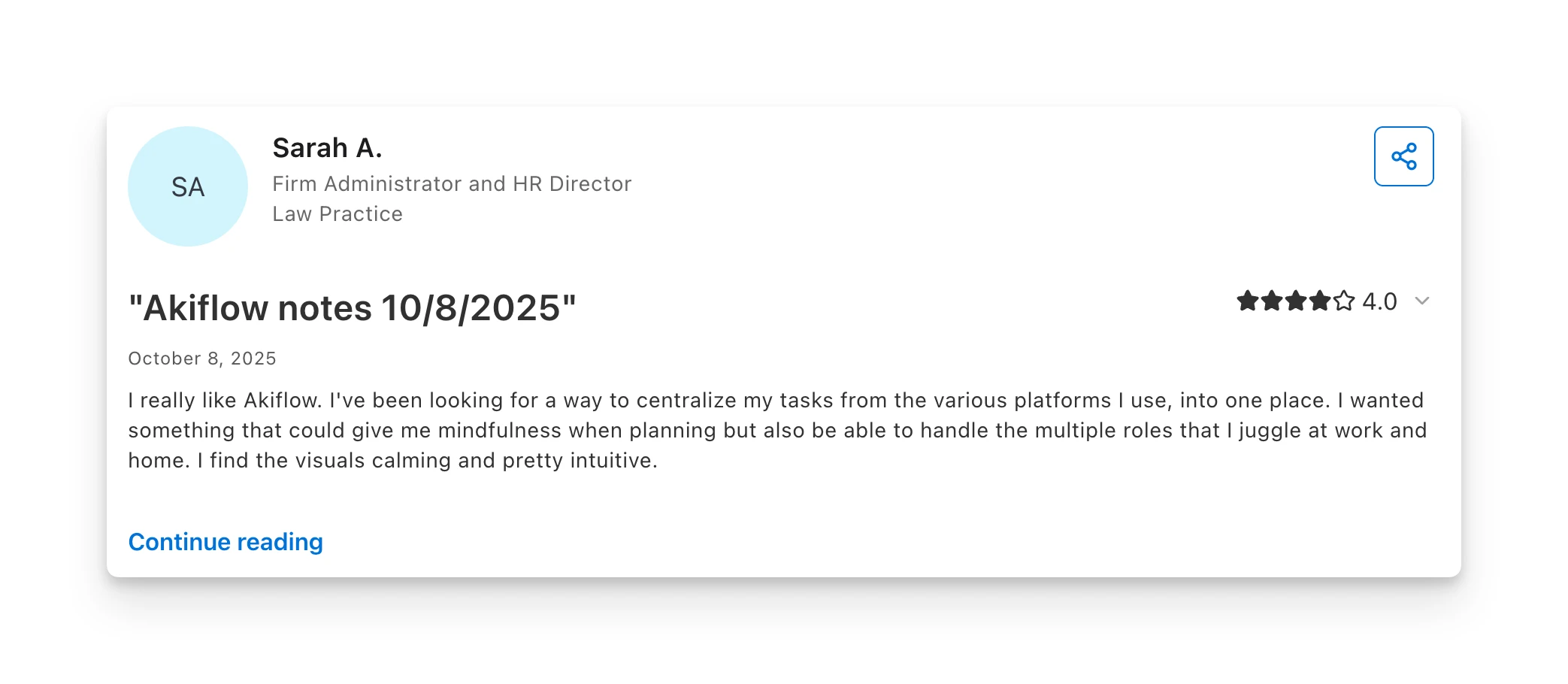
G2 reviewers frequently mention intuitive onboarding and ease of use (28 mentions). The drag-and-drop scheduling becomes muscle memory quickly, and users praise the support team's responsiveness.
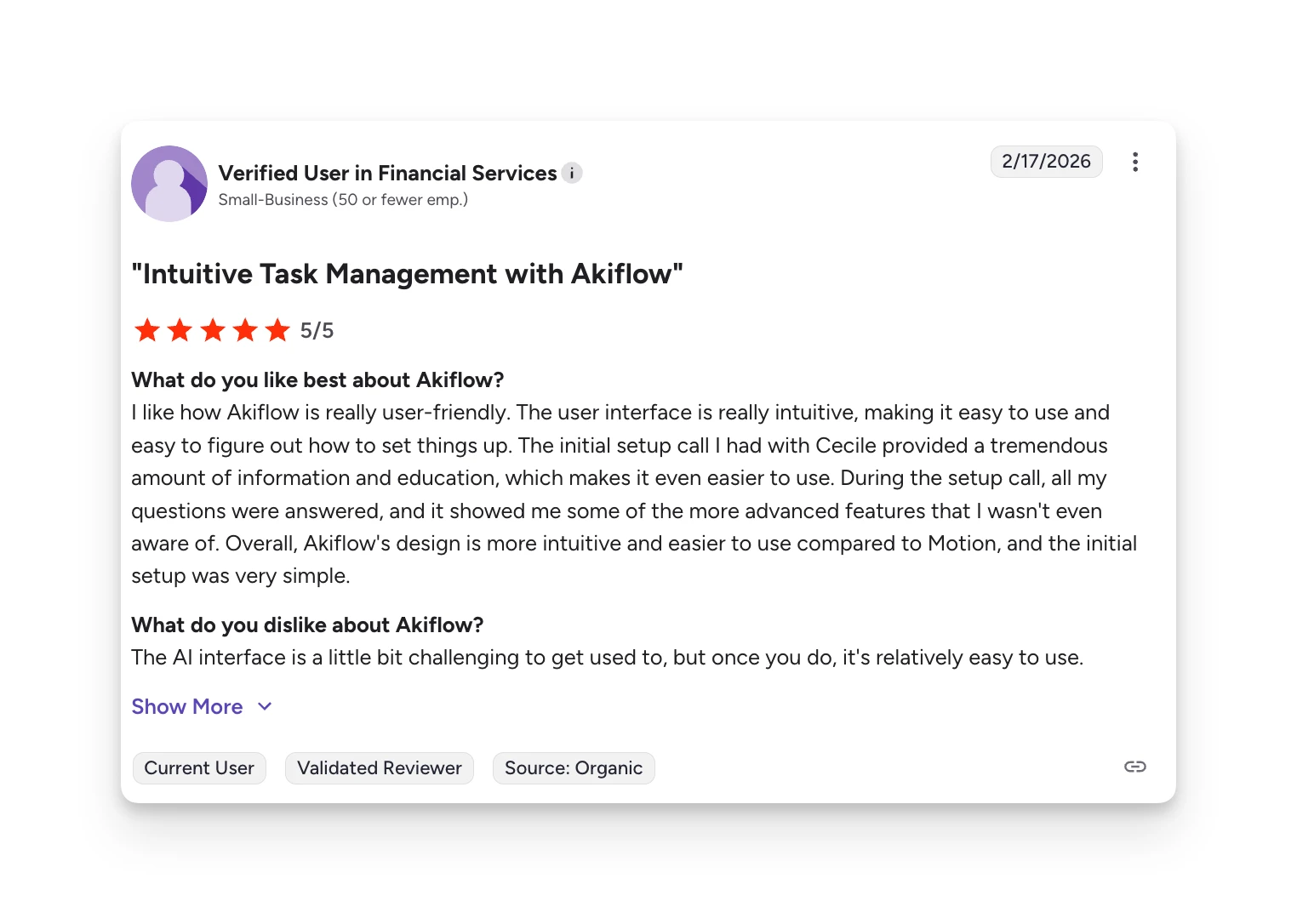
On Capterra, reviewers highlight the clean interface and time-saving workflow once they're past the initial setup.
Complaints
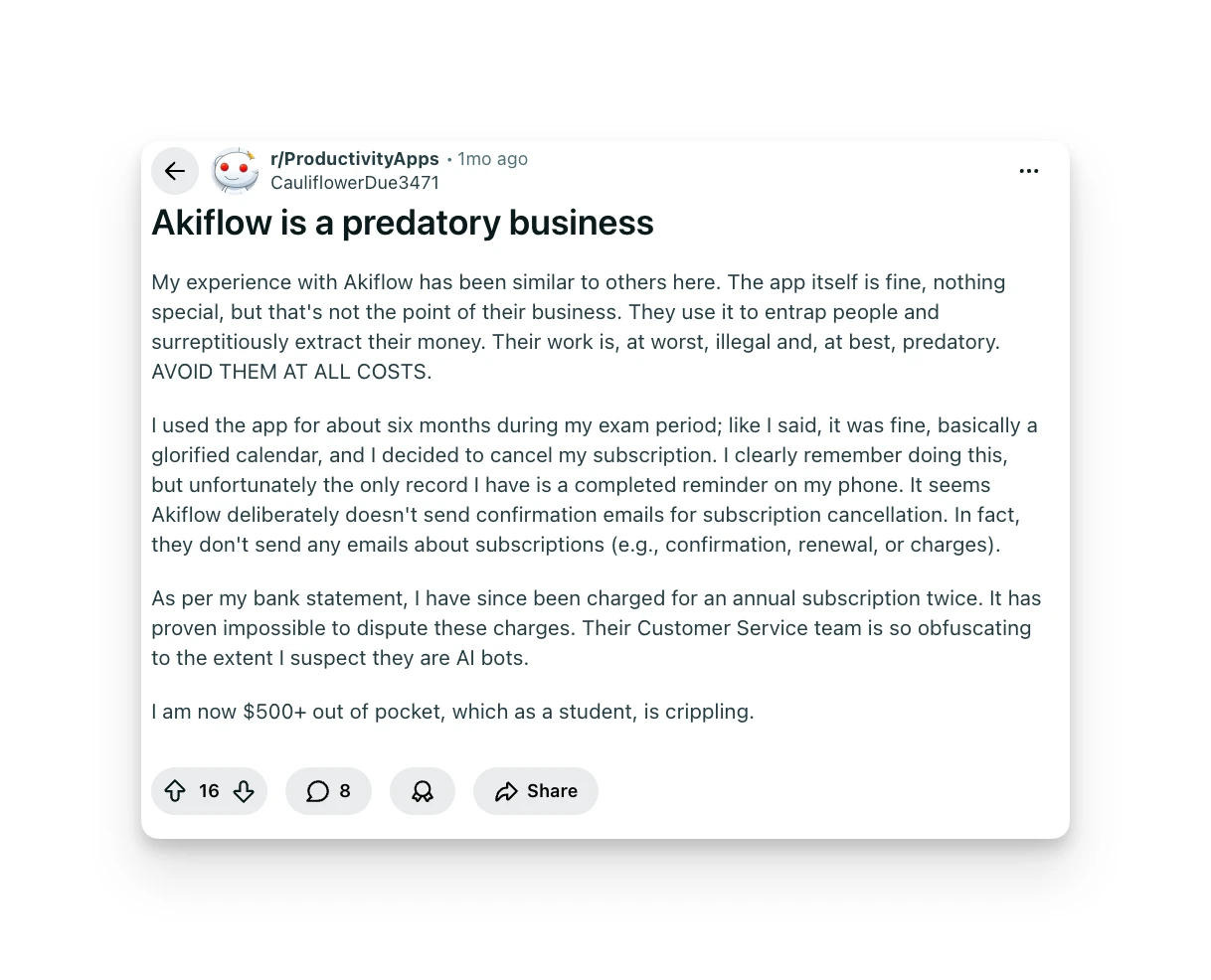
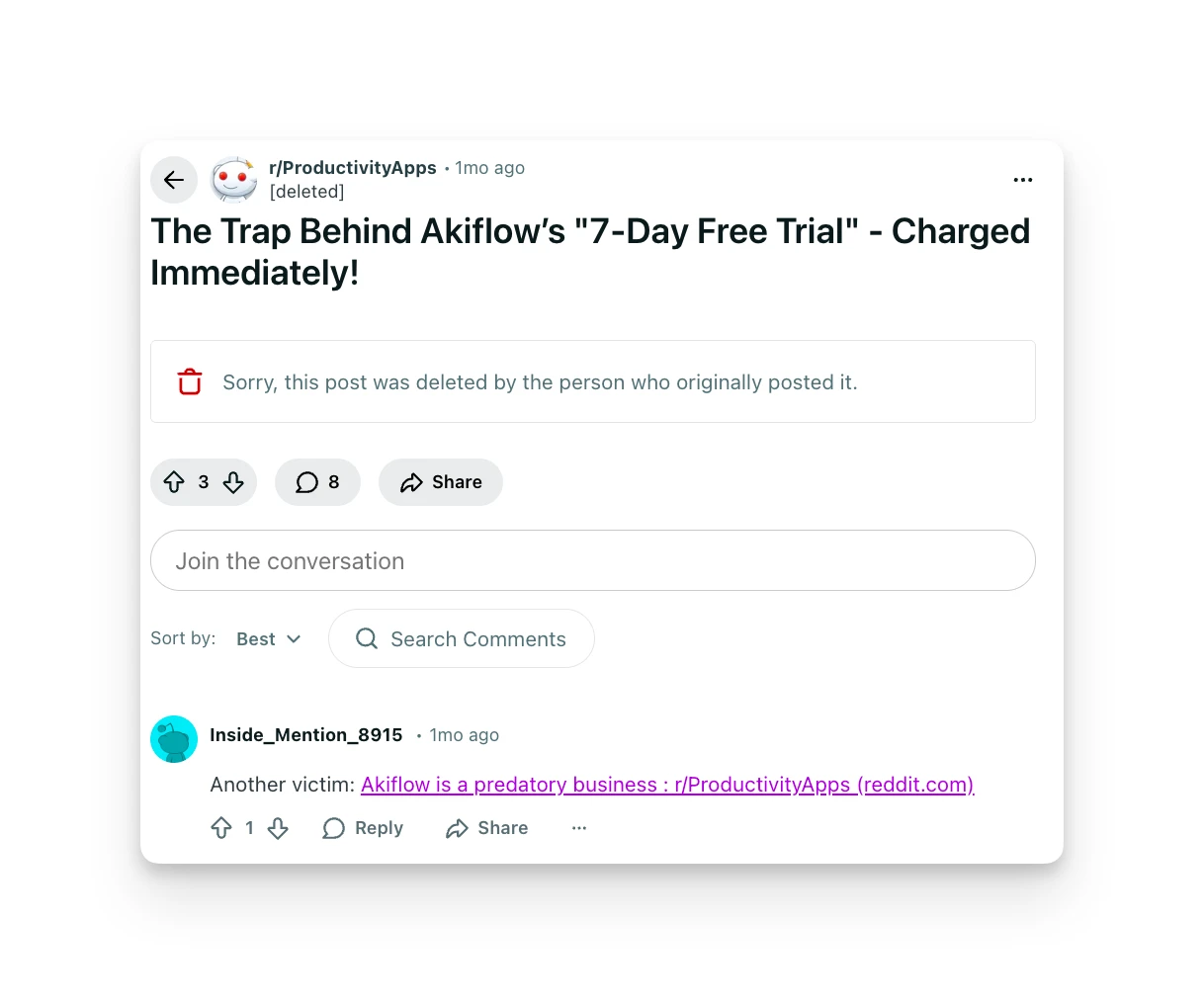
Some users describe Akiflow's business practices as problematic, citing difficulty canceling subscriptions and unexpected charges. One student reported being $500+ out of pocket for a subscription they believed was canceled.
Others note the 7-day trial feels rushed for evaluating whether the tool fits their workflow long-term.
Alternative to Akiflow: Omnia
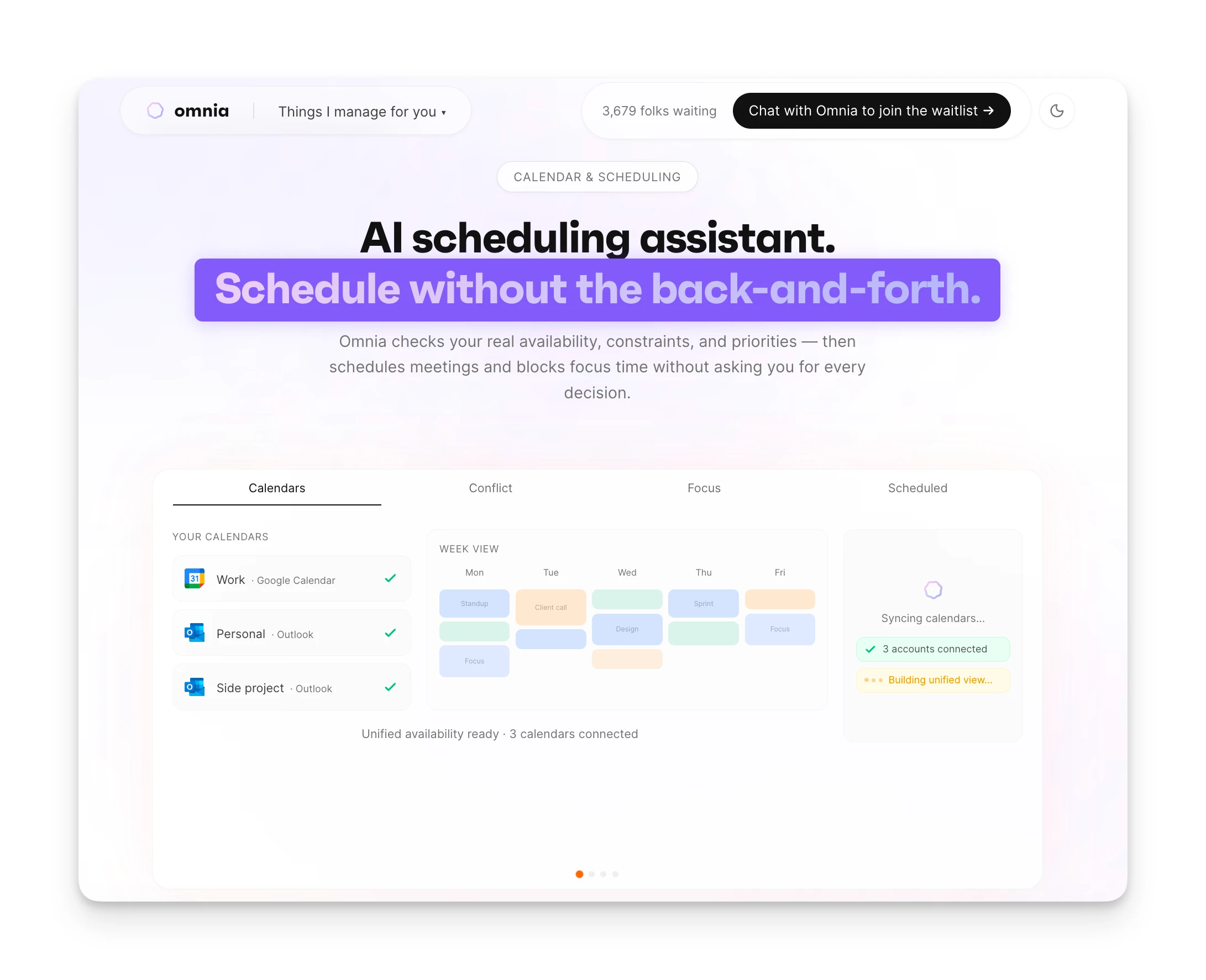
If Akiflow's pricing doesn't match the value you need, Omnia takes a different approach to productivity.
Instead of being another inbox to manage, Omnia acts as an AI executive assistant. It handles the busywork that creates tasks in the first place: meeting notes, follow-up emails, and action item extraction.
Botless Meeting Capture
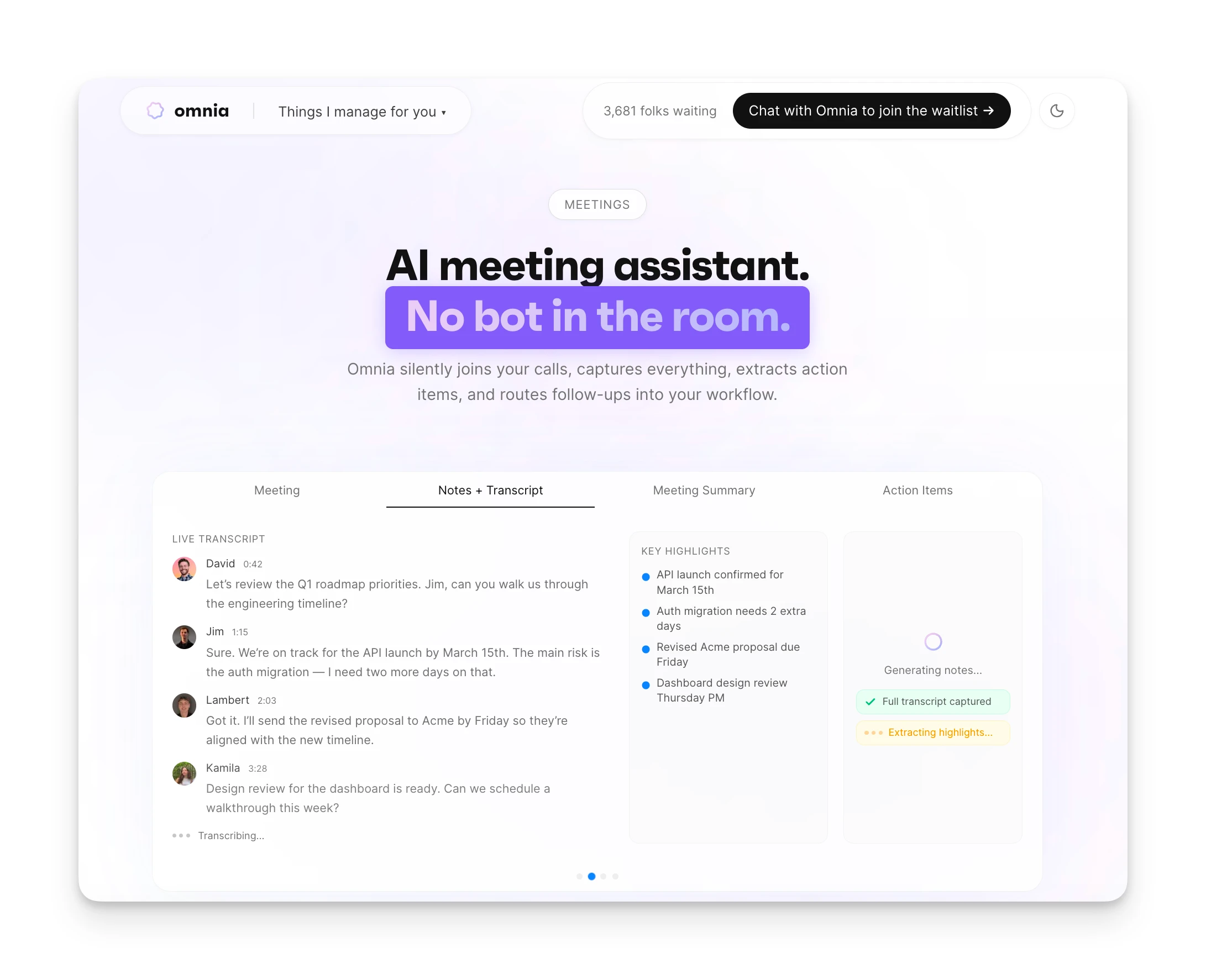
Omnia captures meeting transcripts and action items without joining as a visible bot. Your participants won't see "Omnia Bot has joined." The experience stays natural while you get full documentation.
Automatic Action Item Triage
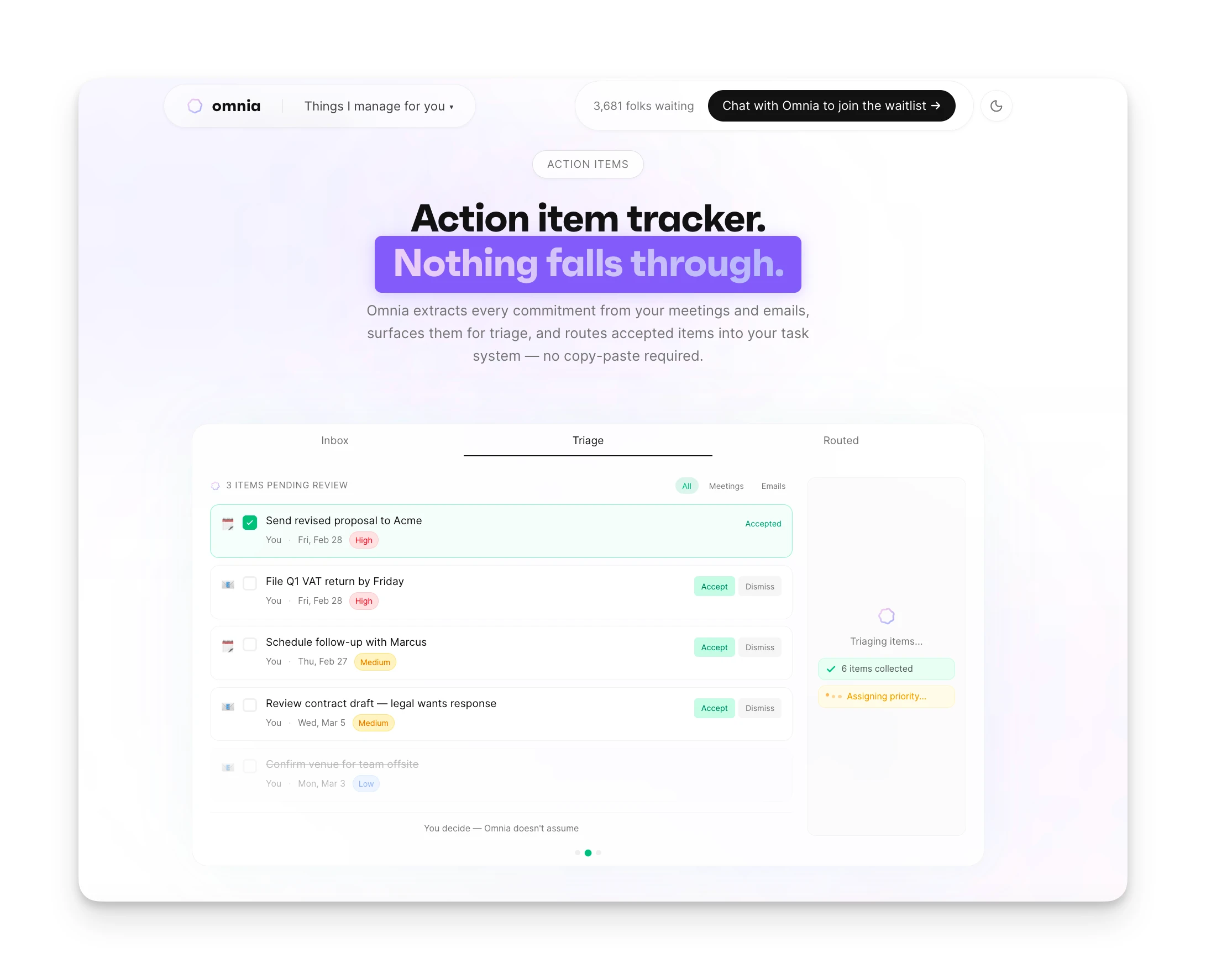
When someone says "Can you send me that report by Friday?" in a meeting, Omnia extracts it, creates the task, and adds it to your calendar. No manual copying between apps.
| Akiflow Free | Akiflow Premium | Omnia ($20/mo) | |
|---|---|---|---|
| Price | N/A (no free plan) | $34/month | Free / $20/mo |
| Time-blocking | N/A | Yes | Yes |
| Task consolidation | N/A | Yes (one-way) | Yes (bi-directional) |
| Meeting transcription | N/A | No | Yes (botless) |
| Follow-up email drafts | N/A | No | Yes |
| AI action item extraction | N/A | No | Yes |
Where Omnia Shines
- Botless meeting capture — participants don't know AI is listening
- Action items extracted automatically and flow into tasks
- Follow-up email drafts generated from meeting content
- Free tier available; significantly cheaper than Akiflow at paid tier
Where Omnia Falls Short
- Newer product with fewer integrations than Akiflow
- No command bar or drag-and-drop time-blocking interface
- Waitlist — not immediately available to all users
Omnia triages your inbox so you only see what matters
Free forever. No credit card required.
Is Akiflow Worth the Price?
Akiflow is a solid choice for individual professionals who already believe in time-blocking and want a polished tool to execute that workflow faster.
At $34/month (or $19/month annually), it's not cheap. You're paying premium pricing for excellent design and deep integrations. If your workday involves multiple apps and you're disciplined about daily planning, Akiflow can justify its cost.
But if you want tools that reduce your admin work rather than just organize it, Akiflow falls short. It doesn't capture meeting notes, draft emails, or extract action items. You're still doing that work manually.
Omnia handles the upstream work that creates tasks. If that's what you need, it's worth comparing.
FAQs
Does Akiflow Offer a Student Discount?
Yes. Email Akiflow support to request student or researcher pricing. It's not listed publicly, but Akiflow confirms discounts are available for education.
Is There a Free Plan for Akiflow?
No. Akiflow only offers a 7-day free trial. You can request a 14-day extension by contacting support before the trial expires.
Can I Get a Refund If I Cancel?
Akiflow's policy states refunds aren't issued once billed. Multiple users report difficulty getting refunds even when claiming they canceled beforehand.
What's the Difference Between Monthly and Yearly Plans?
Same features, different billing. Monthly costs $34/month. Yearly costs $19/month ($228 billed annually). You save 44% with annual billing.
Does Akiflow Work on Mobile?
Yes. Akiflow has iOS and Android apps, though some users report the mobile experience is more limited than desktop.
Is Akiflow Better Than Motion?
Different tools for different needs. Motion uses AI to auto-schedule tasks. Akiflow relies on manual time-blocking. If you want full control over your schedule, Akiflow fits better. If you want AI to plan for you, consider Motion.