Key Takeaways
- Motion is best for professionals who want AI to auto-schedule tasks and protect focus time. It turns your to-do list into a calendar without manual effort.
- Notion is best for teams who need a flexible knowledge base with databases, wikis, and documentation. It's a workspace for planning, not execution.
- Key difference: Motion schedules your work automatically; Notion organizes your information manually. They solve different problems.
- Better alternative: If you need an AI executive assistant that handles meeting notes, email triage, and task coordination without the scheduling rigidity, Omnia fills that gap.
Both Motion and Notion promise to make you more productive, but they take very different approaches. Motion auto-schedules your tasks onto your calendar. Notion gives you a blank canvas to build databases, wikis, and project trackers.
The short answer: Motion is for execution, Notion is for organization. Most users need both, or something that bridges the gap.
This article breaks down the differences across pricing, features, and user feedback, then covers how to choose based on your workflow.
Motion vs Notion: A Brief Overview
Here's how the two tools compare at a glance:
| Motion | Notion | |
|---|---|---|
| Best For | Solo professionals and small teams who want AI-driven scheduling | Teams and individuals who need flexible documentation and databases |
| Standout Feature | AI auto-scheduling that builds your daily agenda | Relational databases with unlimited customization |
| Price | $19-29/user/month | Free for individuals; $9.50-19.50/user/month for teams |
| Pros | Automatic rescheduling, calendar-first approach, task dependencies | Generous free tier, extreme flexibility, 20,000+ templates |
| Cons | Expensive for individuals, learning curve, no free plan | No auto-scheduling, requires manual setup, performance issues with large databases |
| Customer Support | Email support, help docs | Help center, community forums, email support |
| AI Features | Auto-scheduling, AI Employees, project templates | Notion AI (add-on), AI Meeting Notes (Beta), Notion Agent |
| Task Management | Calendar-integrated with deadlines and dependencies | Database-based with custom properties |
| Integrations | Google Calendar, Outlook, Zoom, Slack, Zapier | Slack, Google Drive, Jira, GitHub, Zapier, 100+ integrations |
Who Is Motion Best For?
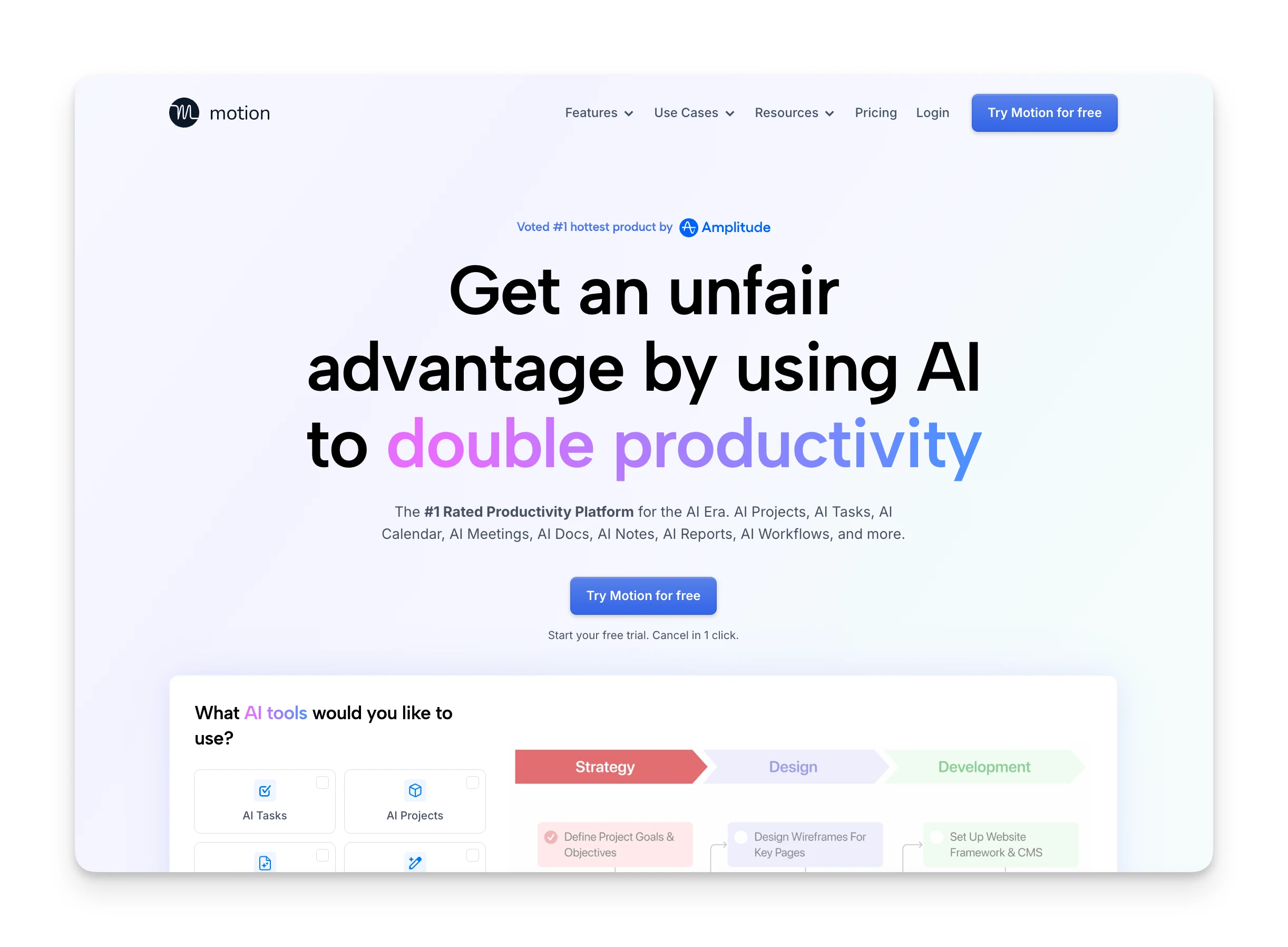
- Professionals with ADHD or time-blindness: Motion's auto-scheduling removes the friction of deciding what to work on. One Reddit user noted they "have ADHD so anything that helps me stay on track but stays in the background is something I will absolutely pay for."
- Consultants juggling multiple clients: The calendar-first approach keeps commitments visible and prevents double-booking.
- Teams who need automated project scheduling: Motion's AI builds realistic timelines based on deadlines, priorities, and availability.
Who Is Notion Best For?
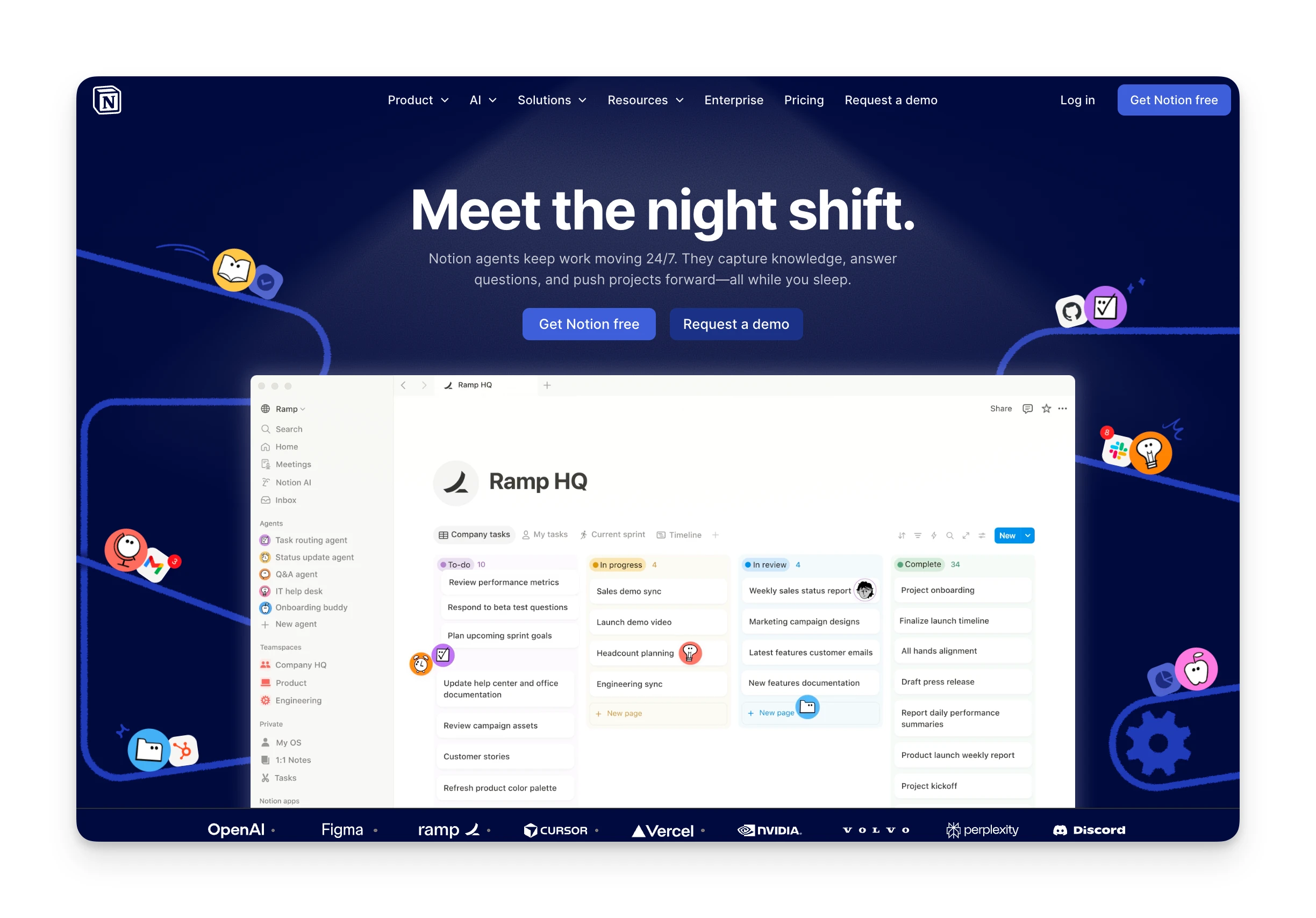
- Teams building a knowledge base or wiki: Notion excels at documentation, SOPs, and company wikis. One Reddit user described it as "a blank slate" where "there are no rules."
- Project managers who want custom workflows: Notion's databases let you build Kanban boards, Gantt-style timelines, and custom trackers.
- Students and individuals on a budget: The free plan offers unlimited pages and blocks for personal use.
Omnia: An Alternative

Motion auto-schedules your tasks, but the scheduling can feel rigid. Notion organizes your information, but you still manually coordinate everything. If you want an AI assistant that handles the coordination work proactively, Omnia fills that gap.
- Botless meeting capture: Record and transcribe meetings without a visible bot joining. Action items are extracted automatically.
- Email triage before you open your inbox: Omnia monitors your email and surfaces what needs attention, drafts replies, and flags commitments.
- Calendar-aware task coordination: Tasks, emails, and meetings flow into one triage workspace where you accept, edit, or reject before they hit your calendar.
- Background monitoring: An overloaded week gets flagged before it derails your plans.
Pricing comparison:
| Motion | Notion | Omnia ($20/mo) | |
|---|---|---|---|
| Free Plan | No | Yes (individuals) | Yes (200 tokens/week) |
| Starting Price | $19/user/month | $9.50/user/month | $20/mo |
| AI Scheduling | Yes (core feature) | No | Yes (collaborative) |
| Meeting Notes | Yes (add-on) | Beta (Business+) | Yes (botless) |
| Email Triage | No | No | Yes |
Omnia turns meeting notes into action — no copy-paste, no context switching
Free forever. No credit card required.
Price
Pricing matters because Motion and Notion target different budgets. Motion is premium-priced; Notion offers a generous free tier.
Motion
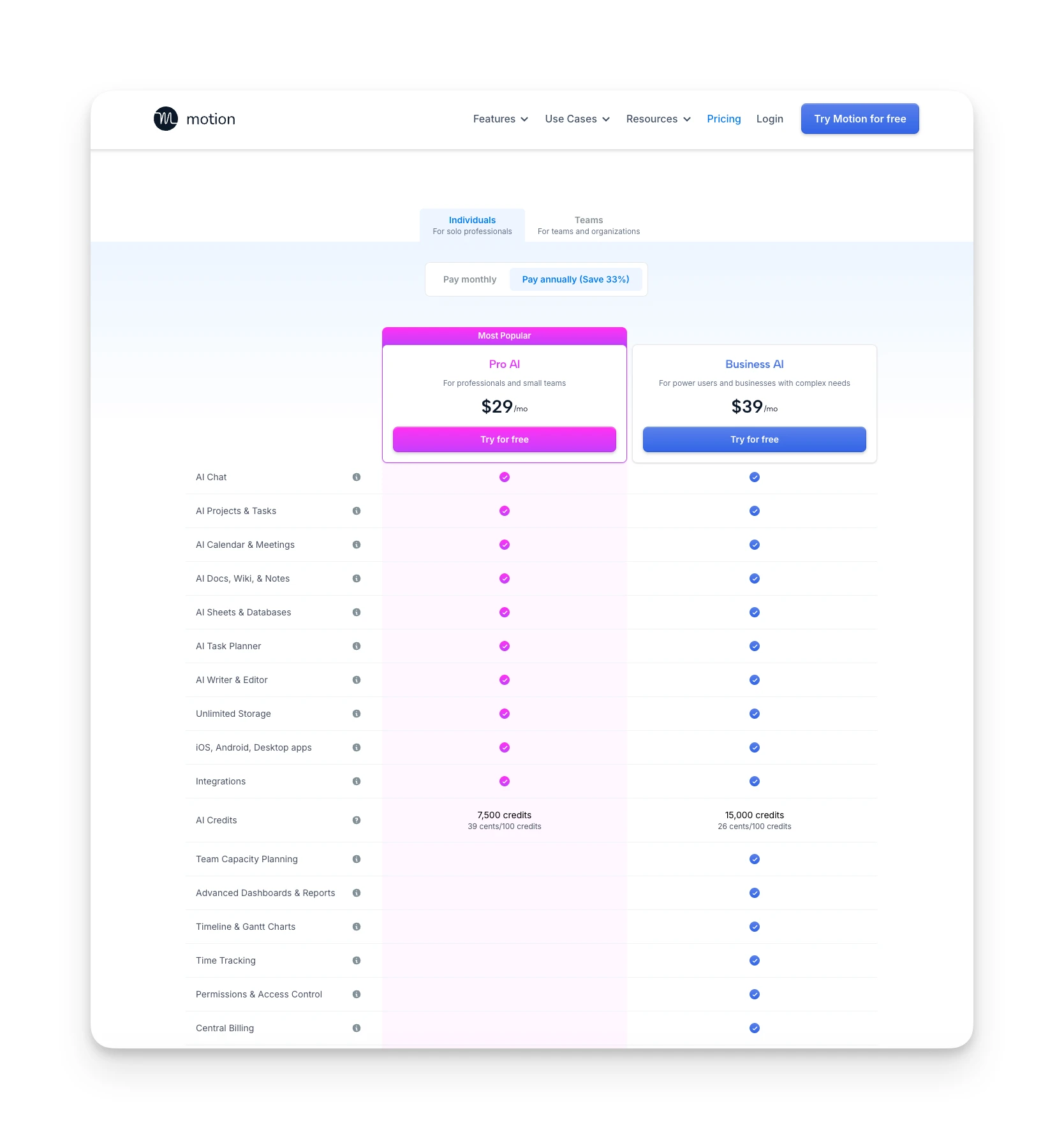
Motion's pricing starts at $19/user/month (annual) for Pro AI:
- Pro AI: $19/month — includes AI scheduling, projects, tasks, calendar, 7,500 AI credits/month
- Business AI: $29/month — adds team capacity planning, advanced dashboards, Gantt charts, time tracking, 15,000 credits/month
There's no free plan. Monthly billing runs $19-29/month with a 33% discount for annual.
Reddit users frequently mention the cost as a concern. One user said they "used and loved Motion for a year (two?), but they took a hard pivot toward teams and I could no longer justify the cost."
Where Motion Shines
- AI auto-scheduling places tasks on your calendar automatically
- Calendar unification with Google, Outlook, and iCloud
- Deadline warnings and automatic rescheduling when plans change
- Project management with Gantt charts and Kanban boards
Where Motion Falls Short
- No free plan — $19/month minimum (annual)
- Feature bloat as the product expands beyond scheduling
- AI credits system limits AI Employees usage
- Pricing confusion across multiple tiers
Notion
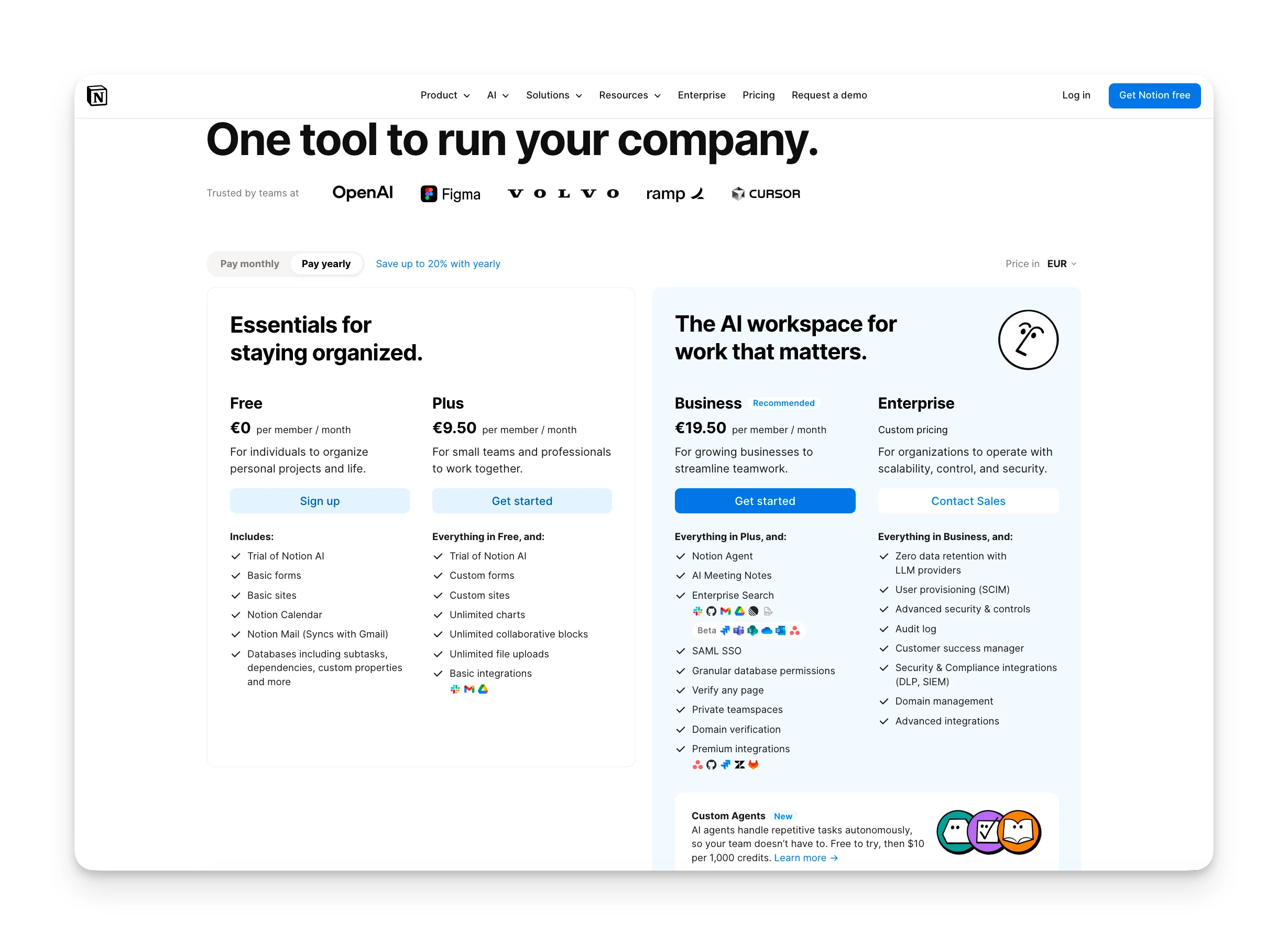
Notion's pricing is more accessible:
- Free: Unlimited pages/blocks for individuals, 5MB uploads, 7-day history
- Plus: €9.50/user/month — unlimited blocks, files, 30-day history
- Business: €19.50/user/month — SAML SSO, private teamspaces, Notion Agent, AI Meeting Notes (Beta)
- Enterprise: Custom pricing
Notion AI is an add-on at €9.50/month for Free/Plus plans. It's included in Business and Enterprise.
One Reddit user noted they "started paying for it really a bit before I needed the premium features, just because it was great and I wanted to support them."
Where Notion Shines
- Generous free plan with unlimited pages and blocks
- Extreme flexibility: build any workflow with databases and pages
- 20,000+ community templates to start quickly
- 100+ integrations including Slack, Jira, GitHub, and Google Drive
Where Notion Falls Short
- No auto-scheduling — requires manual task planning
- Steep learning curve: "high skill floor, high skill ceiling"
- Notion AI requires Business plan or a paid add-on
- Performance can slow with large databases
Verdict
Notion wins on price for most users. The free plan is genuinely useful, and paid tiers start lower than Motion. Motion justifies its cost if the AI scheduling saves you significant planning time, but budget-conscious users will find Notion more accessible.
Ease of Use
Both tools have learning curves, but for different reasons.
Motion
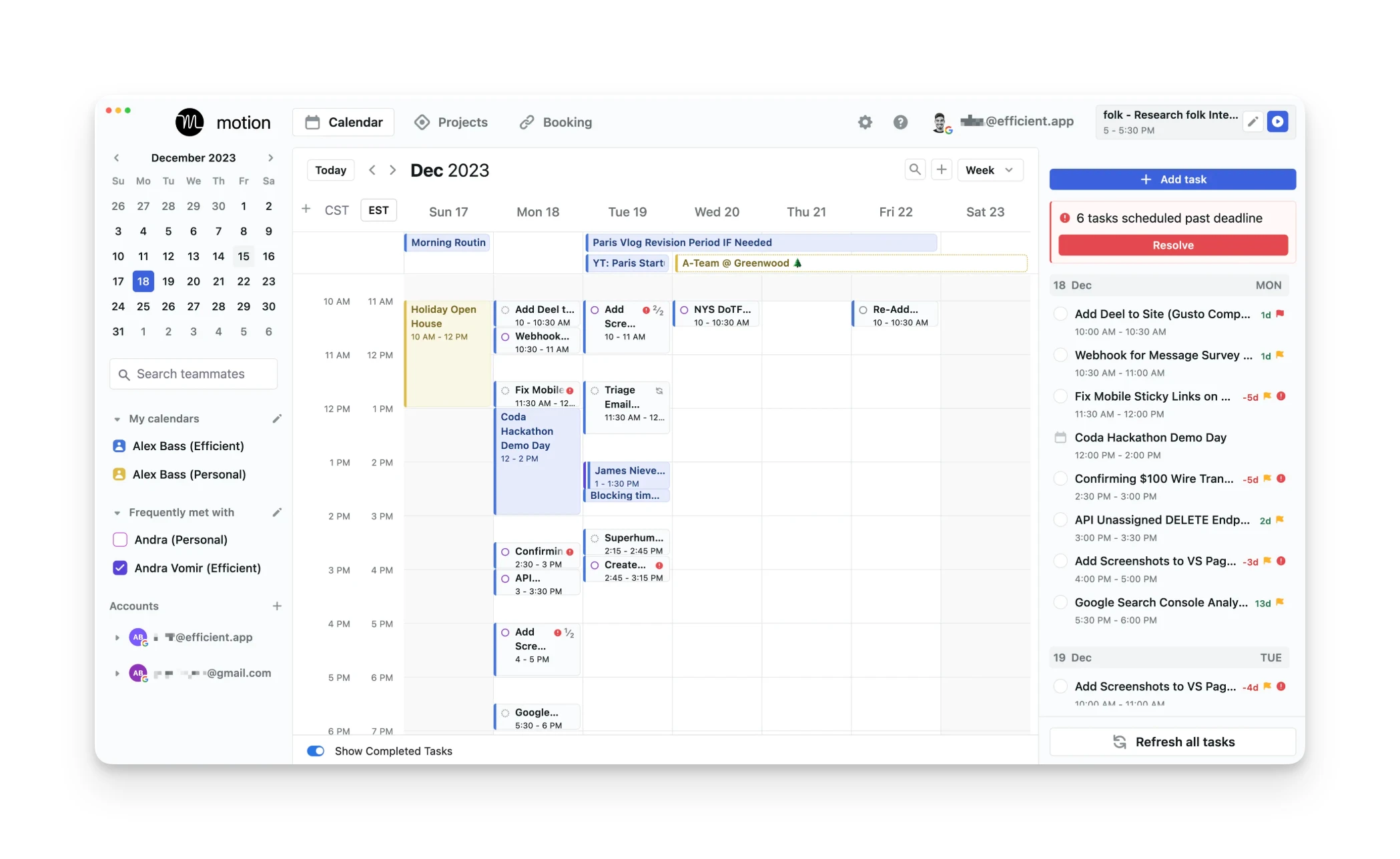
Motion's interface is calendar-centric. You add tasks with deadlines and durations, and the AI slots them into available time.
The challenge: getting the setup right. One Reddit user described finding "the software so finicky that I'm considering deleting it" and feeling "sucked into the kind of do-work-in-order-to-do-work busywork."
Another user mentioned that the "task bit" was "too cumbersome" and they "mostly use it at this point to manage my calendars."
Once configured, daily use is straightforward. Motion tells you what to work on; you execute.
Notion
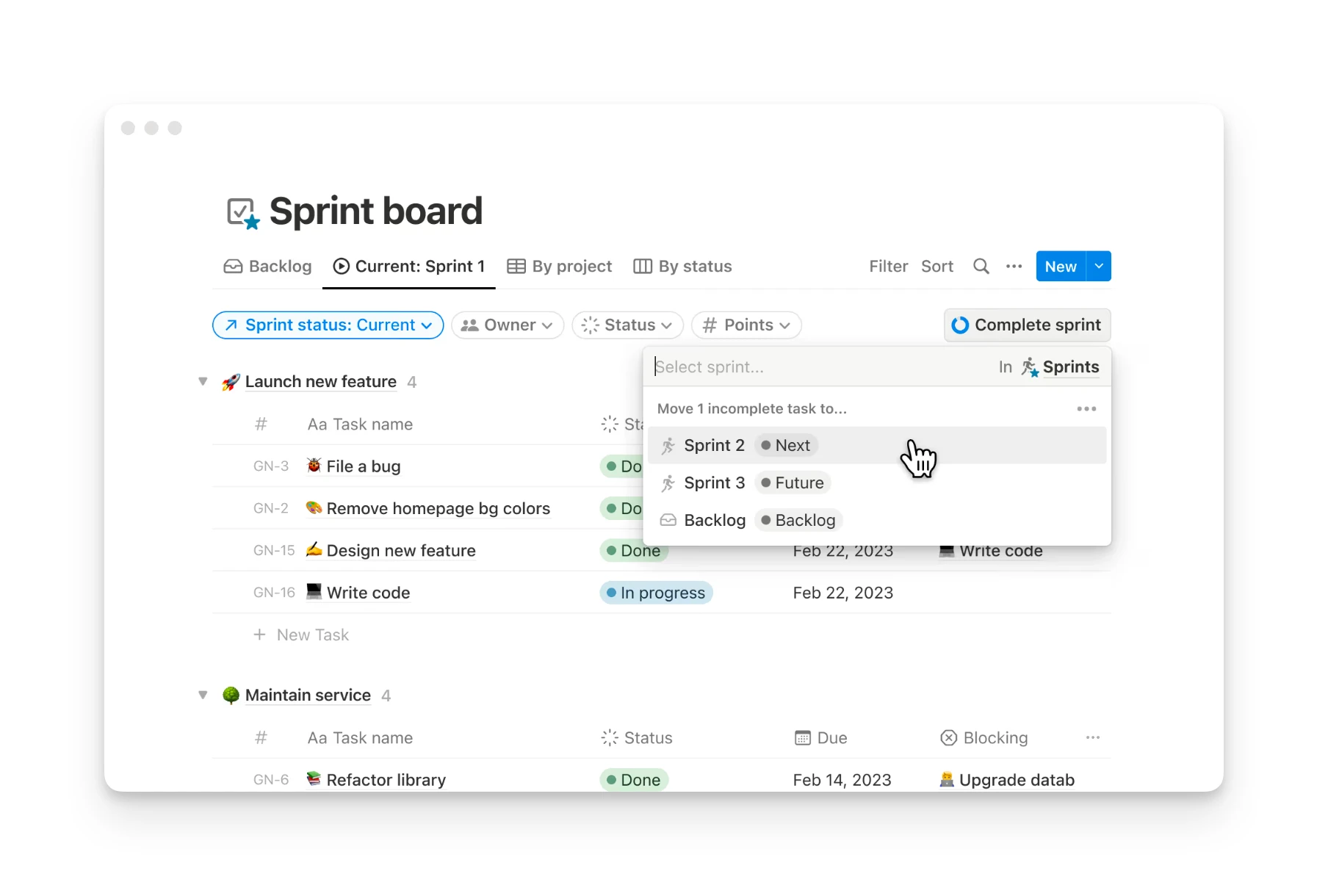
Notion's flexibility is both its strength and its barrier. You can build anything, which means you have to build everything.
Reddit users frequently mention the learning curve. One described it as having a "high skill floor, high skill ceiling." Another noted that with Notion and similar tools, "your system is too complex and bloated" and recommended deleting what isn't essential.
Templates help. The Notion community recommends starting with pre-built setups rather than building from scratch.
Verdict
Motion wins on daily ease of use once configured. Notion requires more upfront setup but offers more customization. If you want something that "just works" for scheduling, Motion delivers. If you enjoy building systems, Notion rewards the investment.
Customer Support
Motion
Motion offers email support and a help center. Documentation covers setup and features. Community support is limited compared to Notion's larger user base.
Notion
Notion has a comprehensive help center, active community forums, and email support. The r/Notion subreddit has 400,000+ members sharing templates, workflows, and troubleshooting tips.
Verdict
Notion wins on customer support due to the larger community and more extensive documentation. Motion's support is adequate but less robust.
Integrations
Motion
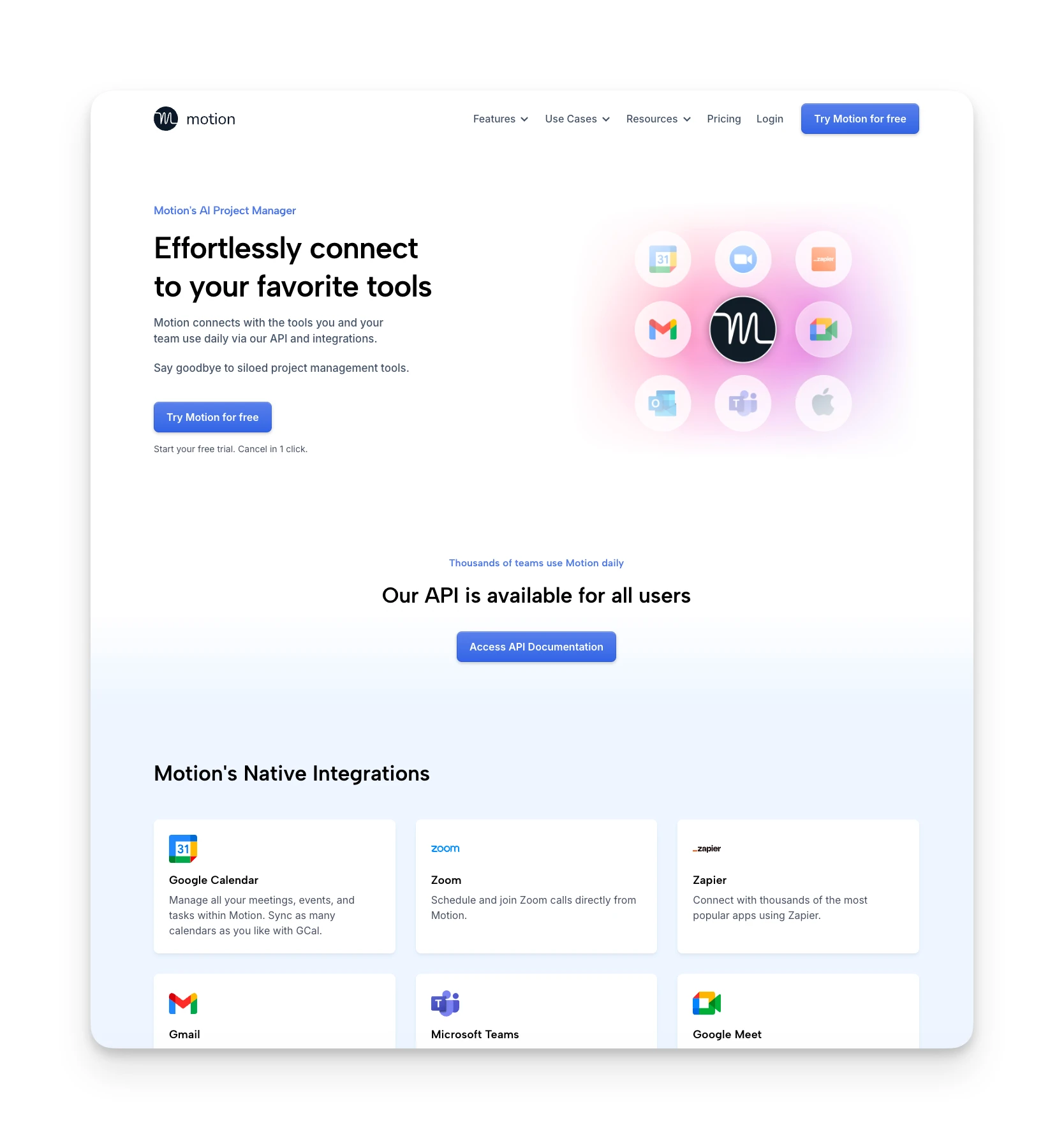
Motion integrates with:
- Calendars: Google Calendar, Outlook, iCal
- Communication: Slack, Zoom, Google Meet
- Productivity: Zapier, Make (limited native integrations)
The focus is calendar sync. Motion wants to be the central scheduling layer, pulling availability from your existing calendars.
Notion
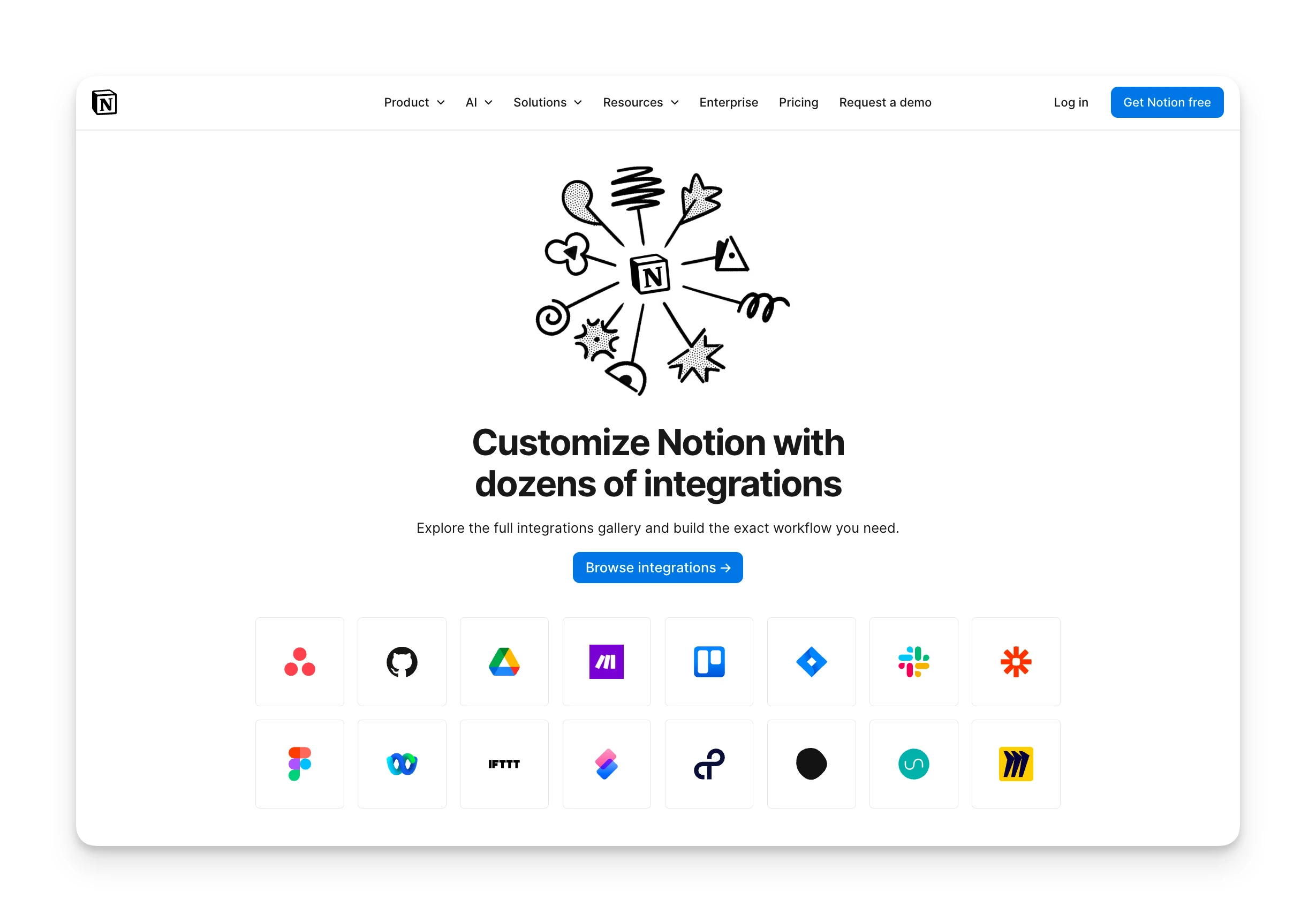
Notion integrates with 100+ tools:
- Communication: Slack, Microsoft Teams
- Development: GitHub, GitLab, Jira
- Storage: Google Drive, Dropbox
- Automation: Zapier, Make, IFTTT
Synced databases let you pull data from external tools directly into Notion.
Verdict
Notion wins on integrations with broader native support. Motion's integrations focus on calendars, which works if scheduling is your primary need.
AI Features
AI is where these tools diverge most sharply.
Motion
Motion's AI is its core product:
- Auto-scheduling: Tasks are placed on your calendar based on deadlines, priority, and available time
- Automatic rescheduling: When plans change, Motion adjusts everything
- AI Employees: Custom AI agents for tasks like meeting prep (Business plan)
- Project templates: AI-generated project timelines
The AI is opinionated. It decides when you work on what. This saves planning time but requires trusting the algorithm.
Notion
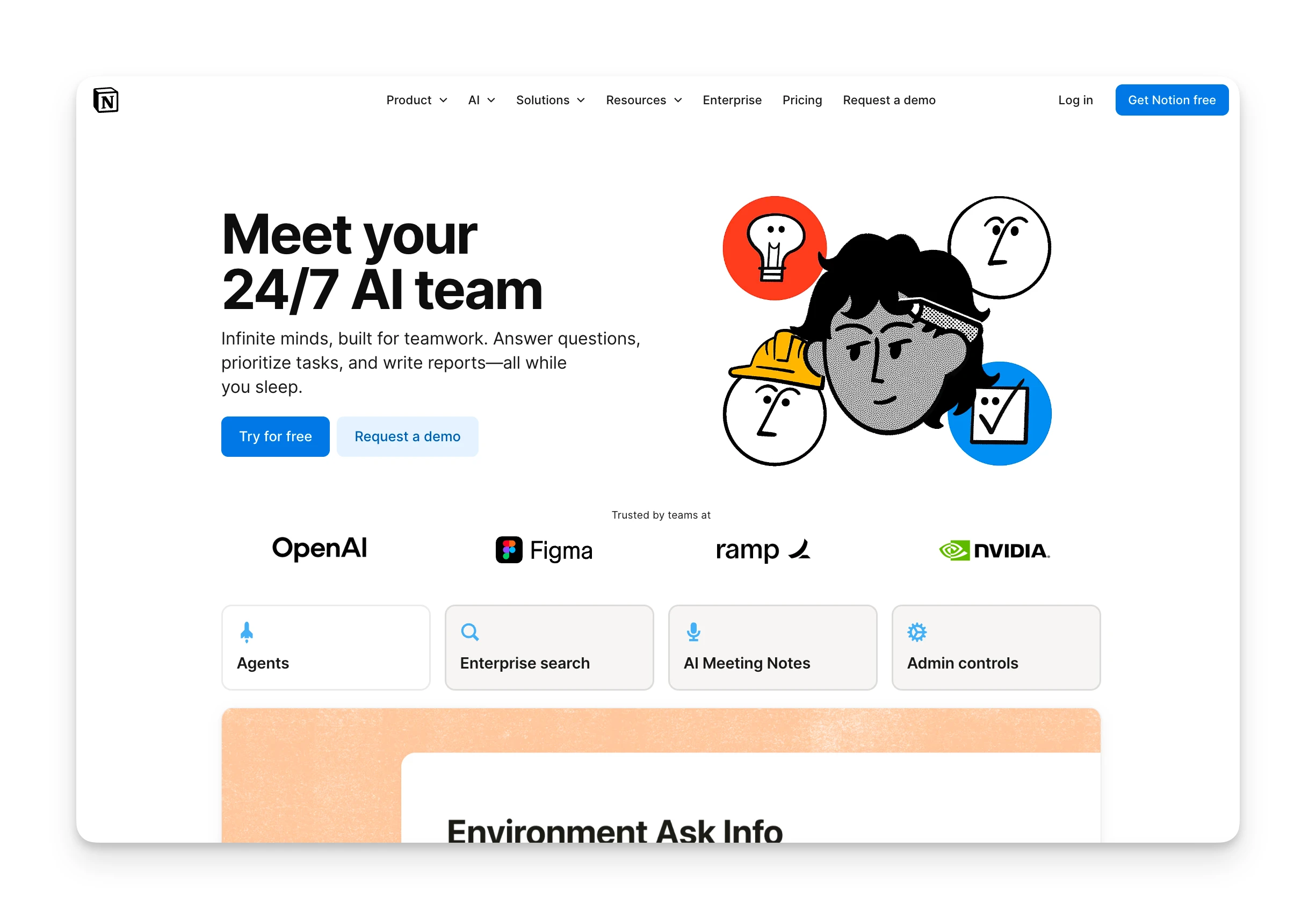
Notion's AI is an enhancement layer:
- Notion AI: Summarization, writing assistance, Q&A across your workspace (add-on or included in Business+)
- Notion Agent: Automates assigned tasks (Business plan)
- AI Meeting Notes: Botless meeting capture and summaries (Beta, Business+)
- Enterprise Search: Unified search across connected apps (Beta)
Notion AI helps you write and find information. It doesn't schedule your work.
Verdict
Motion wins on AI scheduling. Notion's AI helps with content and search; Motion's AI manages your time. If you want an AI to tell you what to work on next, Motion delivers. If you want AI writing assistance, Notion is stronger.
Task Management
Motion
Motion treats tasks as calendar events:
- Every task has a deadline, duration, and priority
- Tasks are auto-scheduled into available time slots
- When you don't complete a task, Motion reschedules it
- Dependencies let you sequence projects
The constraint: you need to estimate task durations. Motion won't schedule a task without knowing how long it takes.
Notion
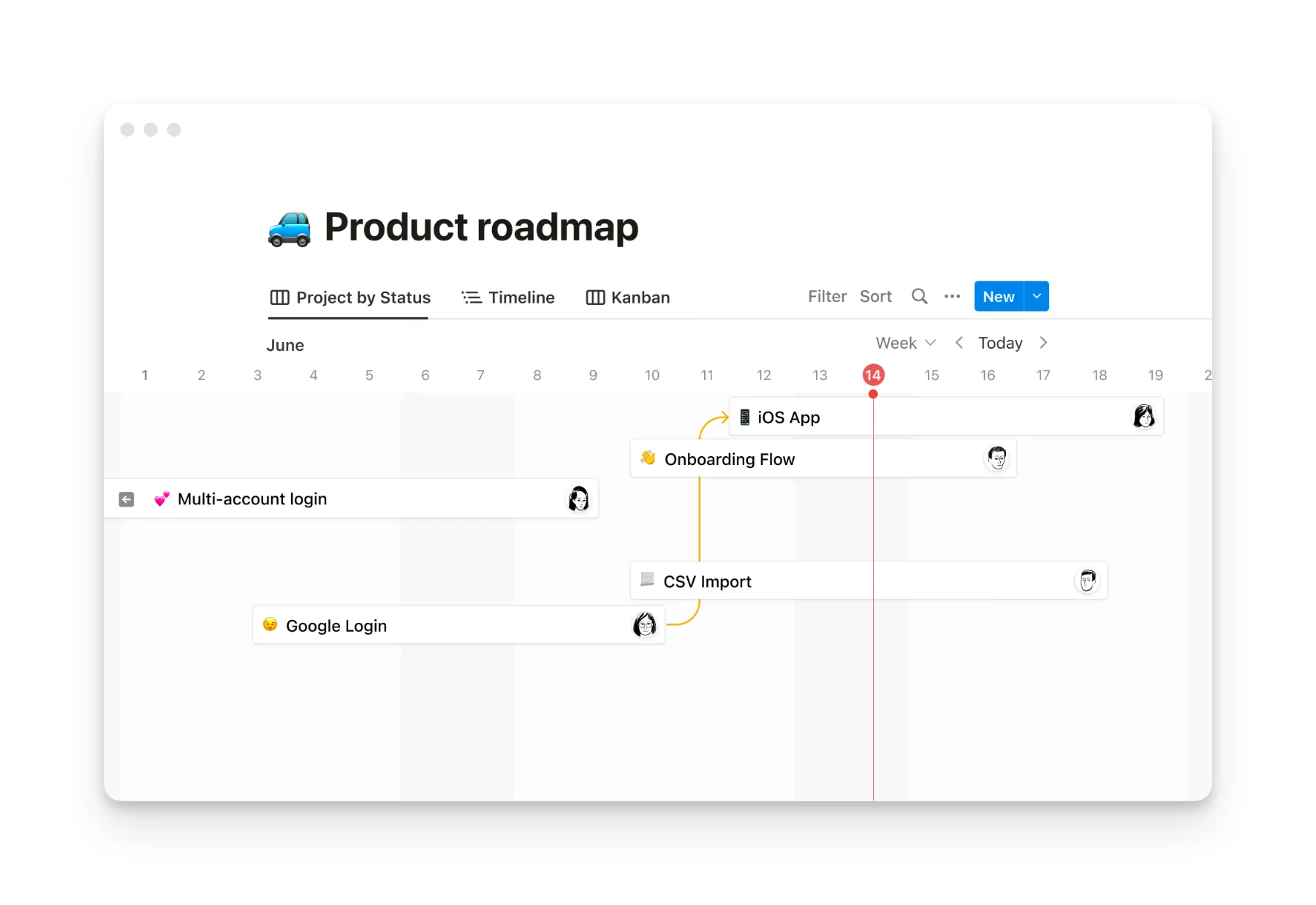
Notion treats tasks as database entries:
- Custom properties: status, priority, tags, dates, relations
- Views: Kanban boards, calendars, timelines, tables
- Subtasks and dependencies (via relations)
- No auto-scheduling; you manually assign dates
The flexibility is powerful but requires discipline. As one Reddit user noted, "Best productivity app is your calendar, only add what fits."
Verdict
Motion wins for execution-focused task management. Notion wins for project planning and tracking. Motion answers "what should I work on right now?" Notion answers "what's the status of everything?"
Knowledge Management
Motion
Motion has limited knowledge management. You can add notes to tasks and projects, but there's no wiki, database, or documentation system.
Notion
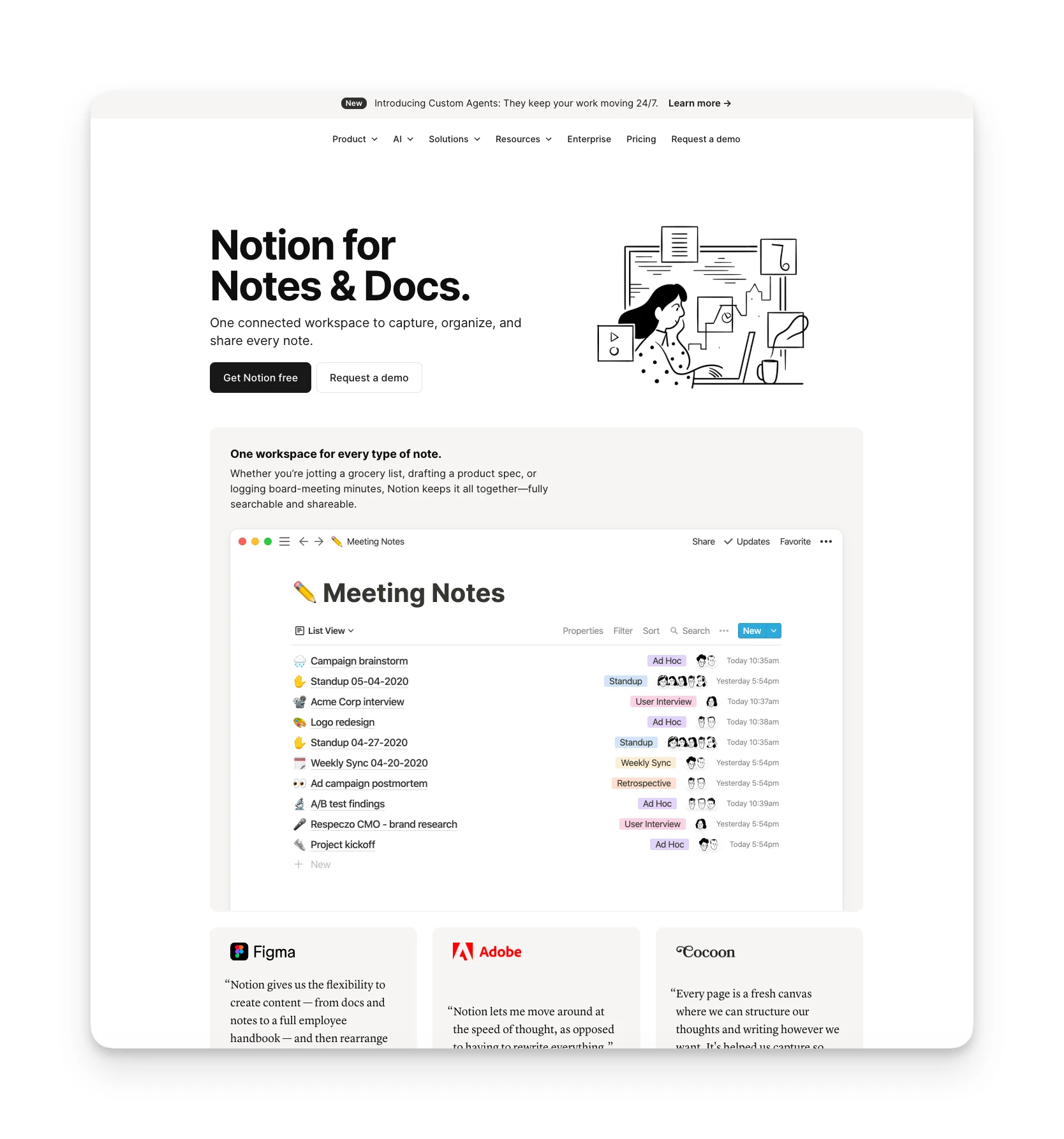
Notion excels here:
- Pages and blocks: Unlimited nesting, rich formatting, embeds
- Databases: Relational data with custom properties
- Wikis: Team knowledge bases with search
- Templates: 20,000+ community templates
If you need to store and organize information, Notion is purpose-built for it.
Verdict
Notion wins decisively on knowledge management. Motion isn't designed for this use case.
How to Choose a Productivity Tool
Beyond Motion and Notion, here's what to look for in any productivity tool:
Does It Match Your Workflow Philosophy?
Some people think in calendars; others think in lists. Motion forces a calendar-centric approach. Notion lets you build whatever system fits your brain.
Omnia's approach: Omnia monitors your calendar, email, and tasks in the background, then surfaces what needs attention. You stay in control of the philosophy; Omnia handles the coordination.
Does It Reduce Coordination Work?
The hidden cost of productivity tools is managing the tools themselves. If you spend more time organizing than executing, something's wrong.
Omnia's approach: Rather than requiring you to configure systems, Omnia proactively extracts commitments from meetings and emails, then presents them for your approval before they become tasks.
Does It Handle All Your Inputs?
Calendar events, email commitments, meeting action items, and random ideas all need to go somewhere. Most tools handle one or two inputs well.
Omnia's approach: Omnia captures inputs across email, calendar, and meetings, then consolidates them into a single triage workspace where you decide what matters.
Alternative to Motion and Notion: Omnia
Motion schedules your tasks. Notion organizes your information. Omnia handles the coordination work that both tools leave to you: capturing commitments from meetings, triaging your email, and keeping your plan current as things change.
Key Features
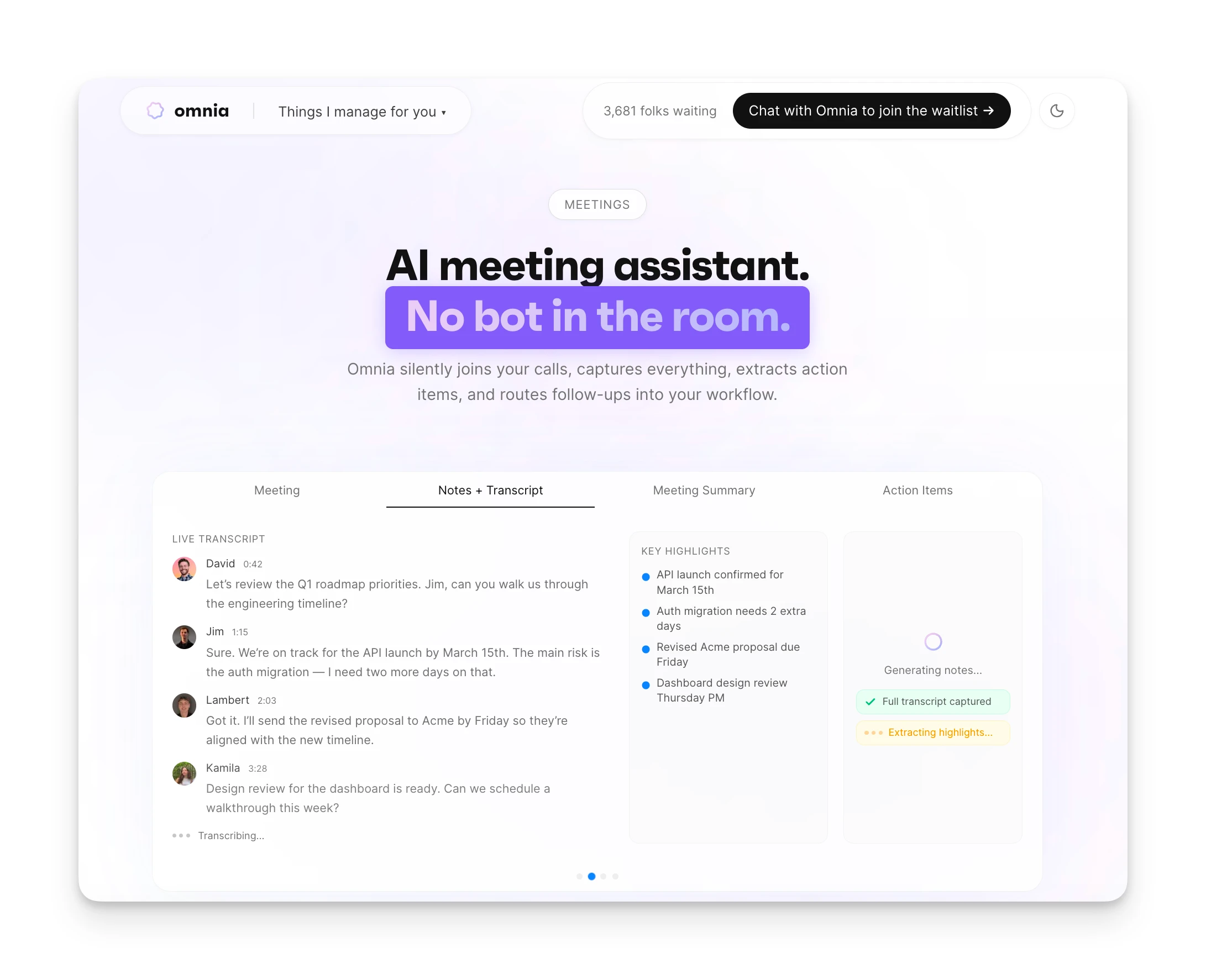
Botless Meeting Capture
Omnia records and transcribes your meetings without joining as a visible bot. Participants don't see an AI in the room. After the meeting, you get a transcript, summary, and extracted action items with assignees and due dates. Unlike Otter or Fireflies, the capture is invisible.
Email Triage

Before you open your inbox, Omnia has already scanned incoming messages, flagged what needs attention, and drafted replies for routine requests. Commitments buried in email threads are surfaced as potential tasks.
Adaptive Scheduling
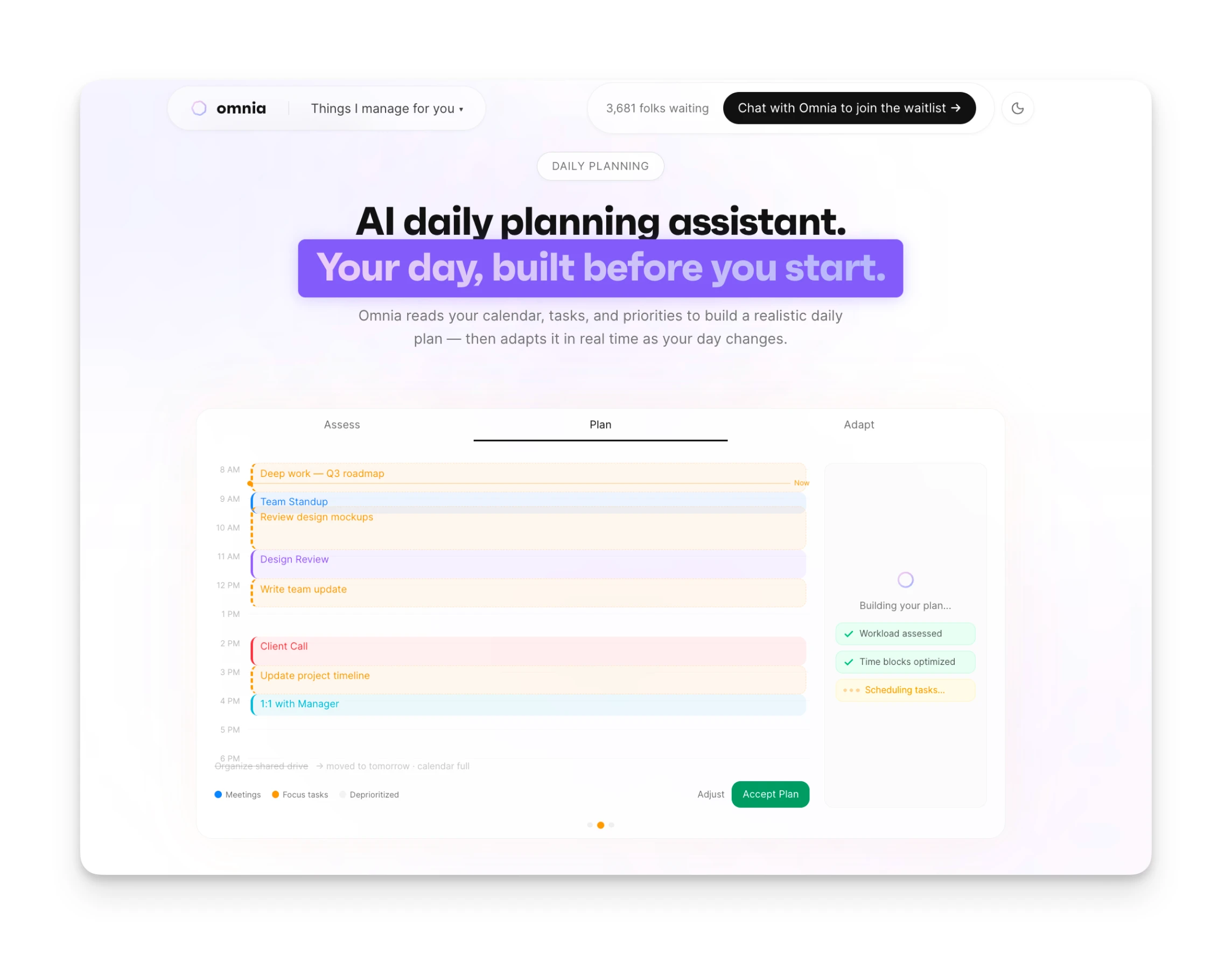
When a meeting overruns or a new urgent request lands, Omnia recalculates your plan and brings you an updated proposal. You stay in control, but the replanning work is handled for you.
Pricing
| Plan | Monthly Billing | Annual Billing |
|---|---|---|
| Free | $0 | 200 tokens/week |
| Personal | $20/mo | 2,500 tokens/mo |
| Executive | $50/mo | 7,500 tokens/mo |
| Principal | $200/mo | Unlimited tokens |
| Enterprise | Custom | Custom |
Where Omnia Shines
- Extracts commitments automatically from meetings and email
- Email, calendar, and meetings unified in one workspace
- Botless meeting capture with no visible participant
- Proposes plan updates rather than forcing rigid auto-scheduling
Where Omnia Falls Short
- Newer product with fewer integrations than Motion or Notion
- No custom database or wiki-building capabilities
- Different philosophy: coordination-focused, not scheduling-first
Who Omnia Is Best For
- Busy professionals drowning in meetings and email: Omnia reduces the coordination overhead that eats into productive time.
- People who want AI assistance without rigid scheduling: Unlike Motion's auto-scheduler, Omnia proposes plans you can accept or modify.
Motion vs Notion vs Omnia: Which One Should You Choose?
All three tools are solid. They solve different problems.
Choose Motion if you want AI to auto-schedule your tasks onto your calendar. You'll pay more, but you'll spend less time planning.
Choose Notion if you need a flexible workspace for documentation, databases, and project tracking. The free plan is generous, and the customization is unmatched.
Choose Omnia if you want an AI executive assistant that handles meeting notes, email triage, and daily planning without the scheduling rigidity. It bridges the gap between organizing information and executing on it.
From conversation to calendar — Omnia routes action items automatically
Free forever. No credit card required.
FAQs
Is Motion a Copy of Notion?
No. Despite similar names, they're fundamentally different tools. Motion is a calendar-first AI scheduler. Notion is a database-first workspace builder. They occasionally compete for the same users but solve different problems.
Can I Use Motion and Notion Together?
Yes. Some users report using "Notion for dashboard, tracker and notes taking" and "Motion for task management." The auto-scheduling of Motion combined with Notion's planning flexibility can work, though the integration isn't seamless.
Why Are People Leaving Notion?
Recent Reddit discussions highlight performance issues with larger workspaces, with one user noting pages "will just randomly blink out into a blank page." Others cite pricing complexity with AI features.
Does Notion Have Auto-Scheduling Like Motion?
No. Notion doesn't have built-in auto-scheduling. You can create filtered views and manual workarounds, but it won't automatically place tasks on your calendar the way Motion does.
Is Motion Worth the Price for Personal Use?
It depends on how much time you spend planning. Users with ADHD or heavy scheduling needs often find the cost worthwhile. Others feel it's "crazy expensive for how I use it: basically a glorified to-do list" and end up moving to alternatives.
Ratings Overview:
- Motion: G2 Rating: 4.4/5 (90+ reviews) | Capterra Rating: 4.3/5 | Trustpilot Rating: 3.5/5 (180+ reviews)
- Notion: G2 Rating: 4.6/5 (10,149+ reviews) | Capterra Rating: 4.7/5