Key Takeaways
- Omnia: Best for knowledge workers who want AI email triage, meeting intelligence, and task management in one assistant. Drafts ready before you open your inbox.
- Spark Mail: Best for teams wanting free email with collaboration features. Real-time co-editing and shared inboxes at a fraction of Superhuman's price.
- Shortwave: Best for Gmail users who want AI-native search and automation. Built by ex-Google Inbox engineers.
- SaneBox: Best for anyone who wants smart email sorting without switching clients. Works with any email provider or app.
Superhuman is fast. The keyboard shortcuts are addictive. But at $300-480 per year with no free trial, many users start wondering if the speed is worth the premium.
If you want email triage, AI drafts, and task extraction in one assistant, Omnia is the strongest Superhuman alternative. If you just need a polished free email client, Spark delivers.
Below you'll find a full comparison table, tool-by-tool reviews, and the main reasons users switch from Superhuman.
7 Best Superhuman Alternatives: An Overview
Here's how the top Superhuman competitors stack up:
| App | Best For | Standout Feature | Starting Price | G2 Rating | Capterra Rating |
|---|---|---|---|---|---|
| Omnia | Knowledge workers wanting unified inbox + task flow | Email triage + AI drafts + meeting notes in one | Free / $20/mo | - | - |
| Spark Mail | Teams wanting free email with collaboration | Real-time co-editing, shared inboxes | Free / €10/mo | 3.5/5 | - |
| Shortwave | Gmail power users wanting AI automation | AI filters in plain English | Free / $24/mo | - | - |
| SaneBox | Anyone wanting smart sorting without switching clients | Works with any email provider | $7/mo | - | - |
| Mailbird | Windows users wanting a visual email client | Unified inbox for all accounts | Free / $3/mo | 4.0/5 | 4.3/5 |
| Gmail | Budget-conscious users | Free, reliable, integrates with everything | Free | - | - |
| Apple Mail | Mac/iOS users who want native simplicity | Built into every Apple device | Free | - | - |
1. Omnia: Best for Knowledge Workers Who Want Email to Flow Into Action

Omnia is an AI executive assistant that handles email, meetings, and tasks in one place. Unlike Superhuman, which makes you faster at processing email, Omnia processes much of it for you.
The key difference: Superhuman helps you get through email faster. Omnia handles email before you get to it.
Key Features
Here's what makes Omnia stand out:
AI Email Triage Across 8 Categories
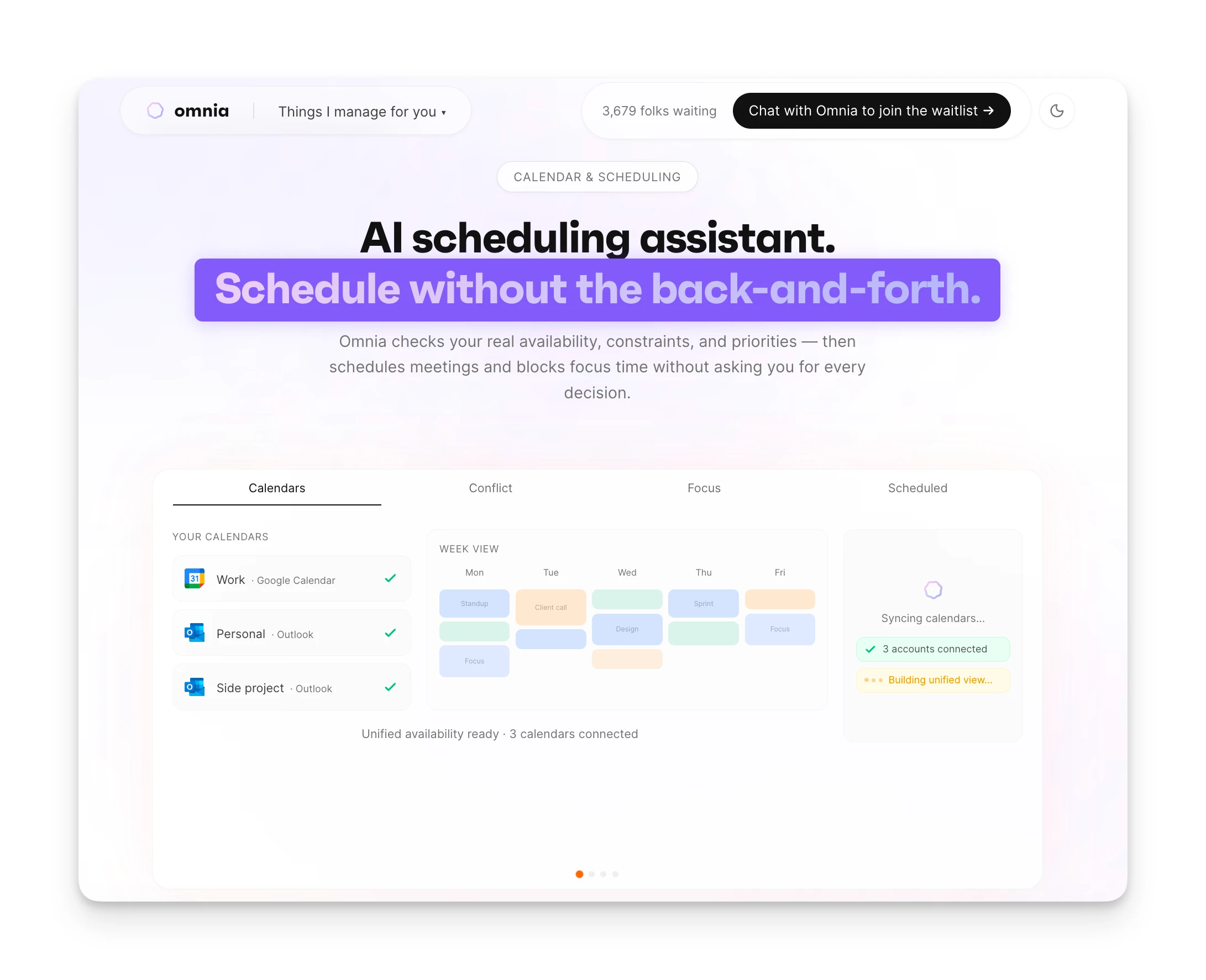
When you open your inbox, Omnia has already sorted everything. "Your Move" emails need your response. "Good to Know" emails are important but don't require action. "Promo" and "Automated" notifications stay out of your way. No manual rules, no dragging emails into folders. The AI learns your priorities from context across your calendar, meetings, and relationships.
Draft Replies Ready Before You Open Your Inbox
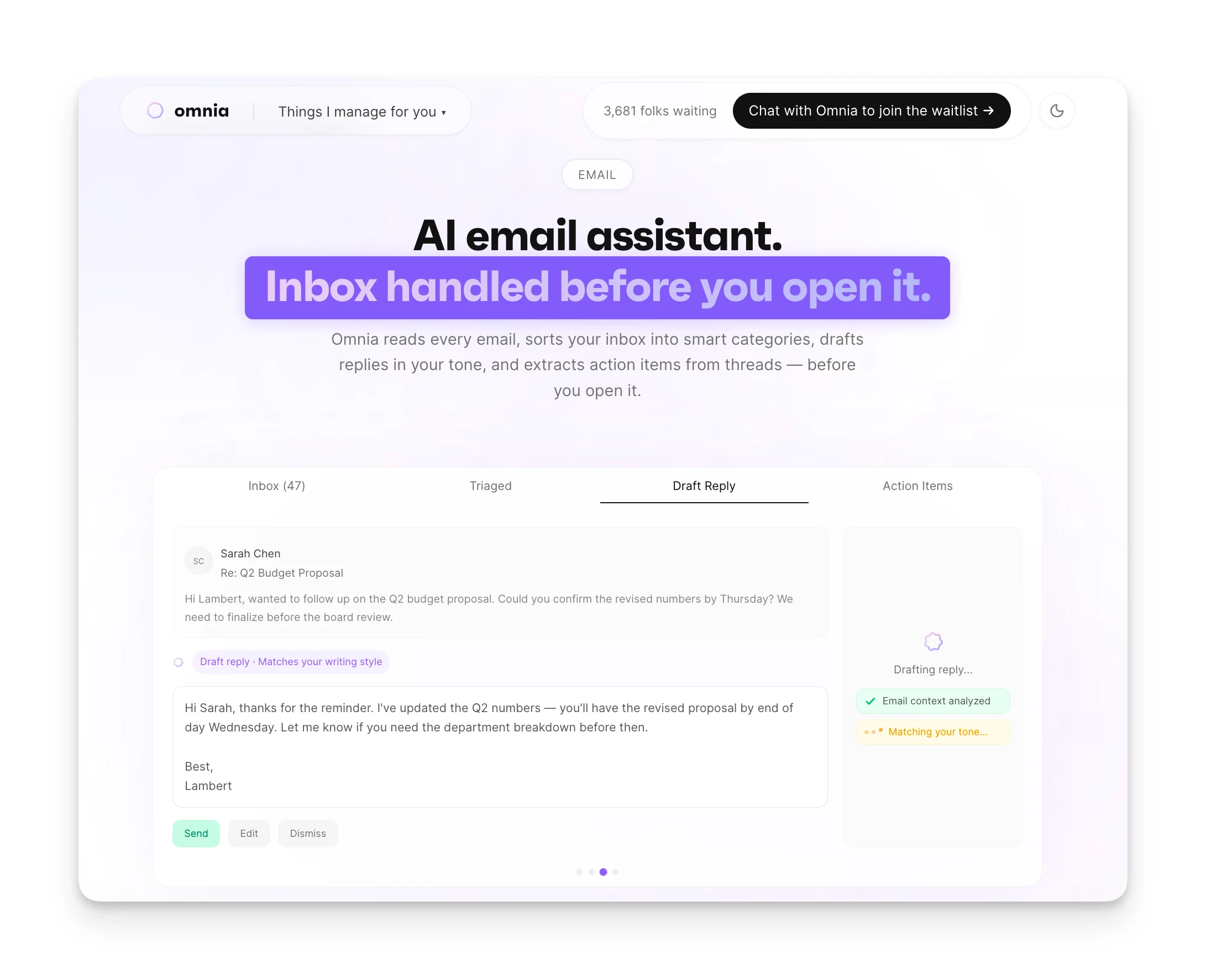
For emails that need responses, Omnia generates drafts using full thread context and your conversation history. The drafts save as native Gmail or Outlook drafts. You review, adjust if needed, and send. No copying context into ChatGPT. No rewriting from scratch.
Action Items Extract to Your Task System
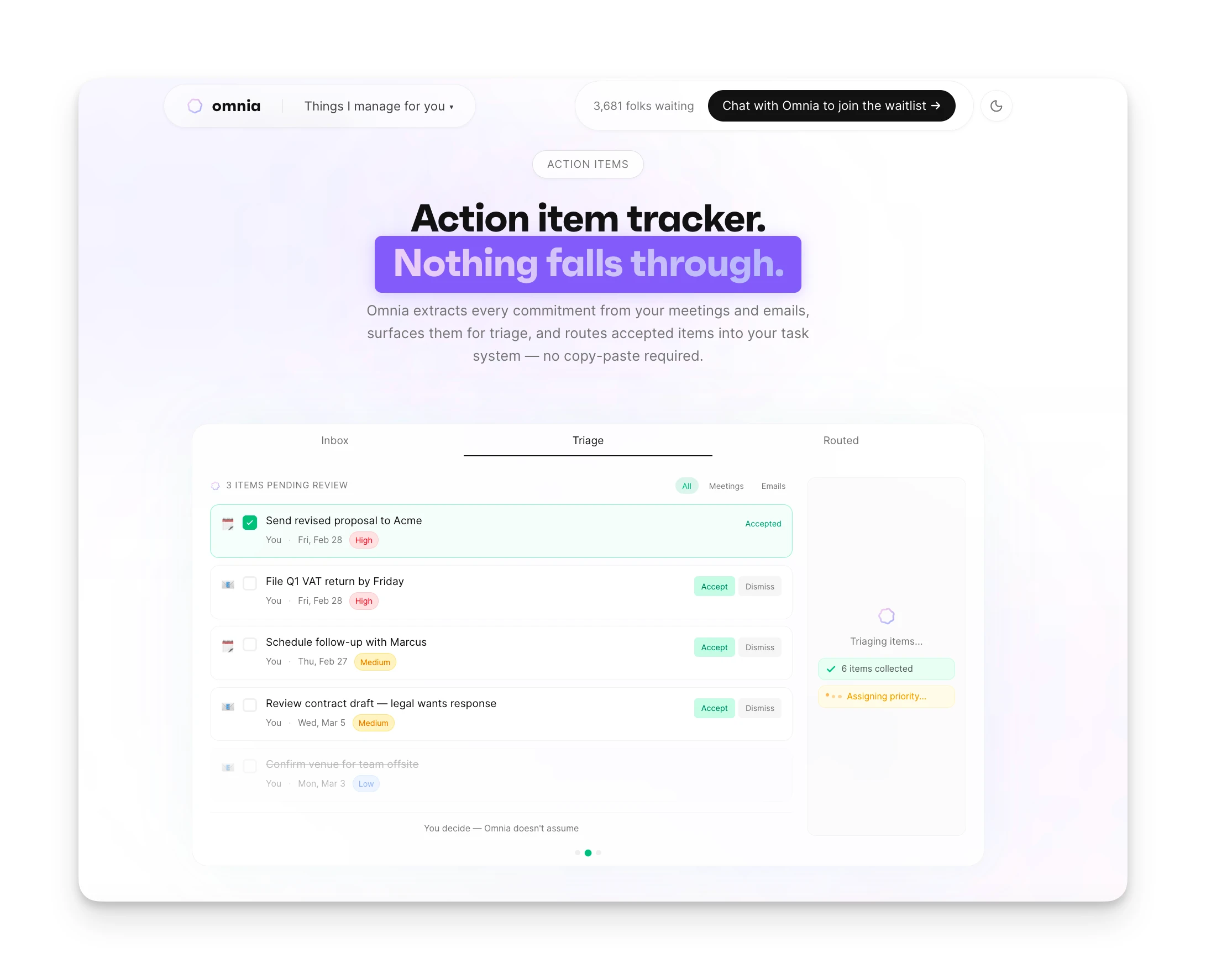
When someone emails you "Can you send the proposal by Friday?", Omnia captures it as a task with assignee, due date, and requester. The task appears in your triage workspace. Accept it, and it flows into your task management system. No manual transfer, no forgotten commitments.
Pricing
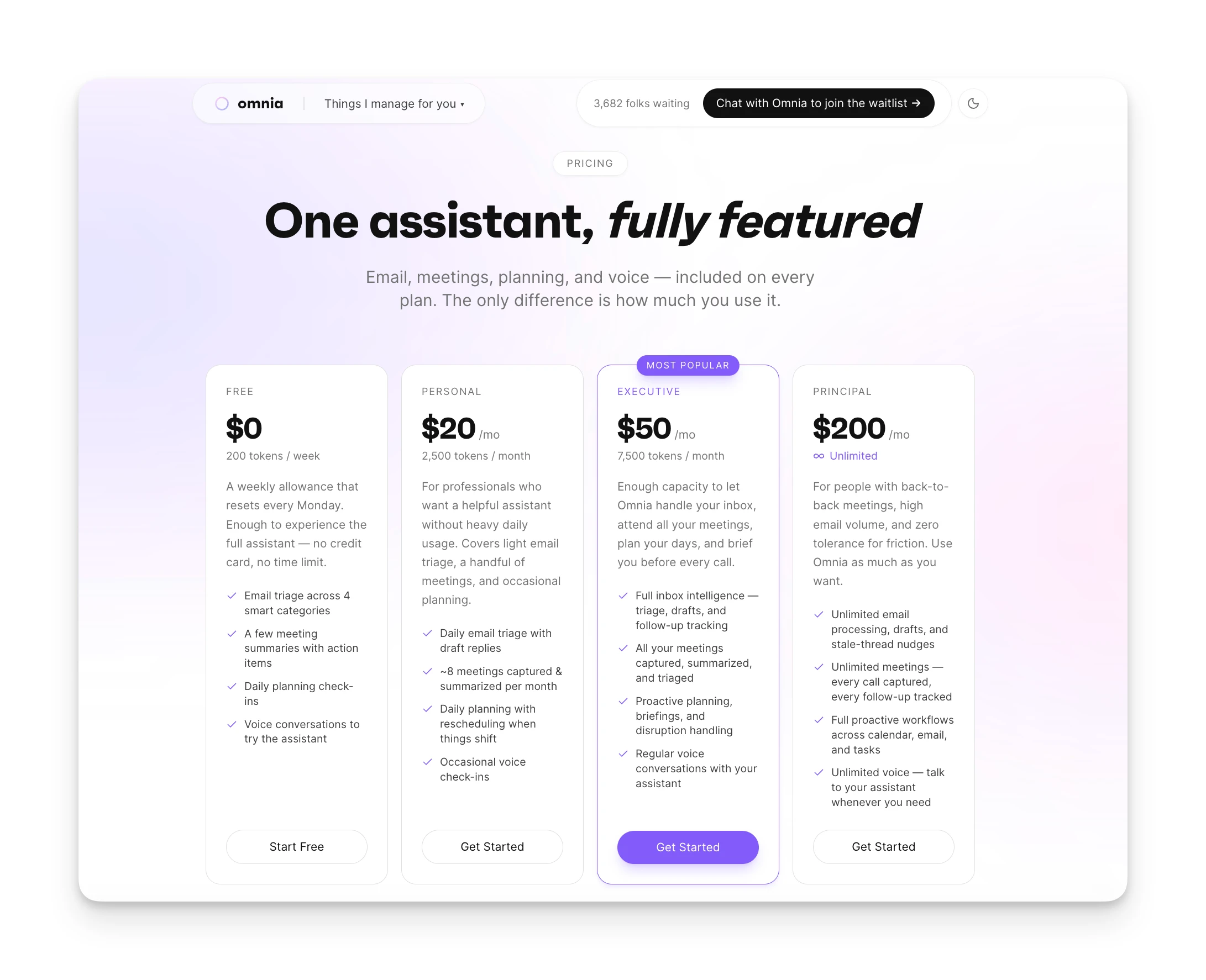
| Plan | Monthly Billing | Annual Billing |
|---|---|---|
| Free | $0 | 200 tokens/week |
| Personal | $20/mo | 2,500 tokens/mo |
| Executive | $50/mo | 7,500 tokens/mo |
| Principal | $200/mo | Unlimited tokens |
Contact Omnia for current pricing information.
Where Omnia Shines
- Email triaged before you open your inbox
- AI drafts match your voice from past conversations
- Email, meetings, and tasks unified in one system
- Action items extracted from emails automatically
Where Omnia Falls Short
- No keyboard-first shortcut interface
- Newer to market than Superhuman
- Some features still rolling out
Who Omnia Is Best For
- Founders and freelancers: People who act as their own executive assistant and need email to flow into action without extra admin work.
- Busy professionals drowning in email: If email is a time sink and you want AI to handle the triage and drafting, Omnia takes it off your plate.
Omnia handles your calendar, email, and tasks before you even start your day
Free forever. No credit card required.
2. Spark Mail: Best for Teams Wanting Free Email With Collaboration
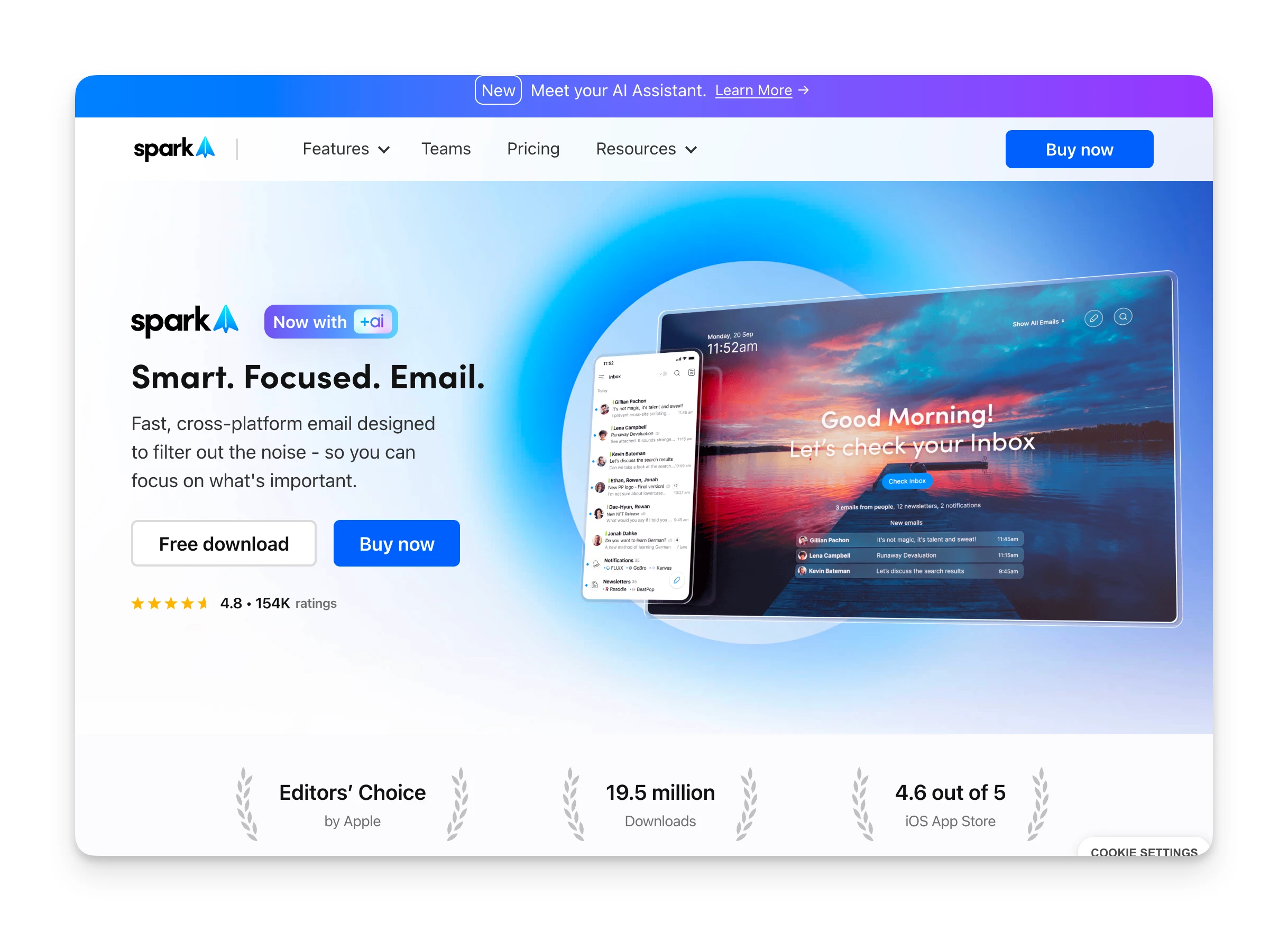
Spark Mail is a cross-platform email client with a generous free tier and team collaboration features. If Superhuman's price is the dealbreaker, Spark offers similar workflows at a fraction of the cost.
Key Features
- Smart Inbox: Automatically categorizes email by type. Separates newsletters, notifications, and personal messages without manual rules.
- Team collaboration: Real-time co-editing of emails. Draft together with teammates before sending.
- Shared inboxes: Multiple people can manage the same inbox on Pro plans.
- Spark +AI: AI writing assistant that helps generate, improve, or translate emails.
Pricing
| Plan | Monthly | Annual |
|---|---|---|
| Free | €0 | €0 |
| Plus | €10/user | €8.25/user |
| Pro | €22/user | €19.08/user |
| Enterprise | Custom | Custom |
Free plan includes Smart Inbox, unlimited accounts, and calendar. AI features require Plus or higher.
Where Spark Shines
- Generous free tier with core features included
- Real-time co-editing and shared inboxes for teams
- Cross-platform: Mac, Windows, iOS, and Android
- Fraction of Superhuman's price for similar workflows
Where Spark Falls Short
- Microsoft OAuth issues with some corporate accounts
- Snooze functionality reported as unreliable
- Some users lost emails after bulk-deleting in threads
Customer Reviews
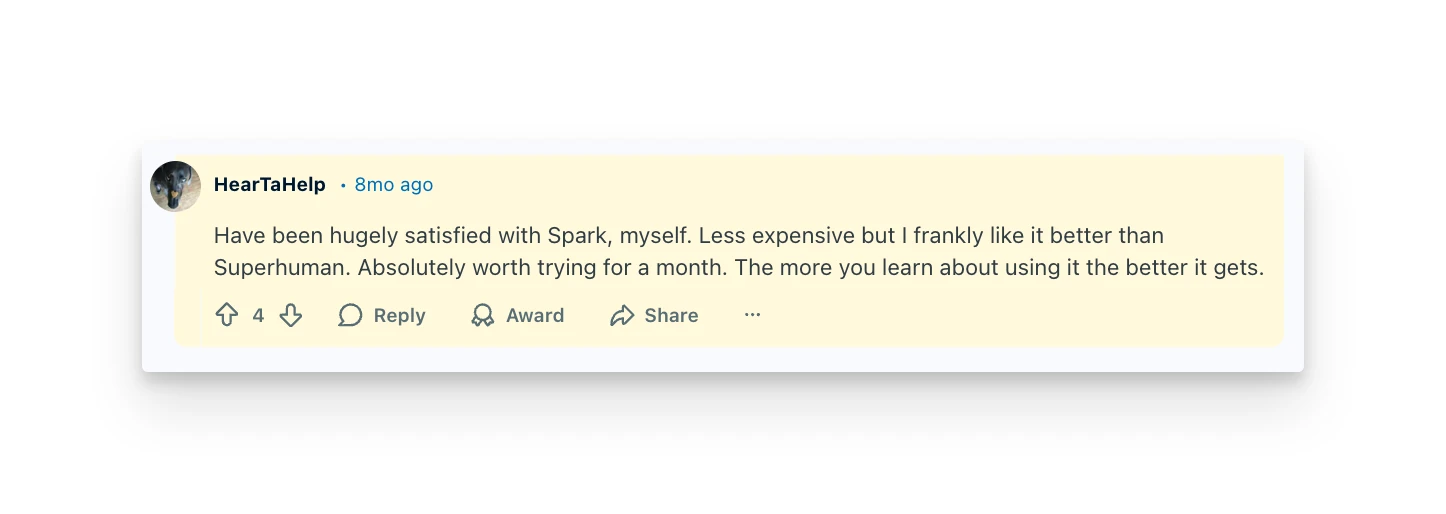
"Have been hugely satisfied with Spark, myself. Less expensive but I frankly like it better than Superhuman. Absolutely worth trying for a month. The more you learn about using it the better it gets." — Reddit user, July 2025
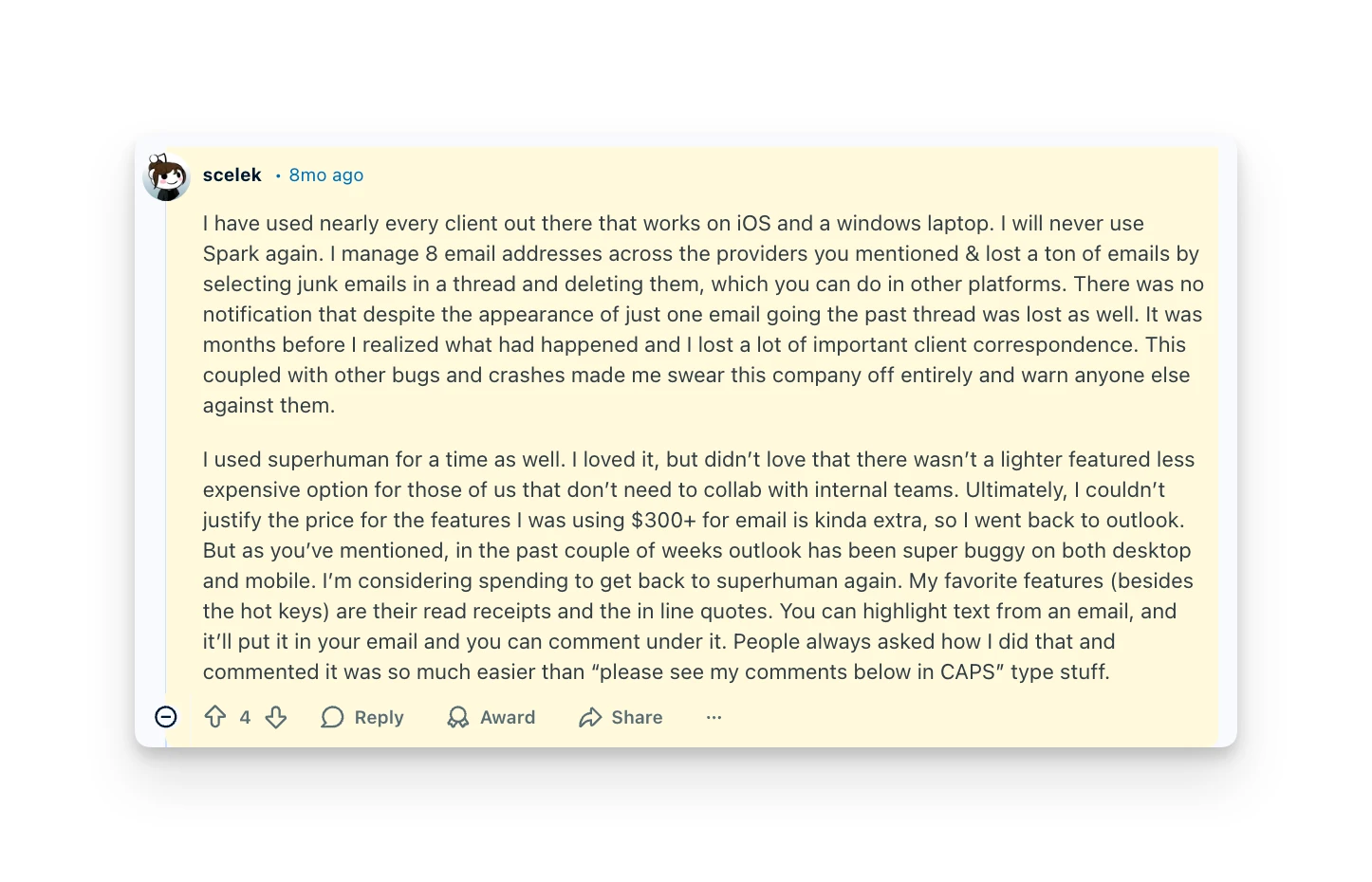
"I will never use Spark again. I manage 8 email addresses across the providers you mentioned & lost a ton of emails by selecting junk emails in a thread and deleting them... It was months before I realized what had happened and I lost a lot of important client correspondence." — Reddit user, July 2025
Who Spark Is Best For
- Teams on a budget: If you need collaboration features without Superhuman's $40/user price tag.
- Multi-platform users: Spark works on Mac, Windows, iOS, and Android with a consistent experience.
3. Shortwave: Best for Gmail Users Who Want AI-Native Automation
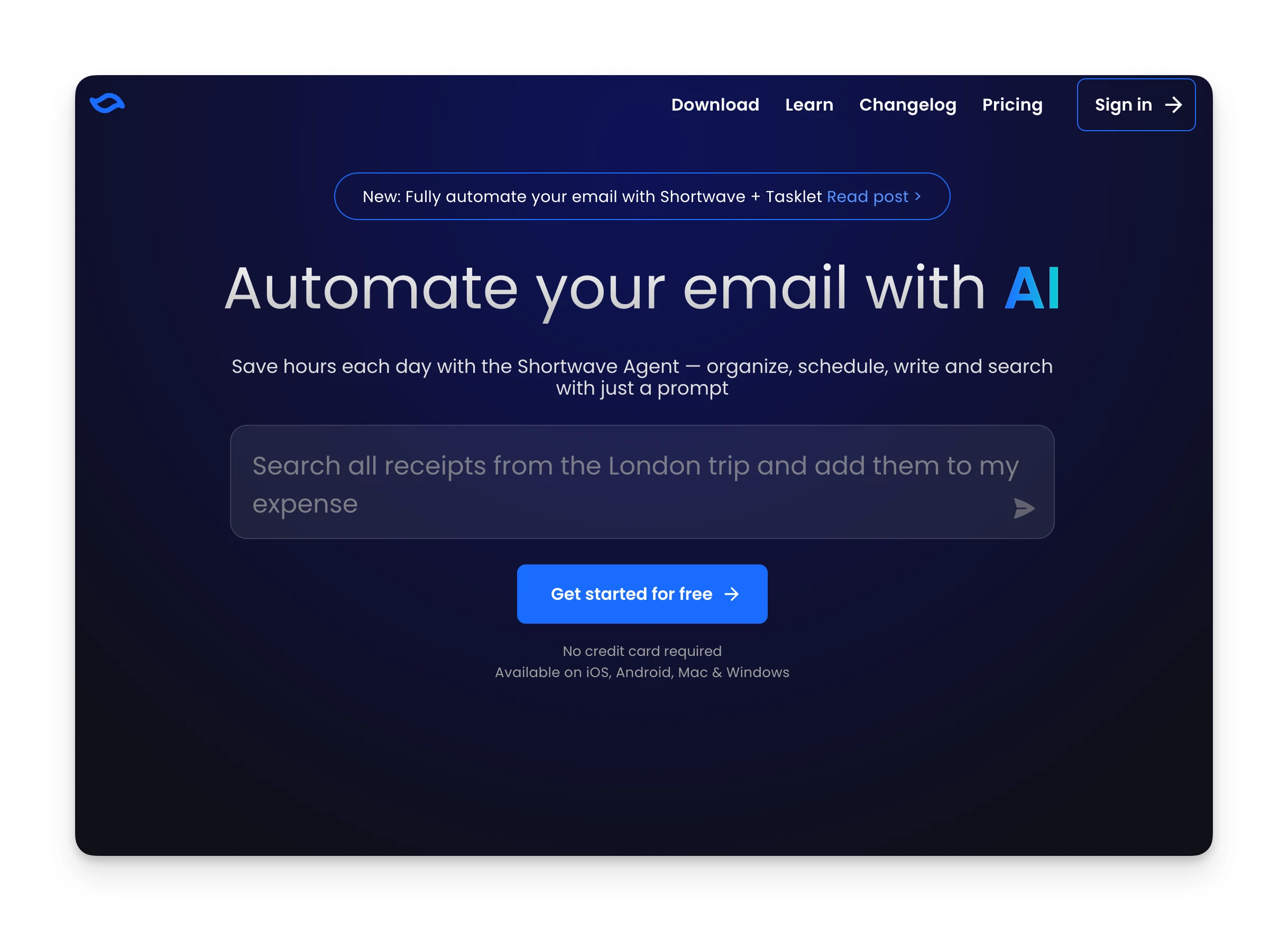
Shortwave is an AI-first email client built by former Google Inbox engineers. If you loved Inbox and want that philosophy with modern AI, Shortwave continues the legacy.
Key Features
- Intelligent filtering: Write custom rules in plain English. "Archive all LinkedIn notifications" just works.
- AI-powered search: Ask questions about your email. "What did Sarah say about the budget?" returns the answer, not a list of threads.
- Tasklets: Automation platform connecting inbox to Slack, Notion, Asana, and HubSpot.
- Ghostwriter: AI that learns your writing style and generates personalized responses.
Pricing
| Plan | Monthly | Annual |
|---|---|---|
| Free | $0 | $0 |
| Business | Higher | $24/user |
| Premier | Higher | $36/user |
| Max | Higher | $100/user |
Free plan includes basic features. AI intelligence tier increases with plan level.
Where Shortwave Shines
- Natural language AI search across email threads
- Automation rules written in plain English
- Built by former Google Inbox engineers
- MCP integrations for Slack, Notion, and more
Where Shortwave Falls Short
- Gmail only — no Outlook, Yahoo, or IMAP support
- AI-generated drafts sometimes need significant editing
- Higher tiers ($36-100/user) get expensive quickly
Customer Reviews
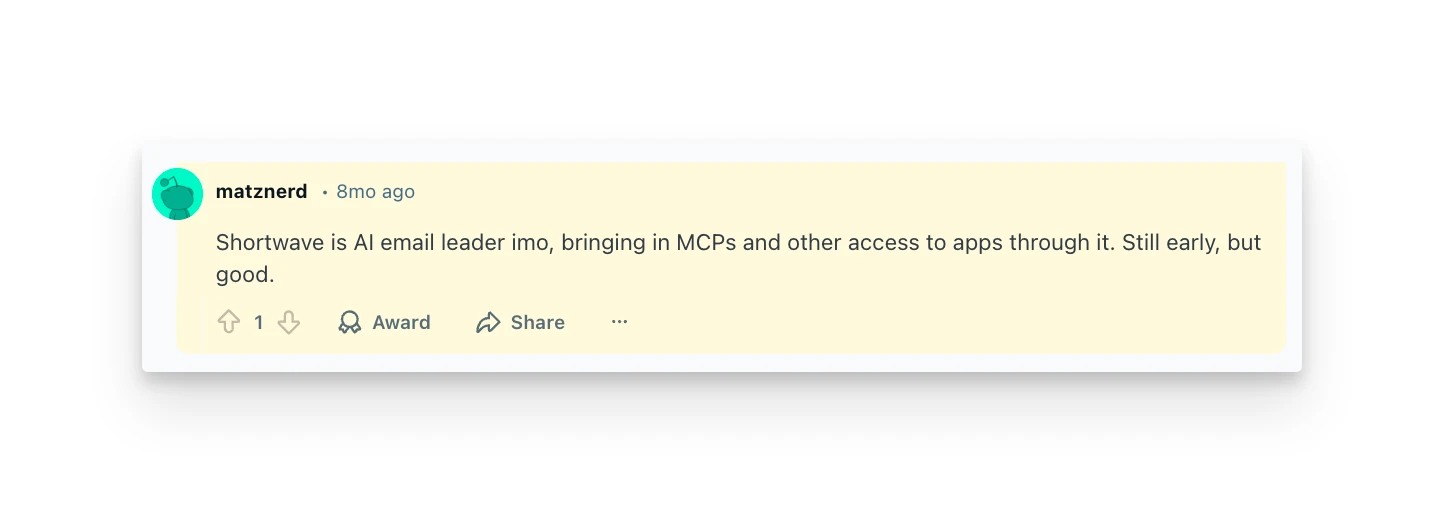
"Shortwave is AI email leader imo, bringing in MCPs and other access to apps through it. Still early, but good." — Reddit user, July 2025
The main criticism: Shortwave only works with Gmail. Outlook users can't use it at all.
Who Shortwave Is Best For
- Gmail power users: If you're committed to Google's ecosystem and want the best AI experience within it.
- Automation builders: If you want email workflows that trigger Slack messages or Notion updates.
4. SaneBox: Best for Smart Sorting Without Switching Clients
SaneBox isn't an email client. It's an overlay that works with your existing email setup. Keep using Gmail, Outlook, Apple Mail, or whatever you prefer. SaneBox adds intelligent sorting in the background.
Key Features
- SaneLater: Non-urgent emails automatically move to a separate folder. Your inbox only shows what matters now.
- SaneBlackHole: Drag any email to this folder to permanently block the sender. One action, never hear from them again.
- SaneReminders: Set reminders for threads where you're waiting on replies.
- Do Not Disturb: Batch email delivery. Receive emails only at scheduled times instead of constant interruptions.
Pricing
| Plan | Monthly | Annual |
|---|---|---|
| Snack | $7/mo | $4.92/mo |
| Lunch | $12/mo | $8.25/mo |
| Dinner | $36/mo | $24.92/mo |
14-day free trial available. Educational and nonprofit organizations get 25% off.
Where SaneBox Shines
- Works with any email provider or client
- Set-and-forget background sorting
- SaneBlackHole permanently blocks senders in one action
- Batch email delivery reduces constant interruptions
Where SaneBox Falls Short
- No AI writing or draft assistance
- Requires a separate email client to actually read and send email
- No free plan — starts at $7/month
Who SaneBox Is Best For
- People happy with their current email app: If you love Apple Mail or Outlook's interface but want smarter sorting.
- Those who resist switching clients: Add intelligence without learning a new tool.
5. Mailbird: Best for Windows Users Wanting Visual Email Management
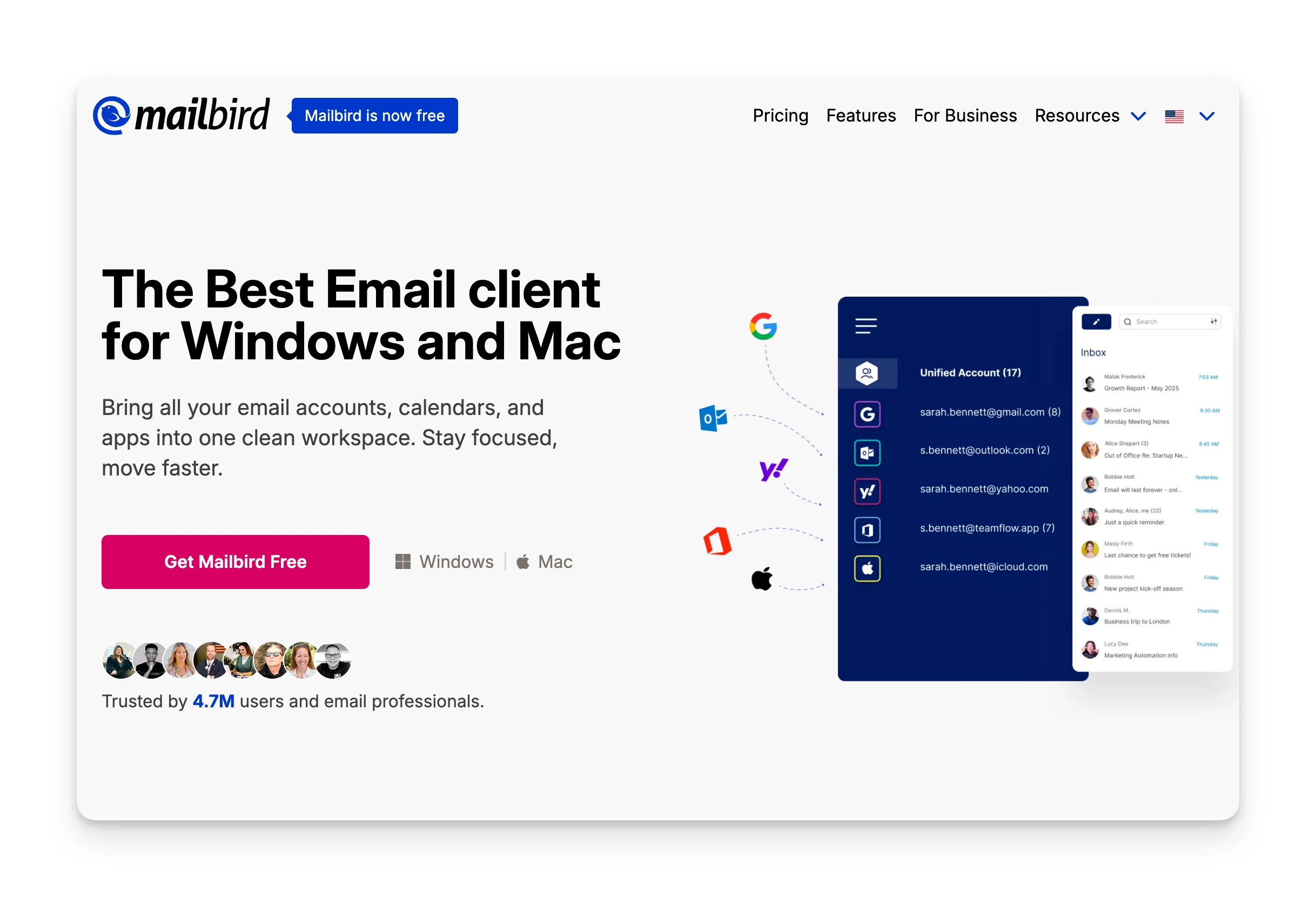
Mailbird is a Windows email client designed for people who manage multiple accounts. If you're on Windows and want a unified inbox Superhuman doesn't offer, Mailbird delivers.
- What it is: Desktop email client for Windows with unified inbox and app integrations.
- Standout feature: All your email accounts in one view. Something Superhuman still lacks.
- Pricing: Free plan available. Personal plan at $3.25/mo annual.
- Top pro: Unified inbox across all accounts. Gmail, Outlook, Yahoo, IMAP, all in one place.
- Top con: Windows only. No Mac, no mobile apps, no web version.
- Best for: Windows users tired of switching between email tabs.
Where Mailbird Shines
- Unified inbox for all email accounts at once
- Affordable — Personal plan at $3.25/mo annual
- App integrations with Slack, WhatsApp, and more
Where Mailbird Falls Short
- Windows only — no Mac, mobile, or web version
- No AI writing assistance or smart sorting
- Limited compared to cloud-first alternatives
6. Gmail: Best for Users Who Just Need Free and Reliable
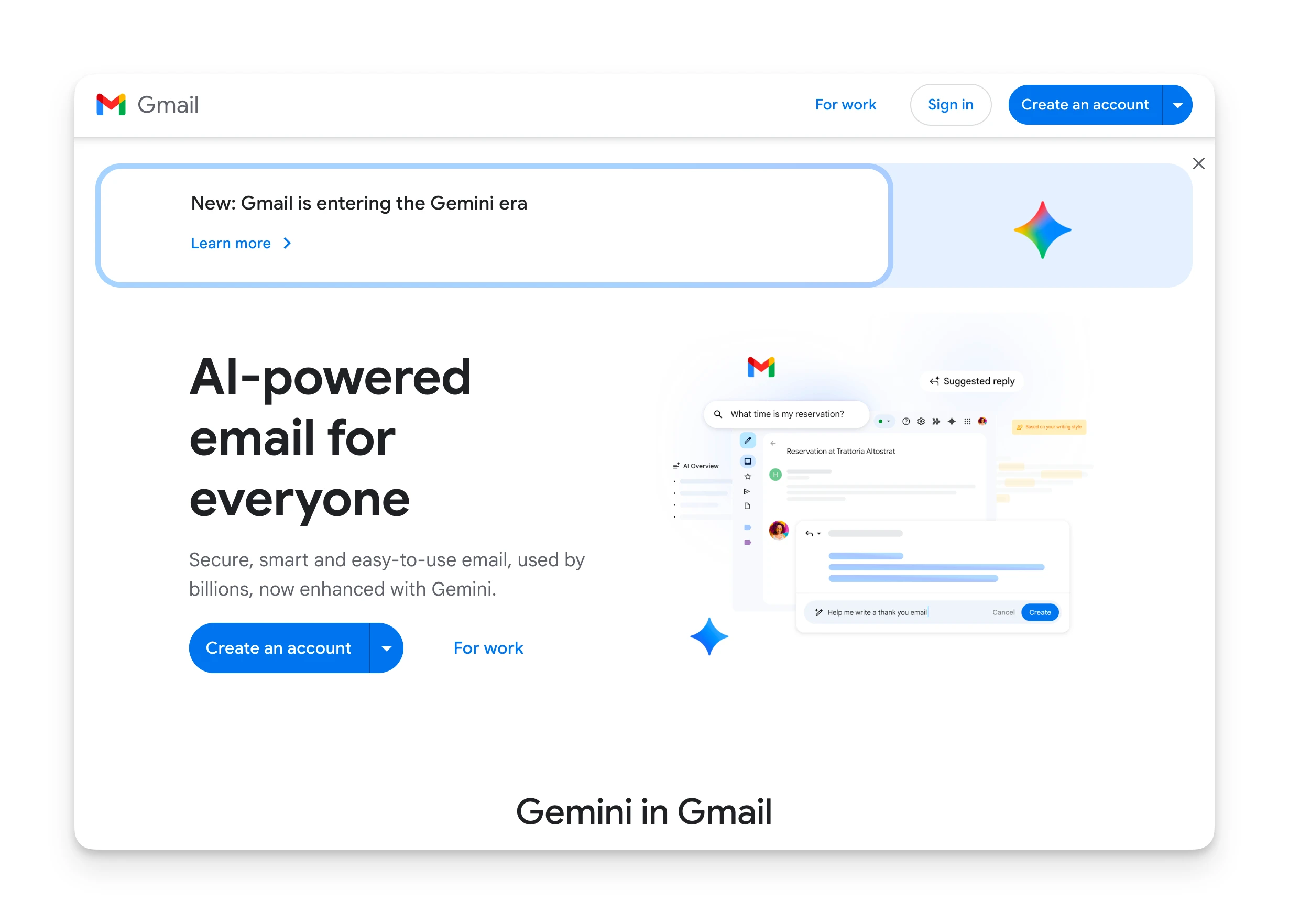
Gmail needs no introduction. It's free, it works, and it integrates with everything. For users whose main complaint about Superhuman is the price, Gmail might be all you need.
- What it is: Google's free email service with 15GB storage.
- Standout feature: Free, reliable, works everywhere.
- Pricing: Free (Google Workspace starts at $6/user).
- Top pro: No cost, massive ecosystem of integrations.
- Top con: No keyboard-first workflow. Smart features are limited compared to dedicated productivity clients.
- Best for: Users who don't need advanced features and prioritize cost savings.
Where Gmail Shines
- Completely free with 15GB storage
- Works everywhere — any device, any browser
- Massive integration ecosystem
Where Gmail Falls Short
- No keyboard-first workflow for power users
- Smart features limited vs. dedicated email clients
- No advanced AI triage or draft generation
7. Apple Mail: Best for Mac/iOS Users Who Value Native Simplicity
Apple Mail is built into every Mac, iPhone, and iPad. For users in Apple's ecosystem who want email that just works without extra apps, it's already there.
- What it is: Native email client for macOS and iOS.
- Standout feature: Deep OS integration. Works with Focus modes, Handoff, and Siri.
- Pricing: Free (included with Apple devices).
- Top pro: No app to install, no account to create. Privacy-focused.
- Top con: No advanced features. No AI assistance, no keyboard shortcuts beyond basics.
- Best for: Apple users who prefer simplicity over power features.
Where Apple Mail Shines
- Free and already installed on every Apple device
- Deep OS integration with Focus modes and Siri
- Privacy-focused with no third-party accounts required
Where Apple Mail Falls Short
- No AI writing assistance or smart triage
- No advanced keyboard shortcuts for power users
- Apple ecosystem only — no cross-platform support
Reasons to Consider an Alternative to Superhuman
Superhuman is the fastest email client for users who master its shortcuts. But here's why many users start looking elsewhere:
Reason #1: The Price is Hard to Justify
Superhuman costs $300-480 per year depending on the plan. There's no free tier and no free trial. You pay before you can test whether it works for you.
Many users find it hard to justify spending $20+ per month just to send emails, even when they like the product.
👉 Omnia handles email triage and drafting as part of a broader AI assistant. Instead of paying separately for email speed, you get email, meetings, and tasks in one system. Contact Omnia for current pricing.
No Unified Inbox
Superhuman requires you to switch between email accounts manually. If you manage personal Gmail and work Outlook, you toggle between them. There's no single view of all your email. Capterra reviewers frequently cite the cost and lack of unified inbox as top complaints.
👉 Omnia connects to Gmail and Outlook together. Email from all accounts appears in one triaged view.
Gmail and Outlook Only
Superhuman only works with Gmail and Microsoft 365. If you use Yahoo, iCloud, Fastmail, ProtonMail, or any IMAP provider, Superhuman won't connect.
Speed Requires Learning 100+ Shortcuts
Superhuman's power comes from keyboard shortcuts. But that power requires memorizing dozens of commands. Users who don't invest in learning the shortcuts don't get the value.
For some users, that learning curve is the feature. For others, it's friction they don't need.
👉 Instead of making you faster at email, Omnia handles email for you. The assistant triages, drafts, and extracts action items. You review and approve. No shortcuts to memorize.
Use Omnia to Triage Email, Draft Replies, and Extract Tasks in One Place
If you're tired of paying premium prices for email speed and want AI that actually handles email for you, Omnia brings triage, drafting, and task extraction into one assistant.
For teams that just need free email with collaboration, Spark Mail delivers. For Gmail power users wanting AI-native automation, Shortwave is worth exploring.
But if you want email to flow into action without the manual processing, Omnia handles the rest.
From conversation to calendar — Omnia routes action items automatically
Free forever. No credit card required.