Key Takeaways
- Omnia: Best for knowledge workers who want botless meeting capture with action items flowing directly to tasks. No visible bot, no manual follow-up transfers.
- Fireflies.ai: Best for sales teams needing deep CRM integration and conversation analytics. Strong Salesforce/HubSpot sync but visible bot joins meetings.
- Fathom: Best for individuals wanting free unlimited recordings. Generous free plan but limited to 5 AI summaries per month.
- Granola: Best for privacy-focused professionals who want bot-free transcription. Available on Mac, Windows, and iOS — no audio playback.
Otter AI works well for basic transcription. But when you need more than a transcript, like action items that flow into your task manager, or meeting notes without a bot announcing itself to clients, Otter starts to fall short.
If you want botless meeting capture with action items that automatically become tasks, Omnia is the strongest Otter AI alternative. If you just need free unlimited recordings, Fathom works too.
Below you'll find a full comparison table, tool-by-tool reviews, and the main reasons users switch from Otter.
5 Best Otter AI Alternatives: An Overview
Here's how the top Otter AI competitors stack up:
| App | Best For | Standout Feature | Starting Price | G2 Rating | Capterra Rating |
|---|---|---|---|---|---|
| Omnia | Knowledge workers wanting botless capture + task flow | Action items flow to tasks natively | Free / $20/mo | - | - |
| Fireflies.ai | Sales teams needing CRM integration | 100+ languages, deep analytics | Free / $10/mo | 4.5/5 | 4.5/5 |
| Fathom | Individuals wanting free unlimited recording | Truly unlimited free recordings | Free / $16/mo | 5.0/5 | 4.9/5 |
| Granola | Privacy-focused professionals | Bot-free, local audio processing | Free / $14/mo | 4.8/5 (22 reviews) | - |
| Bluedot | Sales teams needing bot-free CRM sync | Bot-free + HubSpot/Salesforce | Free / $14/mo | 4.7/5 | - |
1. Omnia: Best for Knowledge Workers Who Want Action Items to Actually Get Done
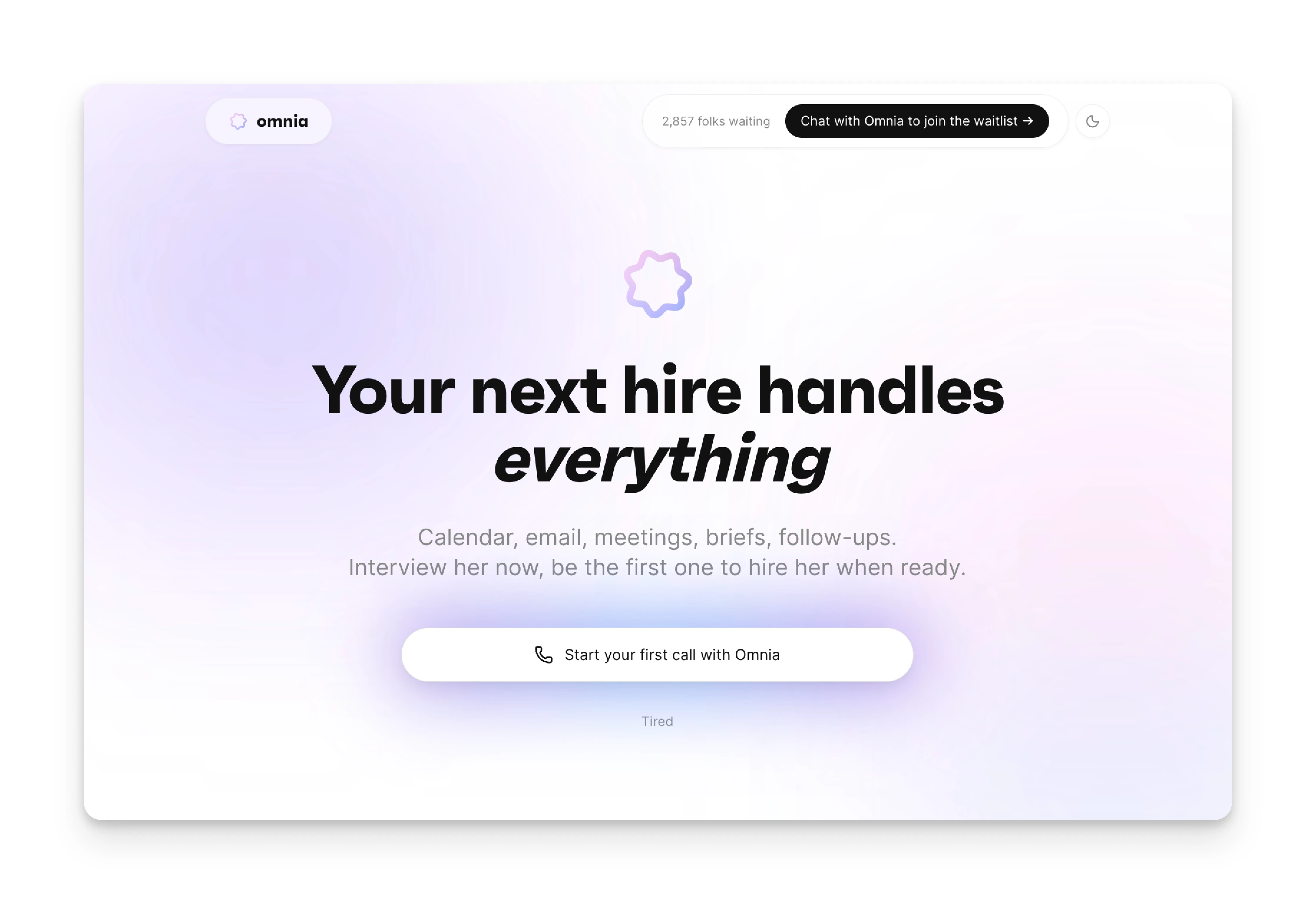
Omnia is an AI executive assistant that handles meetings, email, and tasks in one place. Unlike Otter, which stops at transcription, Omnia captures your meetings without a visible bot and turns action items into actual tasks you can act on.
The key difference: Otter gives you meeting notes. Omnia gives you meeting notes that connect to your calendar, email, and task list.
Key Features
Here's what makes Omnia stand out:
Botless Meeting Capture
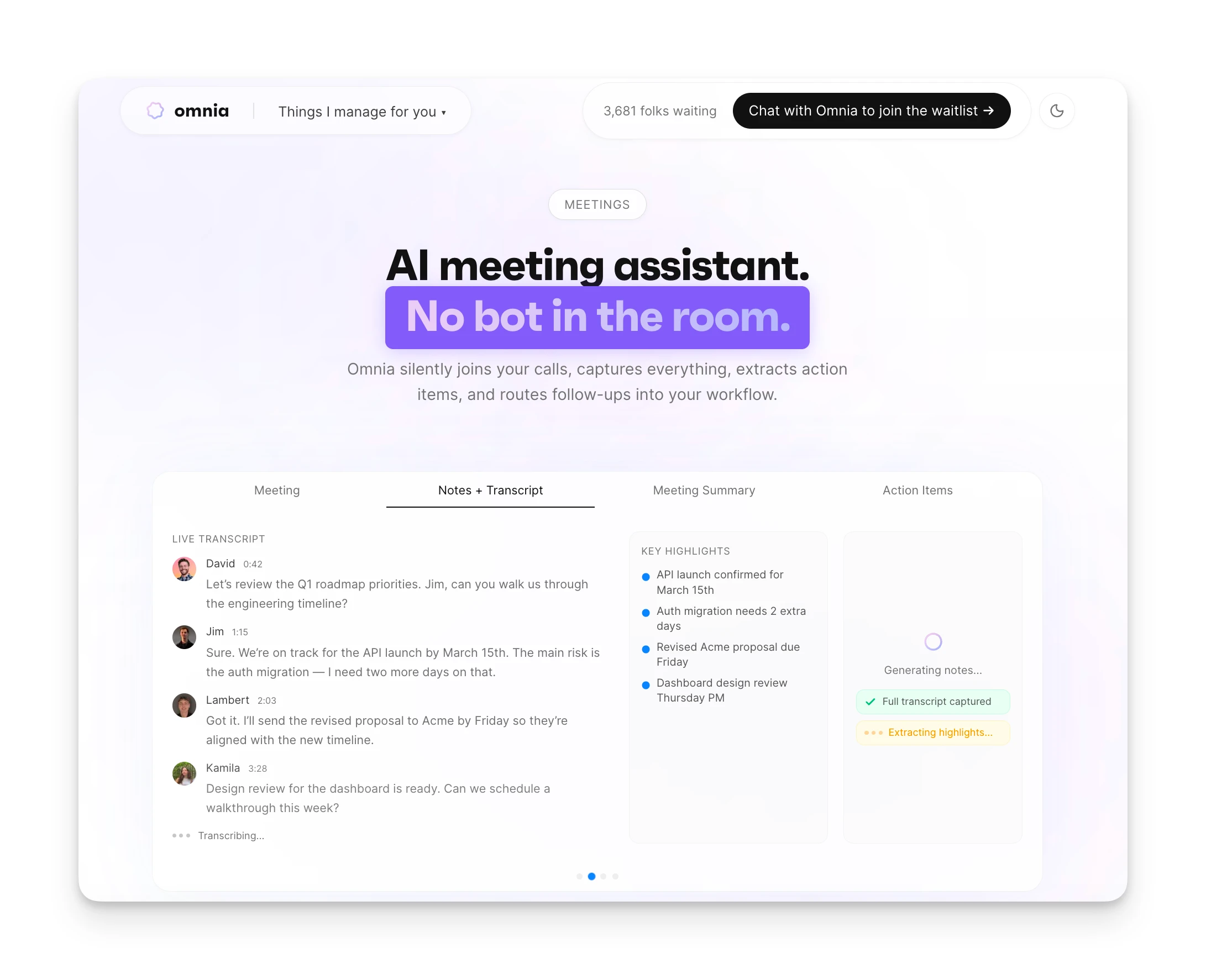
Omnia joins your meetings silently. No "OtterPilot" or "Notetaker" showing up in the participant list. No awkward explanations to clients. Your meetings stay focused on the conversation, not on approving bot requests.
Action Items That Flow to Tasks
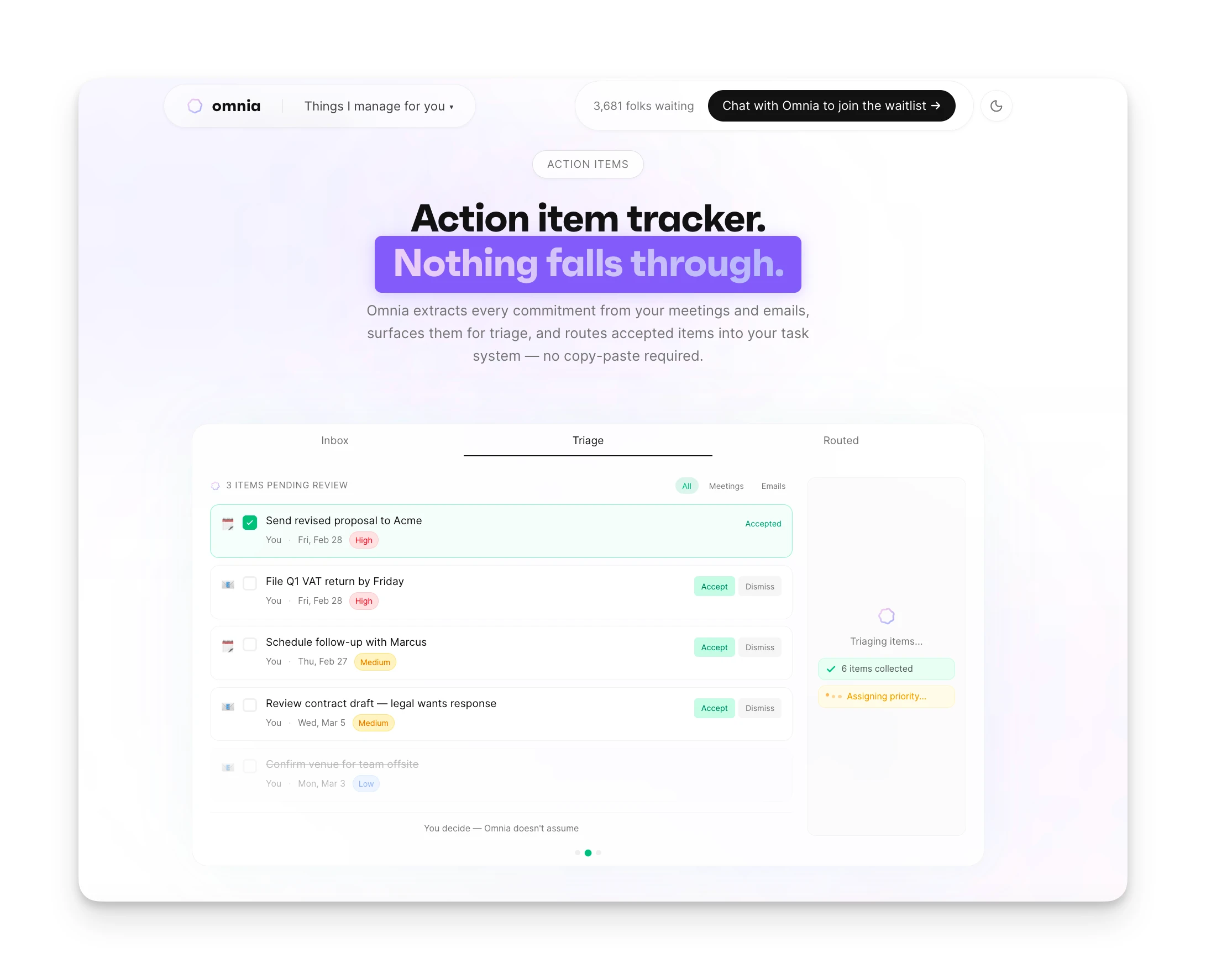
When someone says "Can you send me that proposal by Friday?", Omnia captures it as a task with the assignee, due date, and requester. The task appears in your triage workspace, and once you approve it, it flows into your task management system. No copying and pasting into Todoist. No manual handoff.
Structured Meeting Summaries
After each meeting, Omnia generates a summary with key discussion points, decisions made, and open questions. You get a private workspace to review and refine outputs before sharing.
Pricing
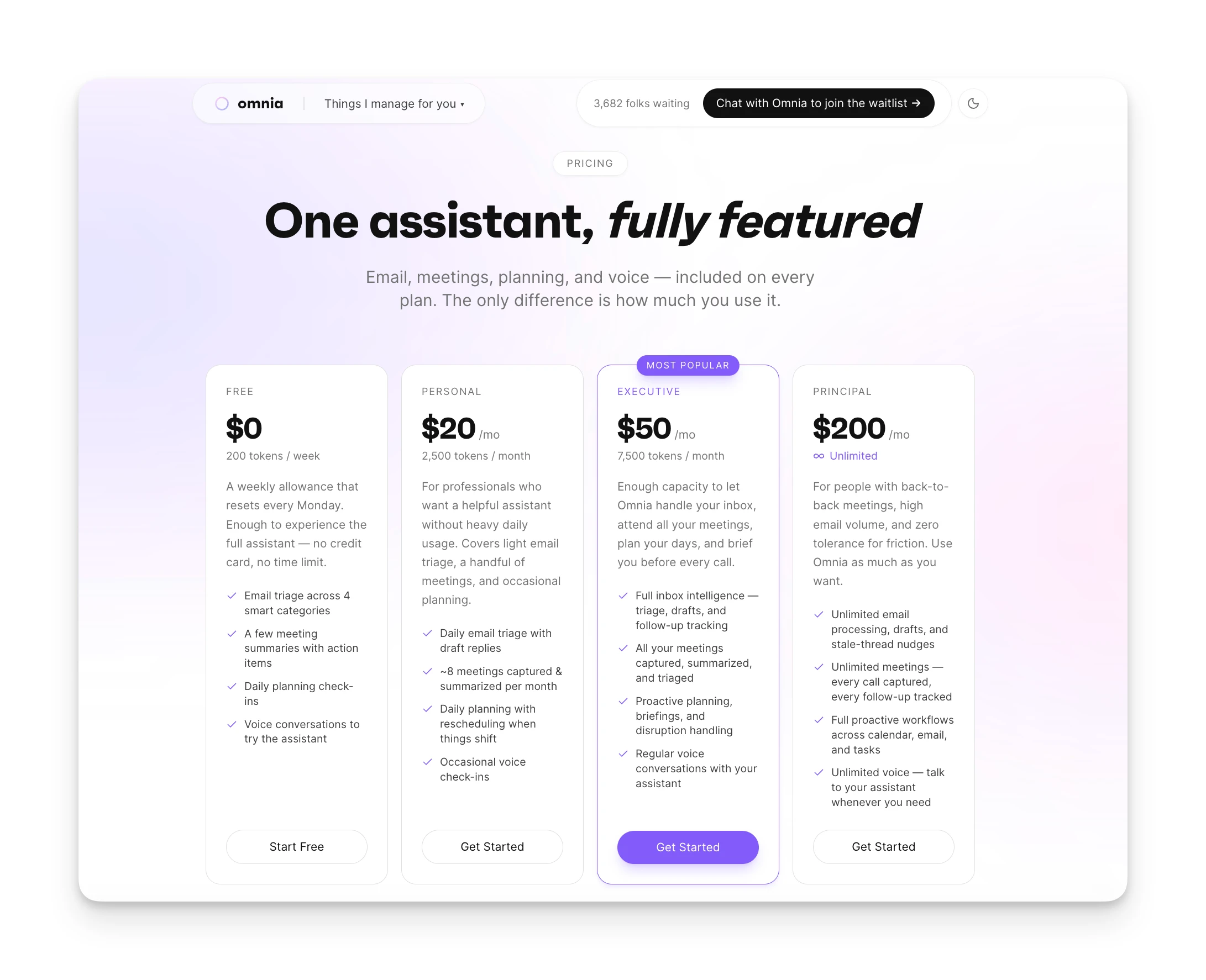
| Plan | Monthly Billing | Annual Billing |
|---|---|---|
| Free | $0 | 200 tokens/week |
| Personal | $20/mo | 2,500 tokens/mo |
| Executive | $50/mo | 7,500 tokens/mo |
| Principal | $200/mo | Unlimited tokens |
Contact Omnia for current pricing information.
Where Omnia Shines
- No bot visible in meeting participant list
- Action items flow into your task system automatically
- Handles email, meetings, and tasks in one assistant
- Structured summaries with decisions and open questions
Where Omnia Falls Short
- Multi-language transcription still in development
- Team-level sharing of meeting notes coming soon
- Newer product, fewer long-term user reviews
Who Omnia Is Best For
- Founders and freelancers: People who act as their own executive assistant and need meetings to flow into action without extra admin work.
- Busy professionals drowning in meetings: If you have four back-to-back calls and no time to process notes afterward, Omnia handles the follow-through.
Omnia handles your calendar, email, and tasks before you even start your day
Free forever. No credit card required.
2. Fireflies.ai: Best for Sales Teams Needing CRM Integration
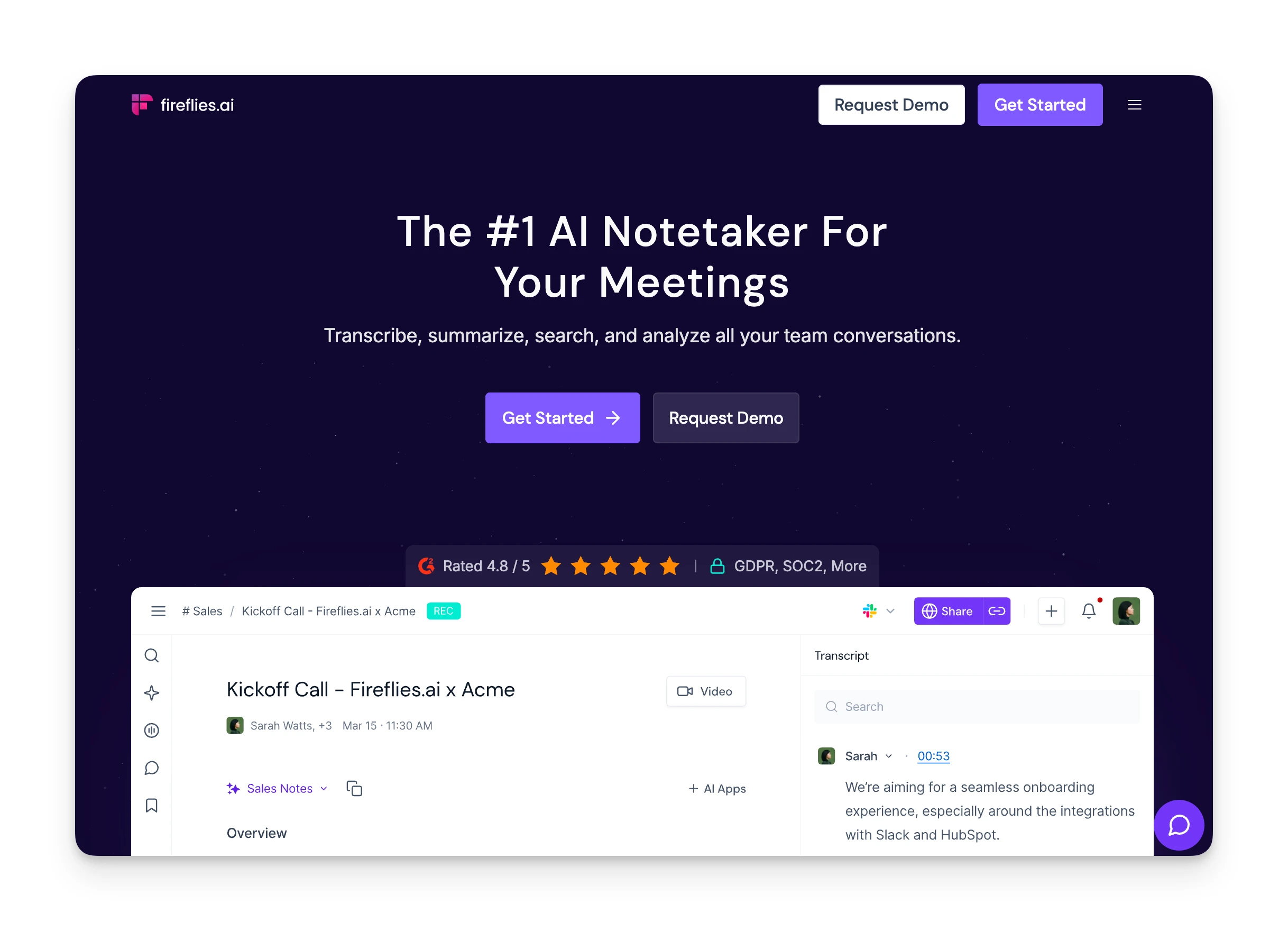
Fireflies.ai is an AI meeting assistant built for teams that live in their CRM. It records, transcribes, and syncs meeting data directly to Salesforce and HubSpot.
If your priority is getting call notes into your CRM automatically, Fireflies delivers.
Key Features
- CRM auto-sync: After each call, Fireflies pushes notes, action items, and summaries to your CRM fields automatically.
- Conversation intelligence: Dashboard analytics show talk-time ratios, sentiment, and topic tracking across your team.
- 100+ language support: Transcribes in more languages than Otter's five.
- Searchable meeting library: Search across all past meetings by keyword or speaker.
Pricing
| Plan | Monthly | Annual |
|---|---|---|
| Free | $0 | $0 |
| Pro | $18/seat | $10/seat |
| Business | $29/seat | $19/seat |
| Enterprise | Custom | $39/seat |
Free plan includes 800 minutes of storage, not 800 minutes of transcription per month. Pro plan includes unlimited transcription with 10 AI credits.
Where Fireflies Shines
- Native Salesforce and HubSpot sync with field population
- Team analytics with talk-time and sentiment tracking
- 100+ language transcription support
- Searchable meeting library across all past calls
Where Fireflies Falls Short
- Visible "Fireflies Notetaker" bot joins participant list
- AI credits system can trigger unexpected tier upgrades
- Bot visibility creates friction in client-facing calls
Customer Reviews
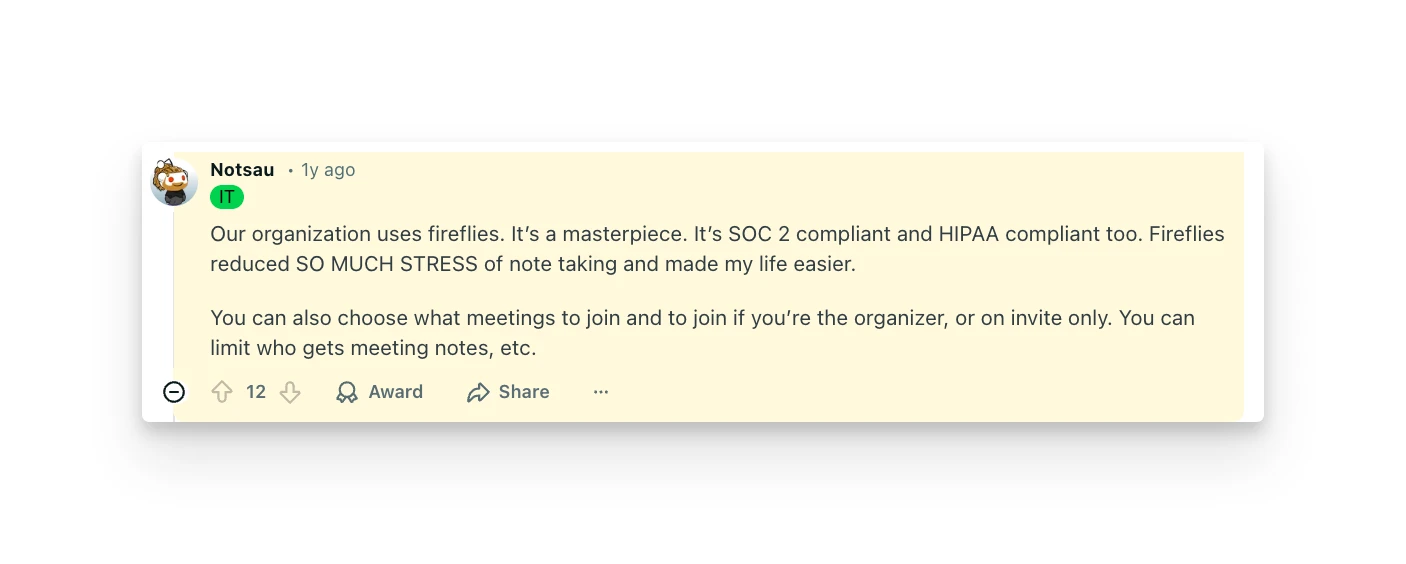
"Our organization uses fireflies. It's a masterpiece. It's SOC 2 compliant and HIPAA compliant too." — Reddit user, February 2025
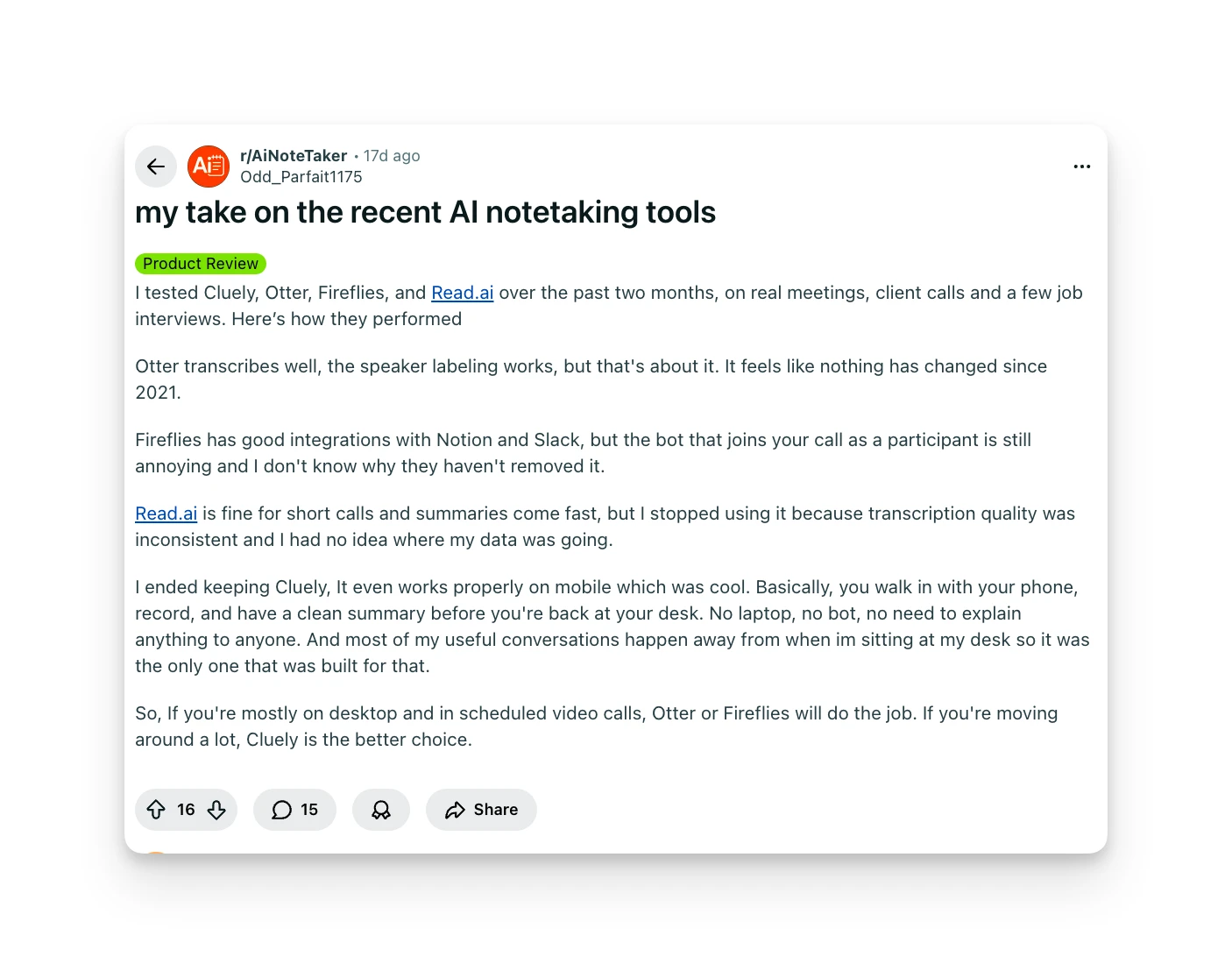
"The bot popping into client calls is a no-go for us." — Reddit user, February 2026
Who Fireflies Is Best For
- Sales teams: If CRM integration matters more than bot visibility, Fireflies is the strongest choice in this list.
3. Fathom: Best for Individuals Wanting Free Unlimited Recording
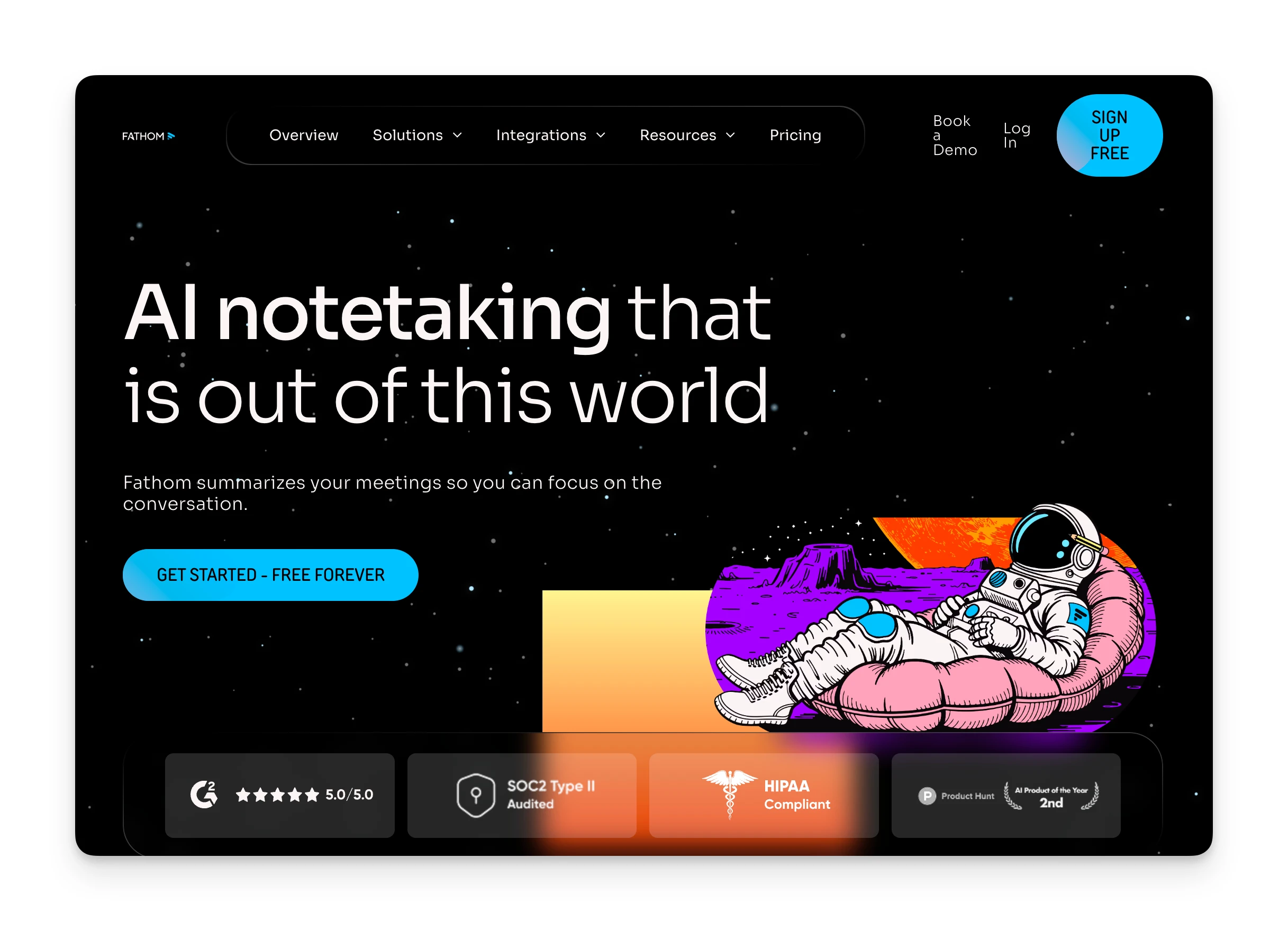
Fathom offers something rare: truly unlimited meeting recordings on the free plan. No minute caps, no storage limits. If you just need reliable transcription without paying, Fathom is hard to beat.
Key Features
- Unlimited free recordings: No storage limits or minute caps on the free plan.
- Fast summaries: Summaries generate in about 30 seconds after the call ends.
- Clips and playlists: Highlight key moments and organize them for later review.
- CRM integration: Salesforce and HubSpot sync available on paid plans.
Pricing
| Plan | Monthly | Annual |
|---|---|---|
| Free | $0 | $0 |
| Premium | $20/user | $16/user |
| Team | $19/user | $15/user |
| Business | $29/user | $20/user |
Free plan includes unlimited recordings but only 5 AI summaries per month.
Where Fathom Shines
- Truly unlimited free recordings with no storage caps
- Summaries generate within ~30 seconds of call end
- Strong CRM integrations on paid plans
- Highest G2 and Capterra ratings in the category
Where Fathom Falls Short
- Visible "Fathom Notetaker" bot in participant list
- Free plan limits AI summaries to 5 per month
- No mobile app — Mac and Windows only
Customer Reviews
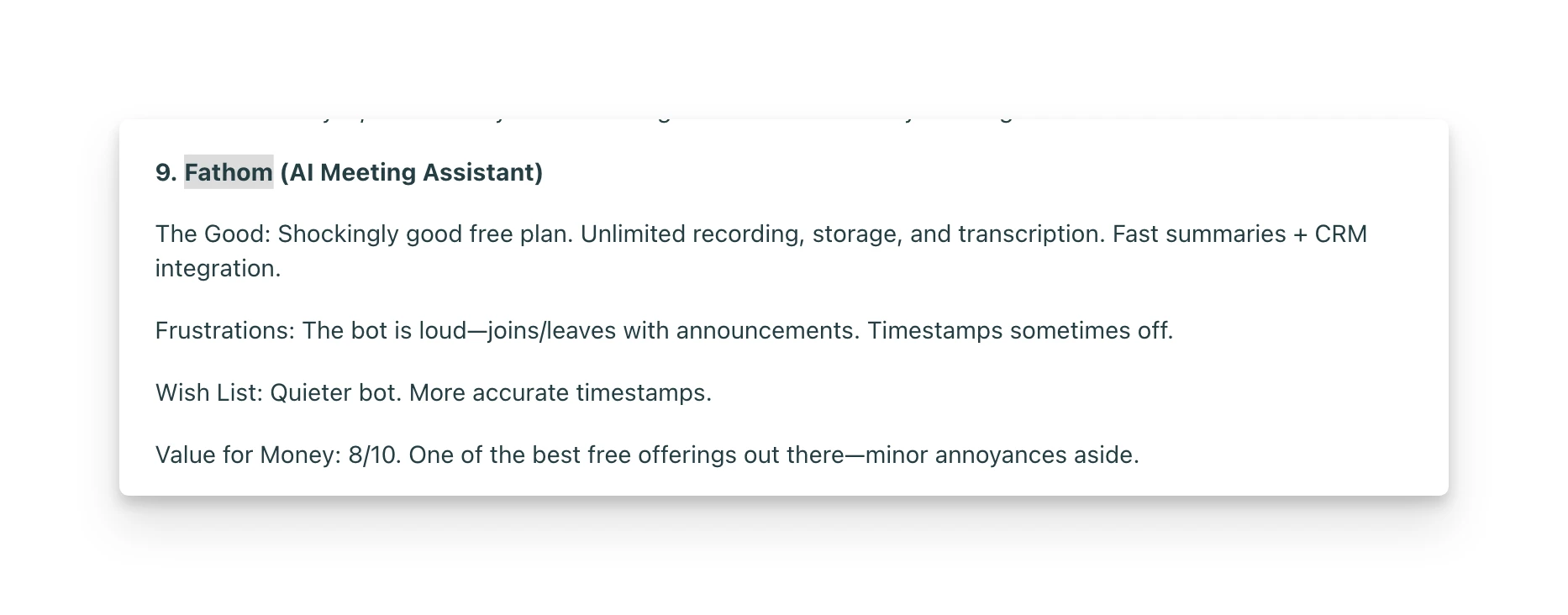
"Shockingly good free plan. Unlimited recording, storage, and transcription. Fast summaries + CRM integration.The bot is loud—joins/leaves with announcements. Timestamps sometimes off." — Reddit user, r/AiNoteTaker
Who Fathom Is Best For
- Budget-conscious individuals: If you need free unlimited recordings and can live with a visible bot, Fathom delivers more value than Otter's free plan.
4. Granola: Best for Privacy-Focused Professionals
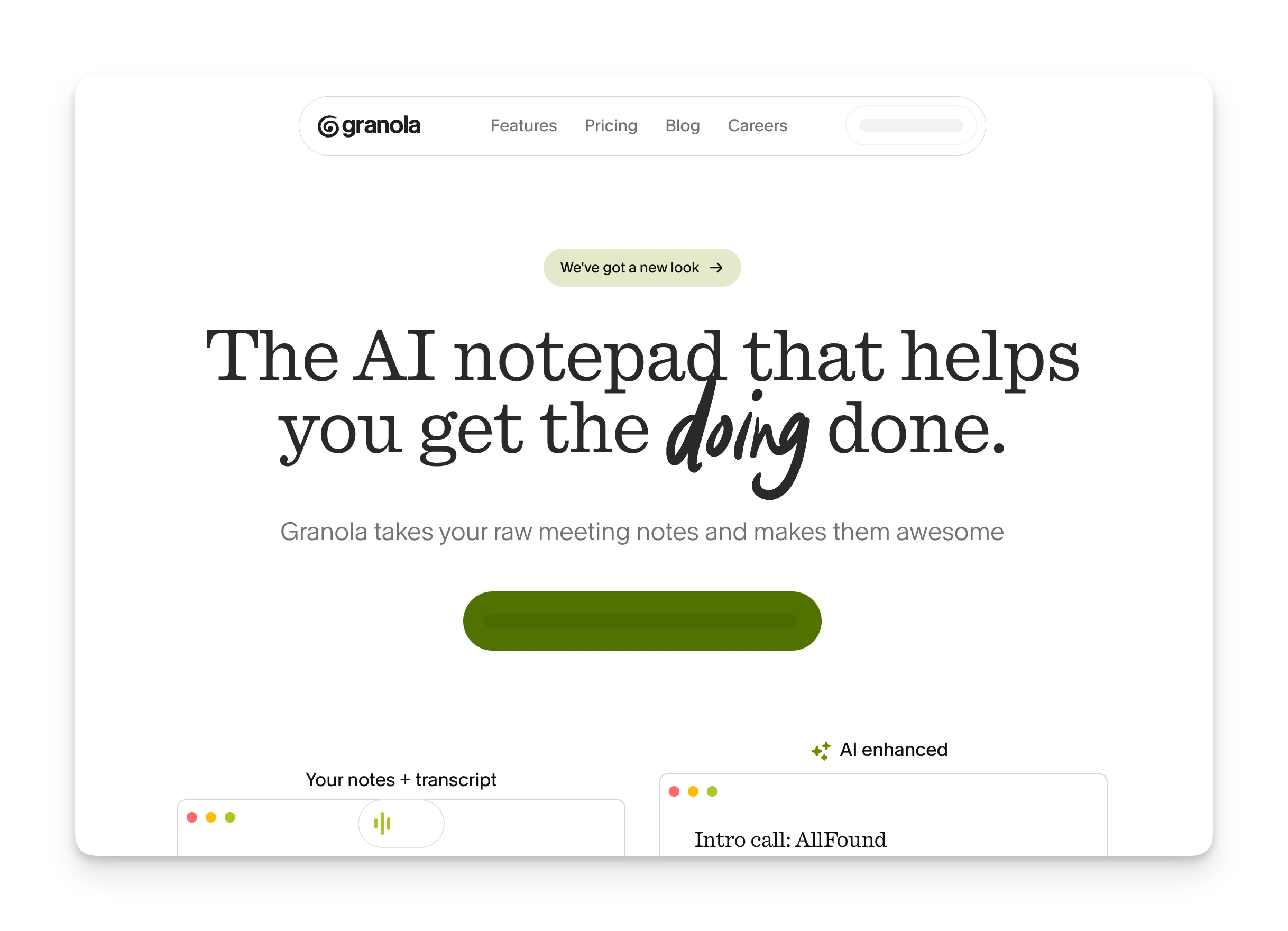
Granola takes a different approach: it runs locally on your device (Mac, Windows, or iPhone), captures audio at the system level, and never joins your meeting as a visible participant. Your meeting, your device, no cloud bots.
Key Features
- Bot-free transcription: Captures audio locally without joining as a meeting participant.
- Hybrid note-taking: Combines your manual notes with AI-generated summaries for richer context.
- 12+ language support: More than Otter's five languages.
- Customizable templates: Pre-built formats for different meeting types.
Pricing
| Plan | Monthly | Annual |
|---|---|---|
| Basic (Free) | $0 | $0 |
| Business | $14/user | $14/user |
| Enterprise | $35/user | $35/user |
Free plan includes 25 meetings total (lifetime, not monthly).
Where Granola Shines
- Audio processed locally — no cloud bot in the room
- Seamlessly joins all meetings without a visible participant
- Hybrid note-taking combines manual notes with AI summaries
- 12+ language support
Where Granola Falls Short
- Mac only — no Windows or mobile apps
- No audio playback; only transcripts are saved
- Speaker labels show "Me" and "Them" rather than names
- Free plan limited to 25 total meetings lifetime
Customer Reviews
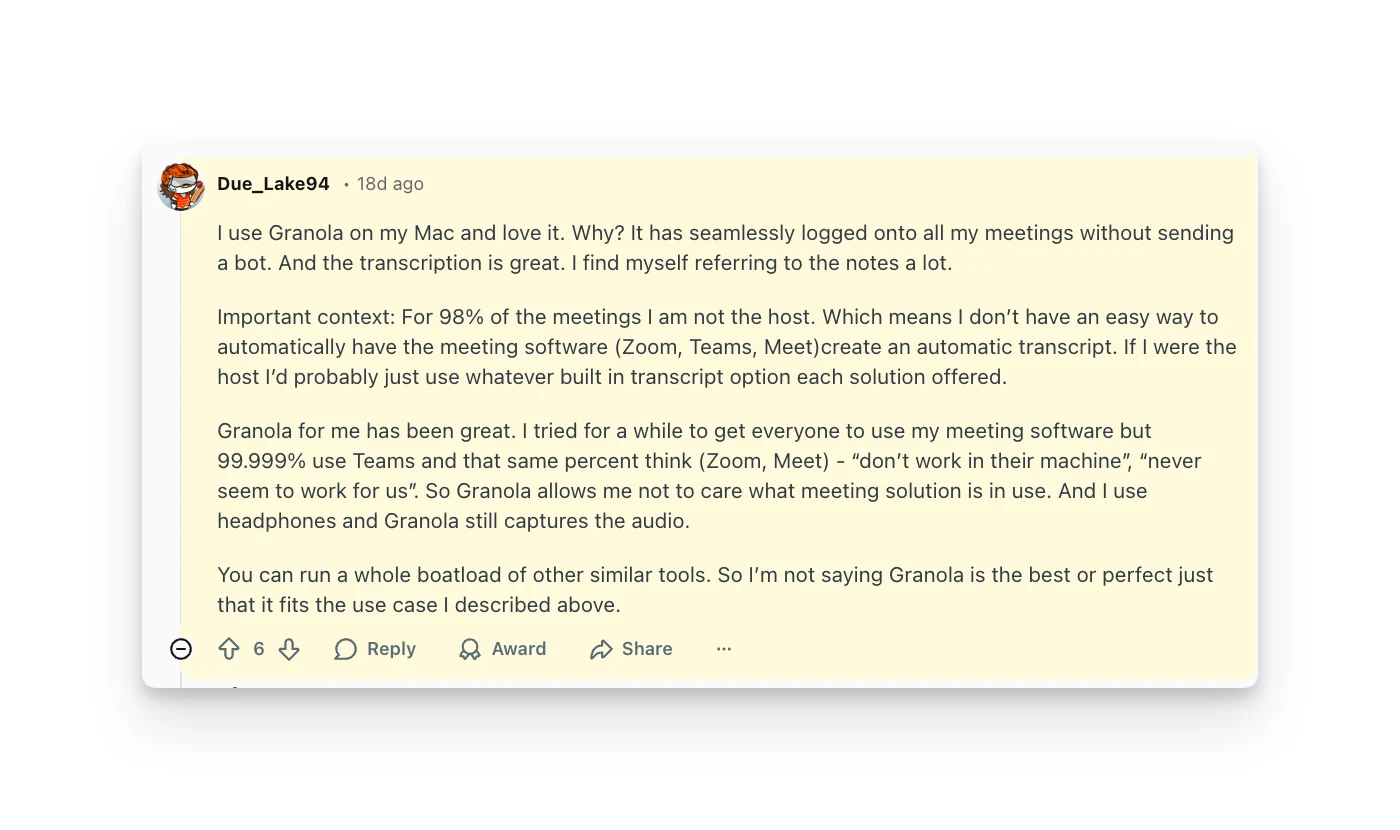
"I use Granola on my Mac and love it. The transcription is great. I find myself referring to the notes a lot." — Reddit user
Who Granola Is Best For
- Privacy-conscious professionals: If bot visibility is a dealbreaker, Granola solves the problem — available on Mac, Windows, and iOS.
5. Bluedot: Best for Bot-Free CRM Integration
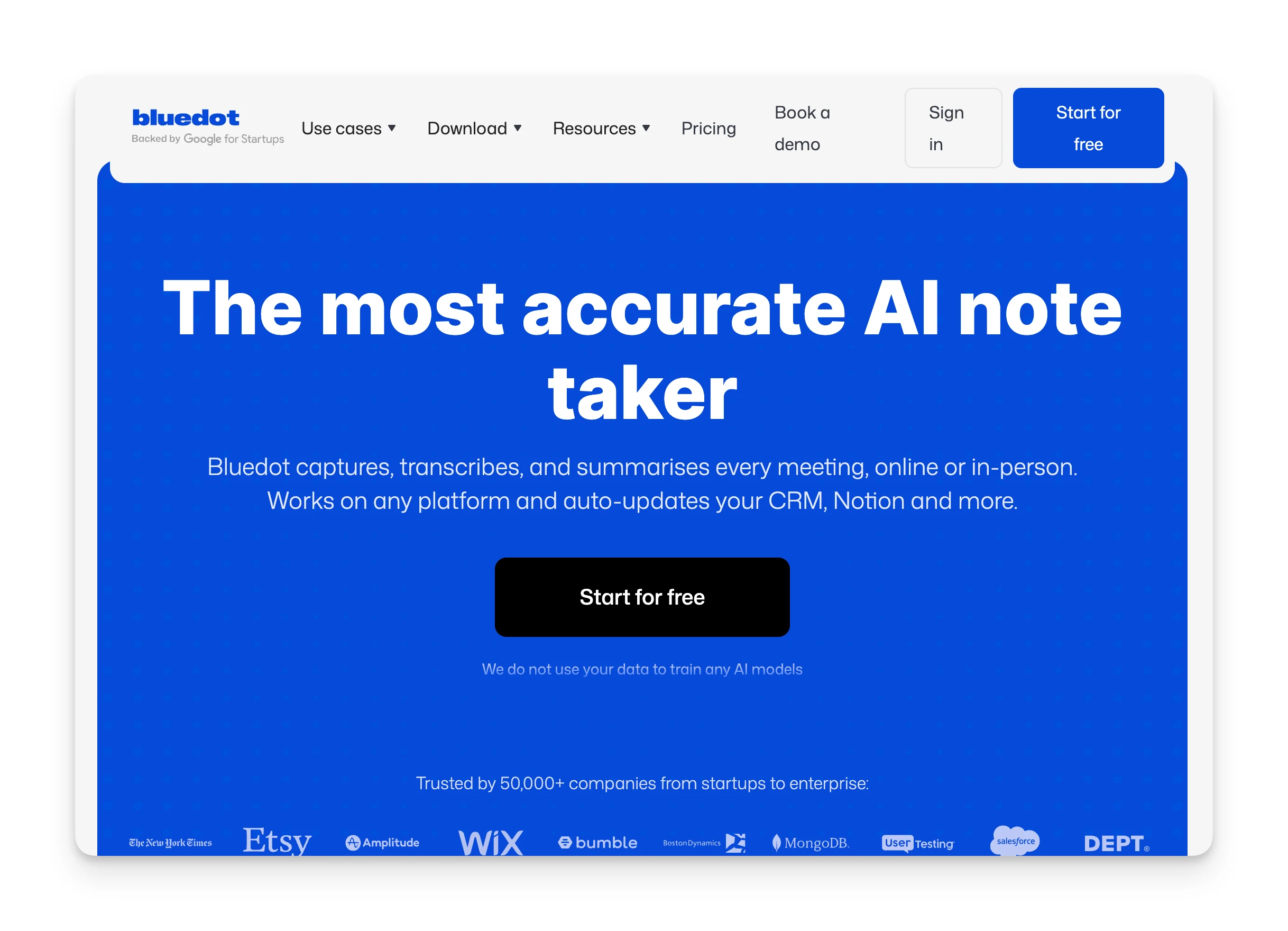
Bluedot combines bot-free recording with CRM integration. It's a Chrome extension that captures meetings without a visible participant, then syncs to HubSpot or Salesforce.
Key Features
- Bot-free recording: Chrome extension captures browser audio without joining as a participant.
- CRM sync: Auto-pushes notes to HubSpot and Salesforce (Business plan).
- In-person recording: iOS app supports face-to-face meetings.
- 100+ languages: Broader language support than Otter.
Pricing
| Plan | Monthly | Annual |
|---|---|---|
| Free | $0 | $0 |
| Basic | $14/user | $18/user |
| Pro | $20/user | $25/user |
| Business | $32/user | $39/user |
Free plan includes only 5 meetings total (lifetime). CRM integration requires Business plan.
Where Bluedot Shines
- Bot-free recording combined with native CRM sync
- iOS app supports in-person meeting capture
- 100+ language support
Where Bluedot Falls Short
- Free plan is just 5 meetings lifetime — essentially a trial
- Chrome extension only; no standalone desktop app
- No Android app support
- CRM integration locked to Business plan
Customer Reviews
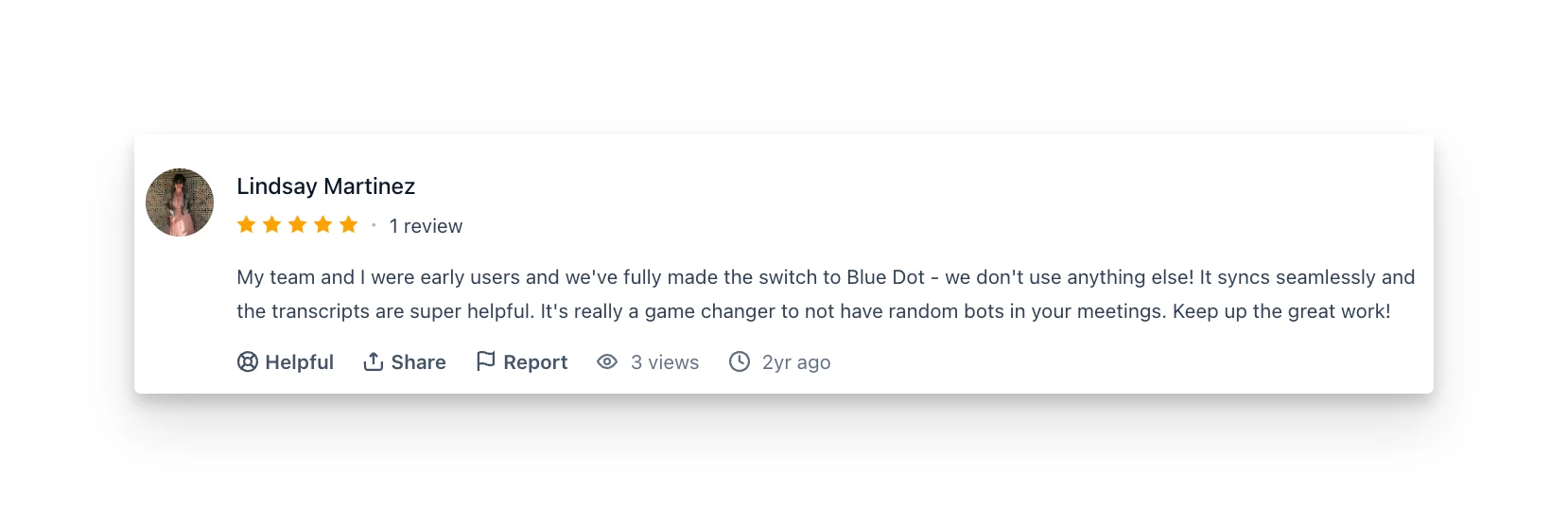
"My team and I were early users and we've fully made the switch to Blue Dot. It's really a game changer to not have random bots in your meetings." — Product Hunt review
Who Bluedot Is Best For
- Sales teams who can't have bots in client calls: If you need CRM integration without the awkward bot participant.
Reasons to Consider an Alternative to Otter AI
Otter AI works for basic transcription. But here's why many users start looking elsewhere:
The Visible Bot Creates Social Friction
OtterPilot joins your meetings as "[Your Name] Notetaker (Otter.ai)." Clients see it. Prospects see it. And sometimes they ask questions or hesitate before the meeting can start.
One Reddit user described the experience: "By default it places links on your meeting to share the notes with others. It starts joining every meeting in a way where others can approve it entering. So I kind of don't have control over it."
Omnia tackles this with its bot joining meetings silently. No visible bot, no participant approval, no social friction.
Limited Language Support
Otter AI only transcribes in five languages: English (US and UK), Japanese, Spanish, and French. If your team works in German, Portuguese, Mandarin, or other languages, Otter won't follow.
The platform also can't handle multilingual meetings. If participants switch languages mid-call, Otter struggles. You have to set one language at the start and stick with it.
Omnia's Multi-language transcription is currently in development. For now, Omnia focuses on English meetings, but expanded language support is coming.
Usage Limits Hit Fast
Otter's free plan gives you 300 minutes per month with a 30-minute cap per meeting. Pro gives you 1,200 minutes with a 90-minute cap. For professionals with multiple calls daily, those limits disappear quickly.
One Reddit user explained: "Can't afford Otter.AI anymore. Any alternative?"
Another noted: "The bot joining calls and usage limits are starting to feel like friction."
Use Omnia to Capture Meetings, Extract Tasks, and Handle Follow-Ups in One Place
If you're tired of visible bots interrupting meetings and action items getting lost between apps, Omnia brings meeting capture, task extraction, and follow-up handling into one assistant.
For teams that just need free unlimited recordings and don't mind a visible bot, Fathom is a solid choice. For sales teams prioritizing CRM integration over discretion, Fireflies delivers.
But if you want your meetings to actually drive action without the manual handoff, Omnia handles the rest.
From conversation to calendar — Omnia routes action items automatically
Free forever. No credit card required.