Key Takeaways
- Notion offers four plans: Free, Plus ($10/user/mo), Business ($20/user/mo), and Enterprise (custom pricing).
- The free plan is generous for individuals: Unlimited pages and blocks, but teams hit limits fast—5MB file uploads and 10 guest cap.
- Biggest paywall surprise: Notion AI costs an extra $10/user/mo unless you're on Business or Enterprise.
- Best value alternative: Omnia combines AI-powered meeting notes, email management, and scheduling—with AI included at no extra cost.
Trying to figure out which Notion pricing plan is actually worth your money?
Notion's pricing structure changed significantly in 2025 and 2026. The free plan got more generous for solo users, but AI features now require higher-tier plans or a paid add-on.
This guide breaks down every Notion plan, surfaces hidden costs, and compares it to alternatives so you can decide if it delivers real value—or if there's a better fit for your workflow.
How Much Does Notion Cost?
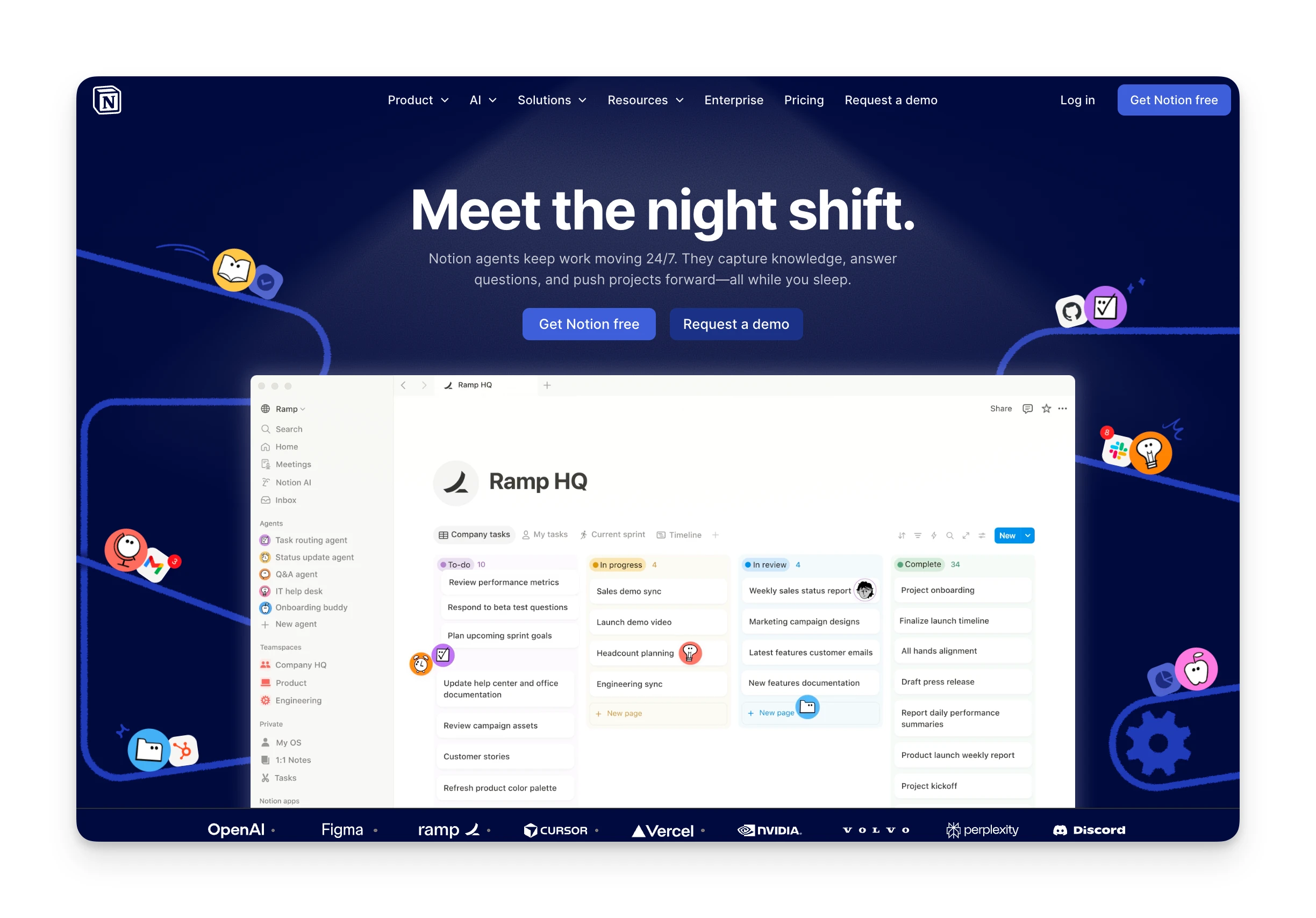
Notion uses per-user, per-month pricing across four tiers. Paying annually saves roughly 20%.
| Plan | Price (Monthly) | Price (Annual) | Best For |
|---|---|---|---|
| Free | $0 | $0 | Solo users, personal projects |
| Plus | $12/user/mo | $10/user/mo | Small teams needing collaboration |
| Business | $24/user/mo | $20/user/mo | Teams wanting AI features included |
| Enterprise | Custom | Custom | Large organizations with compliance needs |
Omnia: A Better-Value Alternative

If you're evaluating Notion for productivity and task management, consider Omnia.
Omnia is an AI executive assistant that combines meeting notes, email triage, and calendar management in one workspace. Unlike Notion, AI features come standard—no add-on fees.
Key advantages over Notion:
- Calendar + tasks + email in one view: No context-switching between separate tools.
- AI included at every tier: Meeting transcription, email drafting, and smart scheduling built in.
- Works proactively: Omnia monitors your calendar and inbox in the background—it acts before you ask.
| Feature | Notion (Plus) | Omnia ($20/mo) |
|---|---|---|
| Price | $10/user/mo | Free / $20/mo |
| AI Features | +$10/user extra | Included |
| Meeting Notes | Requires Business plan | Built-in |
| Email Integration | Not available | Full integration |
Omnia turns meeting notes into action — no copy-paste, no context switching
Free forever. No credit card required.
Notion Pricing Plans: A Breakdown
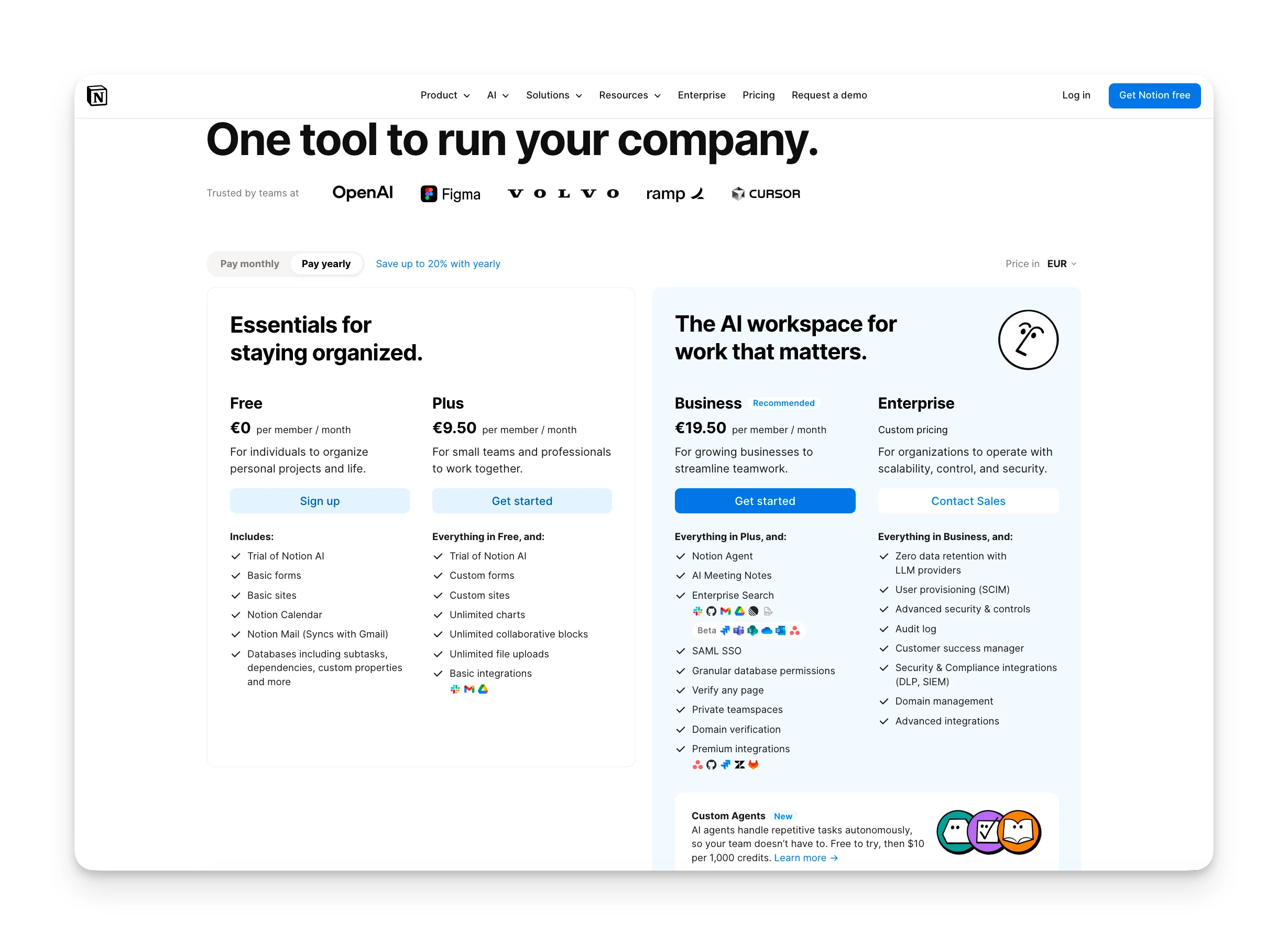
Let's examine what you get—and what's locked—on each Notion plan.
Free Plan
Notion's free tier works well for personal use. You get unlimited pages and blocks with no text storage limits.
| Included | Not Included |
|---|---|
| Unlimited pages and blocks | Notion AI |
| 5MB file upload limit | Unlimited file uploads |
| 7-day page history | Extended version history |
| Up to 10 guests | Unlimited guests |
| Basic integrations | Premium integrations |
Plus Plan
Plus targets small teams who need real-time collaboration and more storage flexibility.
| Included | Not Included |
|---|---|
| Unlimited file uploads | Notion AI (paid add-on) |
| 30-day page history | SAML SSO |
| Unlimited guests | Private teamspaces |
| Custom domains | SCIM provisioning |
| Basic integrations | Audit log |
Cost: $12/user/mo (monthly) or $10/user/mo (annual)
Business Plan
Business is Notion's mid-tier offering where AI features finally come included.
| Included | Not Included |
|---|---|
| Everything in Plus | SCIM provisioning |
| Notion AI included | Audit log |
| 90-day page history | Advanced security controls |
| Private teamspaces | Zero data retention |
| SAML SSO | Dedicated CSM |
Cost: $24/user/mo (monthly) or $20/user/mo (annual)
Enterprise Plan
Enterprise requires contacting sales. This tier adds compliance controls, provisioning, and dedicated support.
| Included | Not Included |
|---|---|
| Everything in Business | Public pricing |
| SCIM provisioning | Month-to-month billing |
| Audit log | — |
| Zero data retention with LLMs | — |
| Dedicated customer success manager | — |
Cost: Custom (contact sales)
Notion Hidden Costs
Notion's pricing page looks straightforward. Several costs aren't immediately obvious:
- Notion AI add-on: Free and Plus users pay $10/user/mo extra for AI. A 50-person team pays $500/month just for AI access.
- Custom domain fees: Publishing to a custom domain costs $8-10/month per site.
- Per-user scaling: Unlike flat-rate tools, Notion charges per seat. Growing from 10 to 50 users means your bill grows 5x.
- Notion Credits: Reports suggest upcoming AI agent features may require additional "Notion Credits" beyond your plan.
Notion Pros and Cons
Here's what we found after evaluating Notion's pricing and features:
Where Notion Shines
- Build wikis, databases, docs, and project boards in one place
- Unlimited pages and blocks for personal use on the free plan
- Thousands of community templates to start quickly
- Can replace multiple separate tools with one platform
Where Notion Falls Short
- Notion AI requires Business plan or a $10/user add-on
- Steep learning curve — high flexibility means high setup investment
- Per-user pricing scales quickly for larger teams
- Custom Agent credits add another pricing layer from May 2026
Who Is Notion Best For?
Notion isn't for everyone. Here's where it fits best:
Solo Users and Students
The free plan offers tremendous value for personal knowledge management. Students with a .edu email get the Plus plan free through Notion's education program.
Small Creative Teams
Teams under 10 who need flexible documentation, light project tracking, and wiki-style knowledge bases will appreciate Notion's customization options.
Startups Building Internal Wikis
Notion excels at company wikis and documentation. The Plus plan provides enough collaboration features for early-stage teams.
Notion Customer Reviews
Here's what real users are saying about Notion's value for money:
Positives
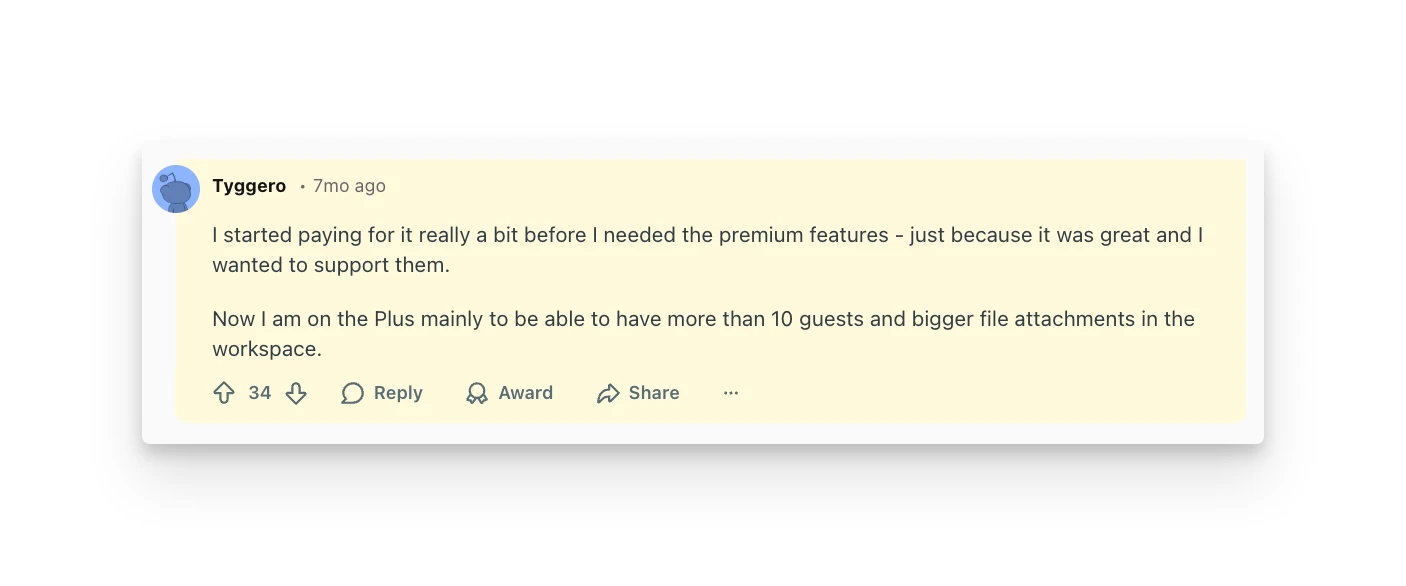
Users praise Notion's flexibility and generous free tier. Many appreciate the all-in-one workspace approach.
"I started paying for it really a bit before I needed the premium features—just because it was great and I wanted to support them." — u/Tyggero, Reddit
Complaints
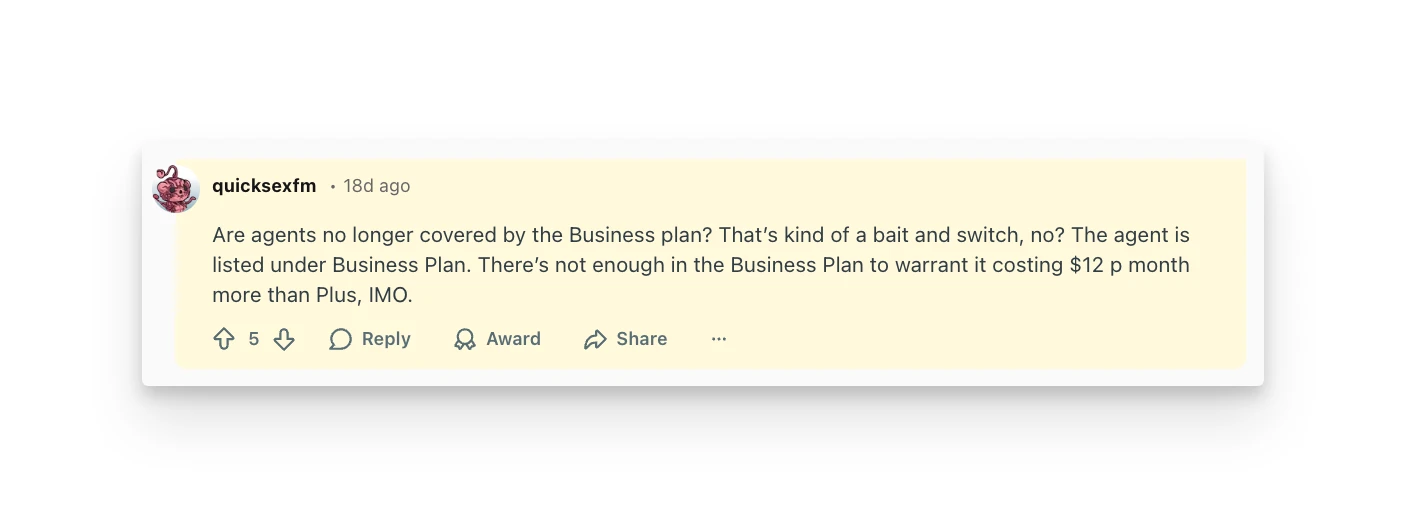
The most common complaints focus on pricing changes and AI bundling into expensive tiers.
"Are agents no longer covered by the Business plan? That's kind of a bait and switch, no?" — u/quicksexfm, Reddit
Alternative to Notion: Omnia
If Notion's pricing model or AI costs concern you, Omnia offers a different approach.
Omnia is an AI executive assistant designed for busy professionals. Instead of building everything from scratch, Omnia comes pre-configured to handle the essentials: meeting prep, email triage, and intelligent scheduling.
Meeting AI
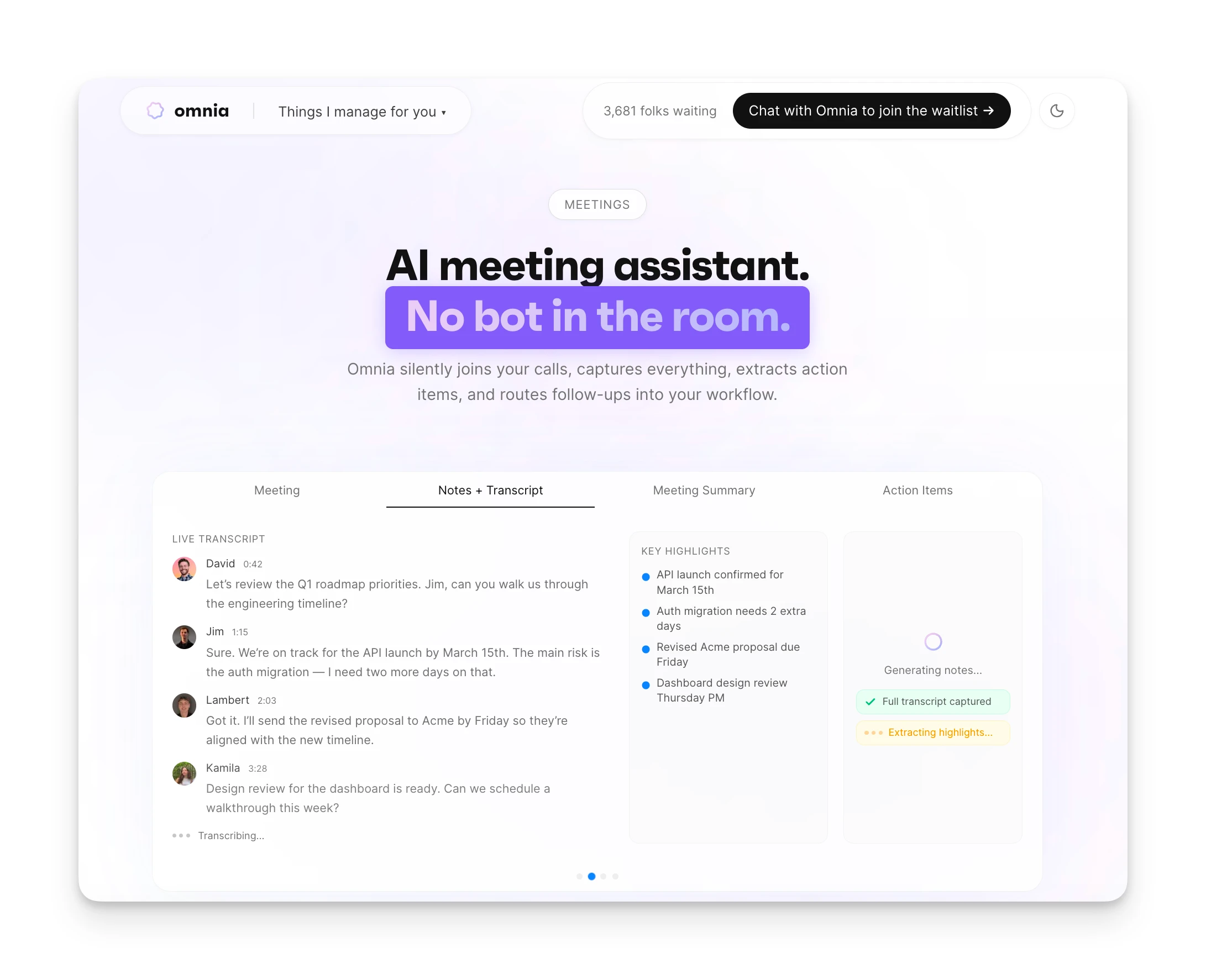
Omnia joins your meetings invisibly, captures transcripts, and generates action items automatically. No third-party tools needed—unlike Notion, where meeting capture requires separate integrations.
Smart Scheduling
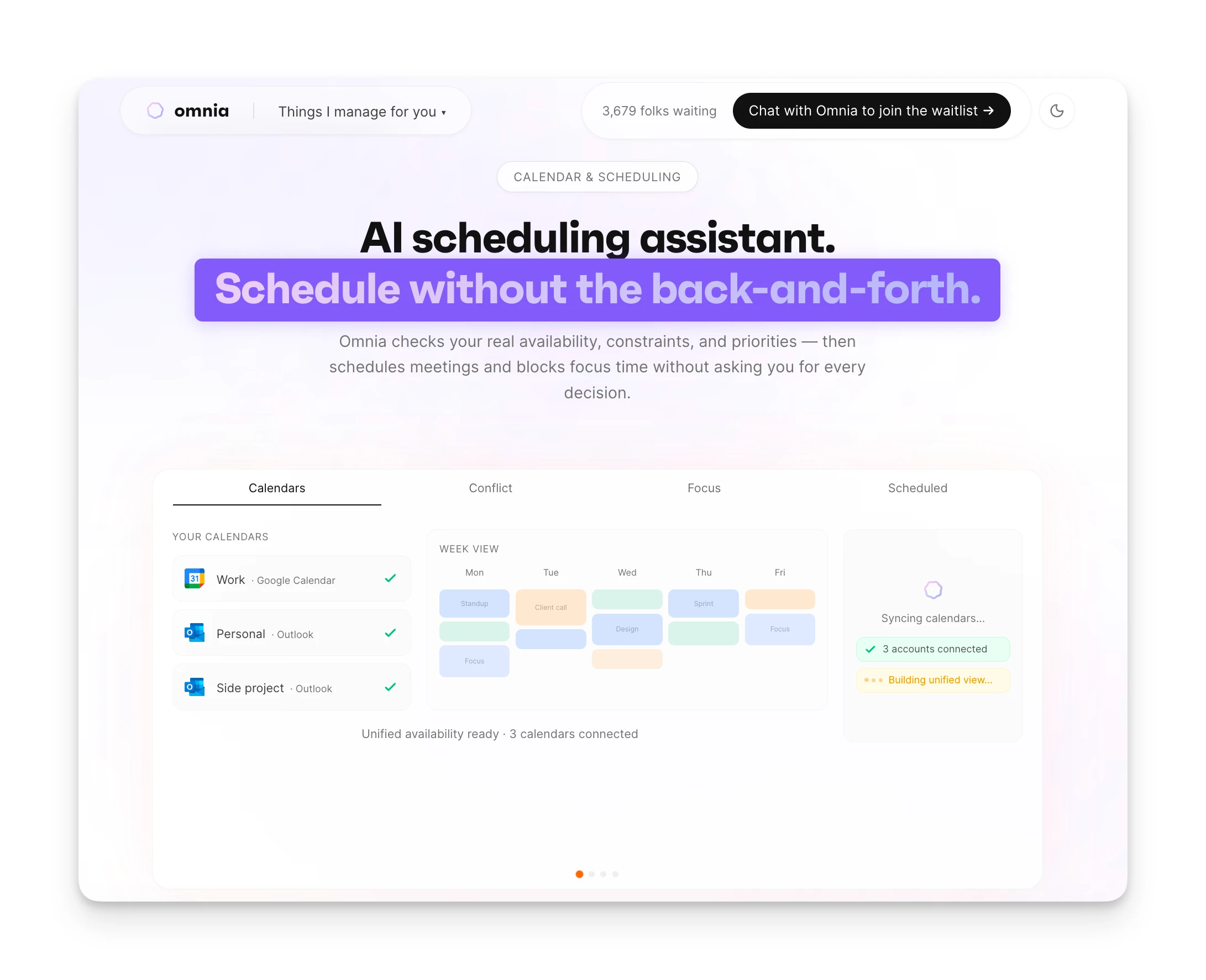
Omnia analyzes your calendar, protects focus time, and proposes optimal meeting slots. It handles rescheduling and follow-ups—features Notion doesn't offer natively.
| Notion Free | Notion Business | Omnia ($20/mo) | |
|---|---|---|---|
| Price | Free | $20/user/mo | Free / $20/mo |
| AI Features | Trial only | Included | Included |
| Meeting Transcription | Not available | Beta | Built-in |
| Email Integration | Not available | Not available | Full integration |
| Calendar Management | Limited | Limited | AI-powered |
| Proactive Assistance | No | No | Yes |
Where Omnia Shines
- AI included at every plan tier — no add-on fees
- Botless meeting capture built in, no integrations needed
- Email triage and calendar management in one assistant
- Proactive background monitoring flags issues before they grow
Where Omnia Falls Short
- Newer product with fewer integrations than Notion
- No flexible database or wiki-building capabilities
- Waitlist — not immediately available to all users
Omnia triages your inbox so you only see what matters
Free forever. No credit card required.
Is Notion Worth the Price—or Is There Better Value?
Notion is a solid choice for teams who want a flexible workspace for documentation, wikis, and light project management.
The free plan works well for solo users. Small teams can get by on Plus.
But if you need AI features without upgrading to Business ($20/user), costs climb quickly. And if your workflow centers on meetings, emails, and scheduling—rather than building databases from scratch—Notion may be overkill.
Omnia gives you AI meeting notes, email triage, and smart scheduling in one app. No per-user AI fees. No complex setup.
Try Omnia free and see if it fits your workflow better.
FAQs
Does Notion Offer Student Discounts?
Yes. Students and educators with a valid .edu email get the Plus plan free through Notion's education program.
Can I Switch Between Monthly and Yearly Billing?
Yes. Switch anytime in workspace settings. Annual billing saves roughly 20% compared to monthly.
What Happens if I Downgrade My Plan?
You keep your content, but features tied to higher tiers (extended history, AI) become unavailable until you upgrade.
Is the Free Plan Enough for Personal Use?
For most solo users, yes. Unlimited pages and blocks cover personal needs. Main limitations: 5MB file uploads and 10-guest cap.
Does Notion Charge Per User or Per Workspace?
Per user. Each workspace member requires a paid seat on Plus, Business, or Enterprise plans.
Is There a Money-Back Guarantee?
Notion handles refunds case-by-case. Contact support within 30 days for the best chance of approval.